Memory Management Basics: A Guide to Allocation, Fragmentation, and Swapping
A comprehensive technical guide covering the fundamental principles of memory management in operating systems, including allocation strategies, fragmentation, and swapping.

Long Nguyen
Fullstack Developer · AI Engineer · Researcher
Introduction to Memory Management Basics
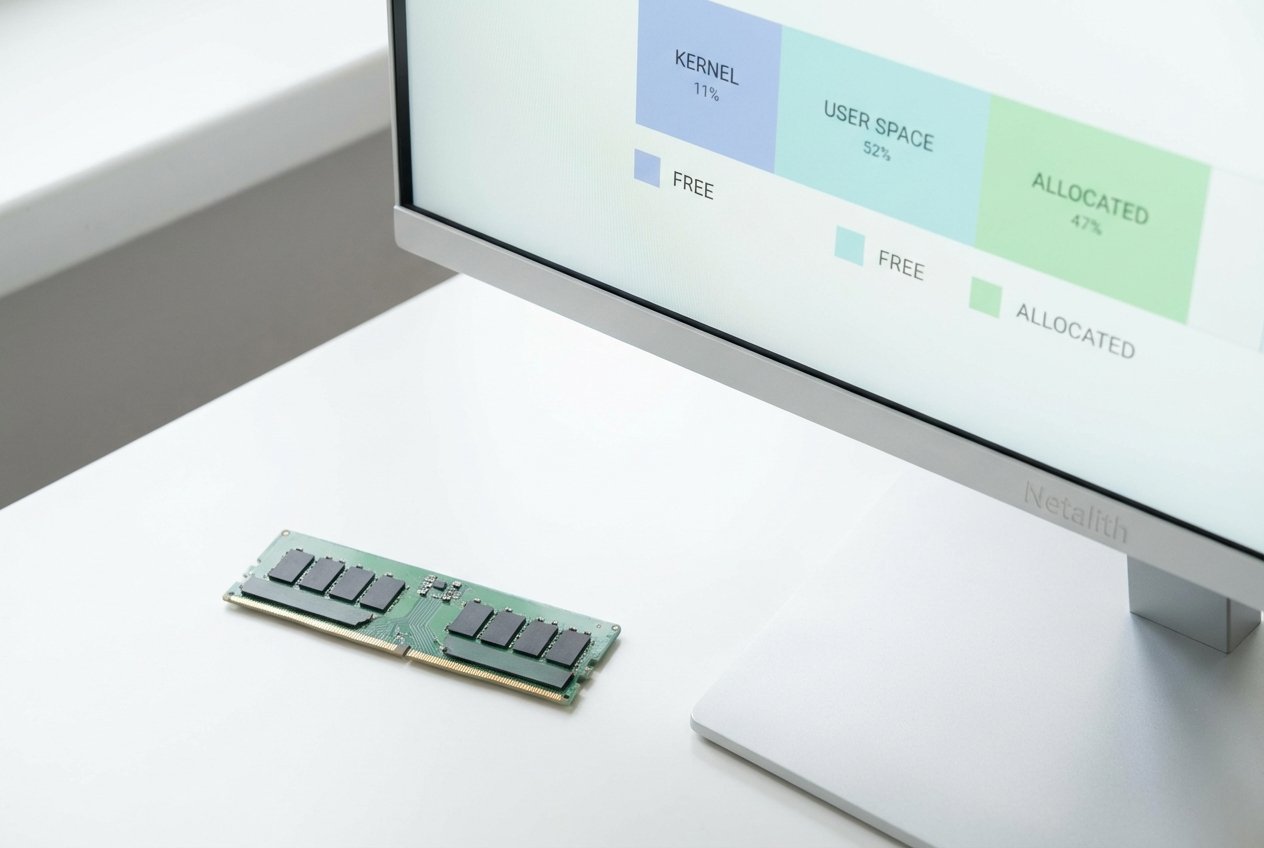
Every time you launch a program, open a browser tab, or minimize a game, your computer performs a complex balancing act behind the scenes. Welcome to this comprehensive guide on memory management basics. At its core, this essential aspect of OS memory design ensures that every running application has the exact space it needs to execute efficiently without interfering with other software.
Whether you are exploring what is an operating system or researching current operating system architecture, understanding how OS manages physical and virtual memory is a fundamental stepping stone. Effective memory handling dictates the stability and performance of your machine. It orchestrates everything from basic data storage to advanced efficiency mechanisms like dynamic loading and linking. Let's dive deep into the core concepts of memory allocation, fragmentation, and swapping to build a solid foundation in memory handling.
Logical vs Physical Address Space
Before exploring how an operating system divides up memory blocks, it is vital to grasp the concept of logical vs physical address space. As part of your journey into memory handling, you must understand that the OS creates a strict separation between the memory addresses an application "sees" and the actual hardware RAM chips.
The CPU generates logical addresses (also known as virtual addresses), while the Memory Management Unit (MMU) translates these into physical addresses on the fly. This separation is heavily reliant on base and limit registers, which are hardware components that define the lower and upper boundaries of a process's memory. By checking every memory request against these registers, the system enforces critical memory protection mechanisms, preventing one program from maliciously or accidentally overwriting another program's data.
Memory Allocation Techniques for Beginners
How does the operating system decide where to place a new program in RAM? Grasping memory allocation techniques for beginners is the key to answering this question. Memory allocation is the dedicated process of reserving partial or complete computer memory for the execution of programs and system operations. Operating systems typically utilize two primary strategies to handle this distribution effectively.
Contiguous Allocation
In earlier computing systems, contiguous allocation was the standard. This fundamental approach to memory allocation techniques for beginners dictates that a single, continuous block of memory is assigned to a running process. While it is straightforward for the OS to track and implement, contiguous allocation often leads to inefficiencies. As programs start and terminate over time, they leave behind irregular gaps of unused memory, making it difficult to fit new, larger applications into the available space.
Non-Contiguous Allocation
To solve the limitations of continuous blocks, modern systems prefer non-contiguous allocation. Instead of searching for one massive block of free space, the OS breaks a process down into smaller, manageable chunks (such as pages or segments) and scatters them wherever space is available in the physical memory. This highly flexible memory allocation strategy is a cornerstone of modern architecture, allowing the system to utilize almost every available byte.
Fragmentation in Memory Management Tutorial
A major challenge in storage management in OS is the gradual splintering of free space. In this fragmentation in memory management tutorial, we look at what happens when memory is repeatedly allocated and deallocated over time. As free memory is split into smaller, non-adjacent blocks, the system struggles to find enough unified space for new processes. This leads to a discussion of internal vs external fragmentation.
- Internal Fragmentation: This occurs when the OS allocates a memory block that is slightly larger than the requested memory. The unused space remaining inside the allocated block is wasted and cannot be used by other processes.
- External Fragmentation: This happens when there is enough total free memory in the system to satisfy a request, but the space is scattered in small chunks. Because no single contiguous block is large enough, the memory request fails.
Learning how to mitigate these issues—often through techniques like paging and segmentation—is a core pillar of memory management basics.
Understanding Swapping in OS
What happens when your physical RAM is completely fully utilized? Fortunately, modern systems do not just crash. Instead, they employ swapping in OS. Swapping is a critical aspect of RAM management where the operating system temporarily moves a dormant or low-priority process from main memory (RAM) to secondary storage (like a hard drive or SSD). This action frees up crucial space for other active, high-priority processes.
When the swapped-out process is needed again, the OS swaps it back into the main memory. This constant shuffling allows the computer to run more applications simultaneously than the physical hardware technically allows, forming a vital part of everyday memory management basics.
Frequently Asked Questions
What are the basics of memory management in modern operating systems?
The basics of memory management in modern operating systems involve the OS keeping track of every byte of memory in a system, determining which processes get memory, when they receive it, and exactly how much they are allocated to run optimally.
What is the difference between internal and external fragmentation?
Internal fragmentation is the wasted space trapped within an allocated memory block because the block is larger than necessary. External fragmentation is the wasted space outside allocated blocks because the available free memory is too scattered and fragmented to be used effectively.
How does swapping work in an OS?
Swapping works by moving inactive processes from the physical RAM to a dedicated section of the disk (often called swap space or a page file). When the user needs to interact with that process again, the OS swaps it back into RAM, temporarily storing a different inactive process in its place.
Conclusion: Mastering Memory Management Basics
Mastering memory management basics is a non-negotiable step for any beginner IT student, computer science enthusiast, or aspiring system administrator. From understanding how logical addresses protect system stability to grasping the technical nuances of storage management in OS, these foundational principles dictate overall hardware efficiency.
The basics of memory management in modern operating systems ensure that your hardware resources are utilized to their absolute maximum potential, keeping your computing experience seamless. These resource management basics are truly the unsung heroes of computer science. By understanding memory management basics, you gain a deeper appreciation for the complex interactions between software and hardware that power our digital world.