A Comprehensive Guide to Modern File System Types: NTFS, EXT4, APFS, and Beyond
A detailed technical guide explaining different file system types, their internal structures like inodes and metadata, and a comparison of Windows, Linux, and Apple storage formats.

Long Nguyen
Fullstack Developer · AI Engineer · Researcher
Introduction to File Systems and Data Organization
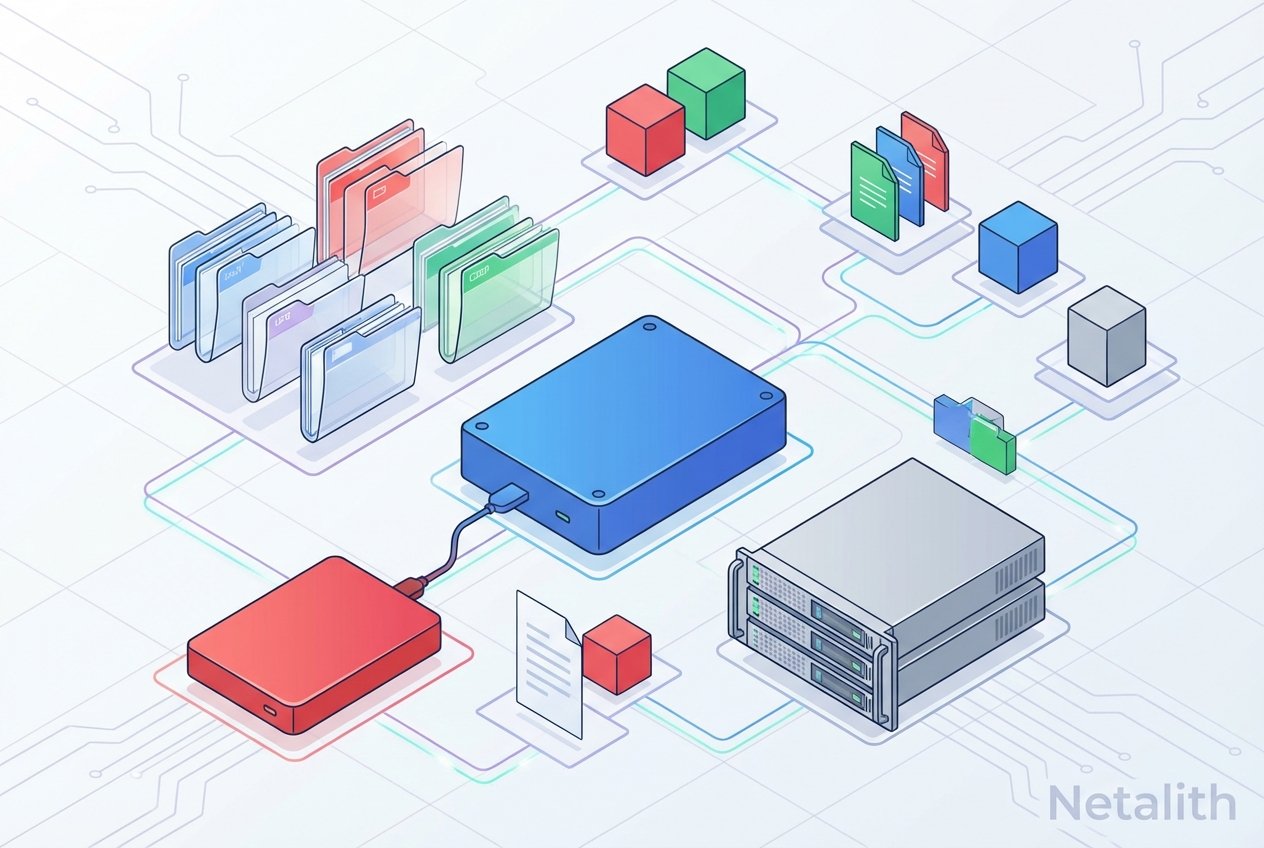
When studying the foundational concepts of IT infrastructure, answering the question of what is an operating system invariably leads to understanding how it handles data. At the core of data management are various file system types. These intricate data organization systems serve as the critical bridge between software applications and physical storage hardware.
Without well-structured file systems, your hard drive would be nothing but an undifferentiated pool of raw data, making it impossible to tell where one file ends and another begins. Grasping the nuances of different storage architecture types and how various disk formats function is an essential step for any aspiring system administrator or computer science enthusiast.
How File Systems Store Data: The Basics
To truly understand disk operations, it is helpful to go through a brief how file systems store data tutorial. At a fundamental level, data is written to a drive in small chunks called blocks or clusters. Effective disk block management ensures that this storage space is maximized and that read/write operations occur without excessive fragmentation.
To keep track of which blocks belong to a specific document or application, file systems utilize complex indexing mechanisms. Historically, operating systems relied heavily on allocation tables to map where files lived on a hard drive. Modern equivalents, particularly in Unix-like environments, utilize a robust inode structure. Inodes store vital file system metadata—such as user permissions, creation dates, and physical disk locations—ensuring the operating system can retrieve your data instantly.
Major File System Types and Their Modern Use Cases
As hardware technology evolves, the storage formats we rely upon must also advance. Exploring the different disk formats and their use cases reveals a landscape heavily optimized for flash storage, immense capacities, and absolute data integrity. From early legacy structures like the File Allocation Table (FAT) to today's highly complex disk formats, let us examine the major players in the industry.
NTFS: The Windows Standard
The New Technology File System (NTFS) remains the undeniable standard for Windows environments. As one of the most widely implemented journaling file systems, NTFS maintains a log (or "journal") of pending operations before they are committed to the drive. This significantly reduces the risk of corruption during sudden power failures. Furthermore, NTFS provides enterprise-grade disk management features, including native file-level encryption, transparent compression, and comprehensive handling of file system metadata.
EXT4: The Linux Workhorse
In the open-source world, EXT4 is the default choice for the vast majority of Linux file systems. Deeply integrated into the Linux operating system architecture, EXT4 evolved from its predecessors to support massive individual file sizes and enormous partition volumes. Like NTFS, EXT4 relies on journaling file systems technology to protect data integrity. Its low overhead and high performance make it a top-tier choice for everything from lightweight laptops to heavy-duty enterprise web servers.
APFS: Apple's Modern Solution
The Apple File System (APFS) represents a paradigm shift for Apple file systems. Built from the ground up for solid-state drives (SSDs) and NVMe flash memory, APFS completely replaced the aging HFS+ standard across macOS, iOS, and iPadOS. Its architecture perfectly encapsulates modern OS trends, focusing heavily on native encryption, dynamic space sharing, and instantaneous file cloning.
FAT32 and exFAT: Universal Compatibility
While the disk formats mentioned above are incredibly powerful, they are often proprietary to their respective operating systems. When you need universal cross-platform compatibility, exFAT is the standard. It overcomes the strict 4GB file size limit of legacy FAT32, allowing users to transfer massive video files and backups between Windows, Linux, and Apple machines seamlessly.
Comparing NTFS vs EXT4 vs APFS
When comparing NTFS vs EXT4 vs APFS, the ideal choice usually dictates itself based on your hardware ecosystem. NTFS offers unmatched Active Directory integration and disk management tools for Windows. EXT4 prioritizes raw stability, open-source flexibility, and server throughput. APFS excels in flash storage optimization and tight security for the Apple ecosystem. All three file system types heavily reflect modern OS trends, wherein software must be heavily optimized to keep pace with the blazing speeds of modern NVMe drives.
Advanced File Systems: ZFS and Btrfs
Standard formats are sometimes insufficient for massive enterprise data centers. Exploring ZFS and Btrfs features introduces concepts that go beyond mere storage. These advanced storage architecture types view physical disks as pooled storage rather than isolated, single-drive entities.
ZFS, for instance, includes built-in RAID management, continuous integrity checking to prevent "bit rot," and instantaneous snapshotting. While not strictly distributed file systems themselves, they share many resilience features with them, making them highly sought-after solutions for Network-Attached Storage (NAS) setups and enterprise-grade server racks.
The Best File System for Servers and Desktops
Determining the best file system for servers and desktops requires analyzing the specific goals of your infrastructure. For a consumer Windows desktop, NTFS is mandatory. For a Linux-based database server, EXT4 or XFS provides excellent reliability.
If you are studying advanced topics, such as a process management tutorial or learning the differences between kernel vs user space, you will quickly discover how heavily the operating system kernel depends on fast disk formats. A slow file system limits the kernel's ability to swap memory and manage background processes. For highly resilient, mission-critical data storage servers, ZFS often takes the crown.
Frequently Asked Questions
- What are the main file system types used today?
The most common file system types are NTFS (for Windows), EXT4 (for Linux), and APFS (for Apple devices). exFAT is widely used for external drives. - Which file system type is best for cross-platform compatibility?
exFAT is currently the best choice for cross-platform use, as it can be natively read and written to by Windows, macOS, and Linux without the restrictive file size limits of FAT32. - What is the difference between NTFS, EXT4, and APFS?
NTFS is optimized for Windows security and disk management. EXT4 is designed for Linux stability and throughput. APFS is built specifically for Apple's flash storage devices to provide fast cloning and encryption. - What are journaling file systems?
Journaling file systems keep a log of changes that are about to be made to the disk. If a system crashes or loses power, the operating system can read this journal upon reboot to quickly restore the drive to a consistent state, preventing data corruption.
Conclusion: Understanding Your File System Types
Choosing the correct storage format involves much more than simply clicking "format" on a new hard drive. Knowing the deep nuances of various file system types empowers you to build faster, safer, and highly resilient computing environments. Whether you are a beginner exploring core computer science principles or an aspiring system administrator deploying massive storage arrays, mastering storage architecture is a fundamental skill in the modern digital landscape.