Perplexity vs SearchGPT Tutorial: Advanced AI Search for Developers
Master AI search with our Perplexity vs SearchGPT tutorial. Compare RAG, real-time indexing, and technical search workflows for developers.
Drake Nguyen
Founder · System Architect
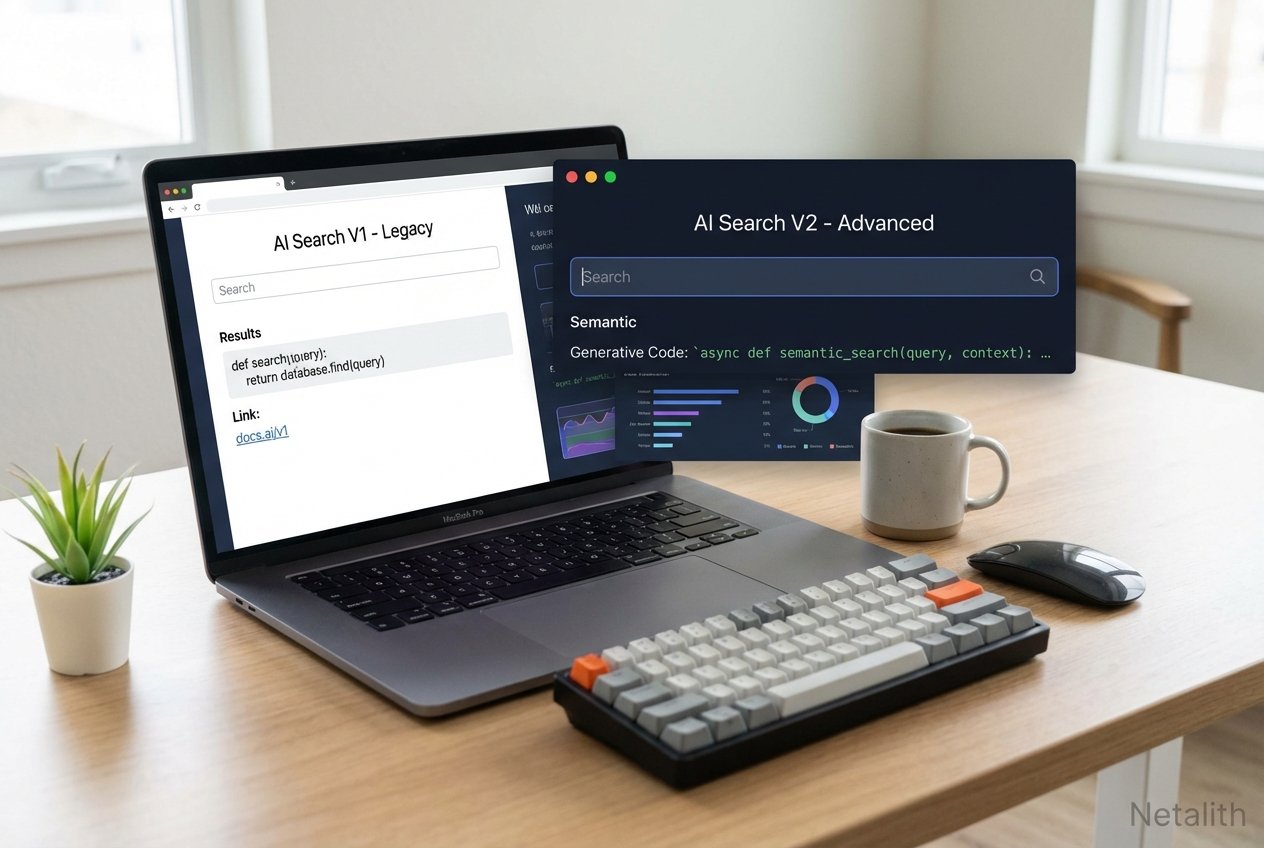
In the current landscape of AI search, the search engine evolution has fundamentally reshaped how software engineers gather information, debug code, and traverse technical documentation. The days of sifting through ten pages of blue links are officially behind us. Welcome to the definitive Perplexity vs SearchGPT tutorial. As the AI search competition heats up, technology professionals are no longer just looking for search engines; they are seeking intelligent context engines.
This AI search engine comparison is designed to elevate your technical workflows. While a standard ChatGPT tutorial or a typical Gemini for developers guide might focus purely on code generation, this technical deep dive zeroes in on information retrieval. Understanding how to leverage these specialized engines is critical for mastering modern development pipelines and improving your developer research workflows.
Perplexity vs SearchGPT Tutorial: Core Differences for Devs
As we navigate this AI search engine comparison, it is crucial to recognize the foundational architectures separating these two giants. When analyzing SearchGPT vs Perplexity, developers immediately notice that each platform solves the "knowledge retrieval" problem with different philosophies, making a reliable Technical search guide essential for your toolkit.
SearchGPT leans heavily into conversational continuity, tightly integrated with OpenAI’s broader ecosystem. It excels when you need deep, sustained reasoning alongside document retrieval. On the other hand, Perplexity positions itself as an aggressive, citation-first knowledge discovery engine. Throughout this AI search engine comparison, you will see how these architectural choices dictate where each tool shines in daily coding scenarios.
How to Use SearchGPT for Technical Queries
For engineers seeking a definitive how to use searchgpt for technical queries tutorial, the secret lies in leveraging its conversational memory to build complex technical contexts. Optimizing your developer research workflows means moving beyond simple keyword queries to structured prompt chaining.
When searching for a technical solution, you should establish constraints upfront. Here is an actionable approach:
// Example SearchGPT Context Prompt
System Query: "You are a senior DevOps engineer. I need to configure a Kubernetes ingress controller. Only reference official Kubernetes documentation updated within the last 6 months. Prioritize NGINX and Traefik."
By establishing boundaries, SearchGPT filters out deprecated tutorials. Unlike static queries, this conversational layer allows you to ask follow-up questions, like translating the retrieved ingress YAML into a Terraform script, perfectly demonstrating advanced Claude AI workflow automation concepts applied to search tasks.
Perplexity Search Techniques for Source Verification
When absolute accuracy is non-negotiable—such as researching obscure API deprecations or security vulnerabilities—employing strict Perplexity search techniques is vital. Because Perplexity forces a citation-first approach, it is highly optimized for robust source verification.
As part of an overarching AI productivity tools tutorial, developers should master Perplexity's "Focus" feature. By restricting the search domain to specific repositories (like GitHub issues or Stack Overflow), you prevent the AI from hallucinating based on general web noise.
"Perplexity's true power for developers lies in its transparent citation trail, allowing engineers to instantly verify the upstream documentation before committing code to production."
Advanced SearchGPT Settings for Developers
To truly achieve optimal search efficiency, you must dive into the advanced searchgpt settings for developers. Standard out-of-the-box settings are fine for general users, but technology professionals require granular control over their AI queries.
Here are the critical settings every developer should configure:
- Codebase Context Binding: Link SearchGPT to your local IDE state or remote Git repositories. This allows the search engine to contextualize its answers based on your existing stack, much like leveraging Github Copilot advanced features.
- Deprecation Filters: Enable strict version-checking. If you are coding in Python 3.12+, configure SearchGPT to automatically reject forum answers referencing legacy syntax.
- API Response Emulation: Toggle the "Raw JSON/Code Only" output setting to ensure SearchGPT skips conversational fluff and delivers direct, parsable code blocks.
Mastering these configurations is a core pillar of our AI search engine comparison, ensuring you spend less time reading pleasantries and more time shipping code.
Perplexity vs SearchGPT for Developer Documentation Research
A primary battleground in any rigorous AI search engine comparison is evaluating perplexity vs searchgpt for developer documentation research. Exploring monolithic documentations (like AWS, Azure, or React) is traditionally a massive time sink for developers.
When dealing with documentation, Perplexity vs SearchGPT tutorial principles dictate that Perplexity is generally superior for "needle in a haystack" discoveries. If you need to find the specific rate limit of an obscure AWS API endpoint, Perplexity’s direct querying of Amazon's developer docs yields instant, cited answers.
Conversely, SearchGPT excels at synthesizing multi-page concepts. If you need to understand how the overarching architecture of a new JavaScript framework handles state management across server and client, SearchGPT will digest the entire documentation tree and explain the paradigm shift, significantly enhancing developer research workflows.
The Role of RAG and Real-Time Indexing
To fully grasp the current search engine evolution, one must understand RAG (Retrieval-Augmented Generation) and its relationship with real-time indexing. The days of waiting weeks for a web crawler to cache a new developer blog post are gone.
Both Perplexity and SearchGPT utilize advanced RAG pipelines. When you issue a query, the engine actively retrieves the most current web data, injects it into the prompt, and generates an informed response. Real-time indexing ensures that if an open-source library pushes a breaking change to its GitHub repo today, your search query will reflect that change immediately.
Choosing Between Perplexity and SearchGPT
Ultimately, choosing between perplexity and searchgpt comes down to the specific nature of your tasks amidst the fierce AI search competition. Both tools have matured into essential components of the modern stack.
Choose Perplexity if you are troubleshooting obscure errors, need immediate factual answers with direct links to GitHub issues, or require absolute source verification. Its ability to provide direct citations makes it the go-to for academic and technical precision.
Choose SearchGPT if you are in the architectural phase, need to synthesize broad technical concepts, or require a conversational partner to iterate on complex system designs. Its integration with the OpenAI ecosystem provides a seamless transition from search to development.
Conclusion: Optimizing Developer Research Workflows
Mastering this Perplexity vs SearchGPT tutorial is about more than just switching tools; it's about evolving your mental model of how information is retrieved. By integrating these AI-driven engines into your daily routine, you can significantly improve your search efficiency and developer research workflows.
As highlighted in many Netalith AI guides, the goal is to reduce the "time-to-knowledge." Whether you prefer the citation-heavy approach of Perplexity or the conversational depth of SearchGPT, the future of development is undeniably powered by intelligent, real-time retrieval. Start experimenting with both today to find the perfect balance for your unique engineering needs. In summary, a strong Perplexity vs SearchGPT tutorial strategy should stay useful long after publication.