Local AI for Developers Tutorial: Setting Up Private, Offline Assistants
A comprehensive guide for developers to set up private, offline AI assistants using Ollama, LM Studio, and GGUF quantization.

Long Nguyen
Fullstack Developer · AI Engineer · Researcher
Introduction to Local AI for Developers Tutorial
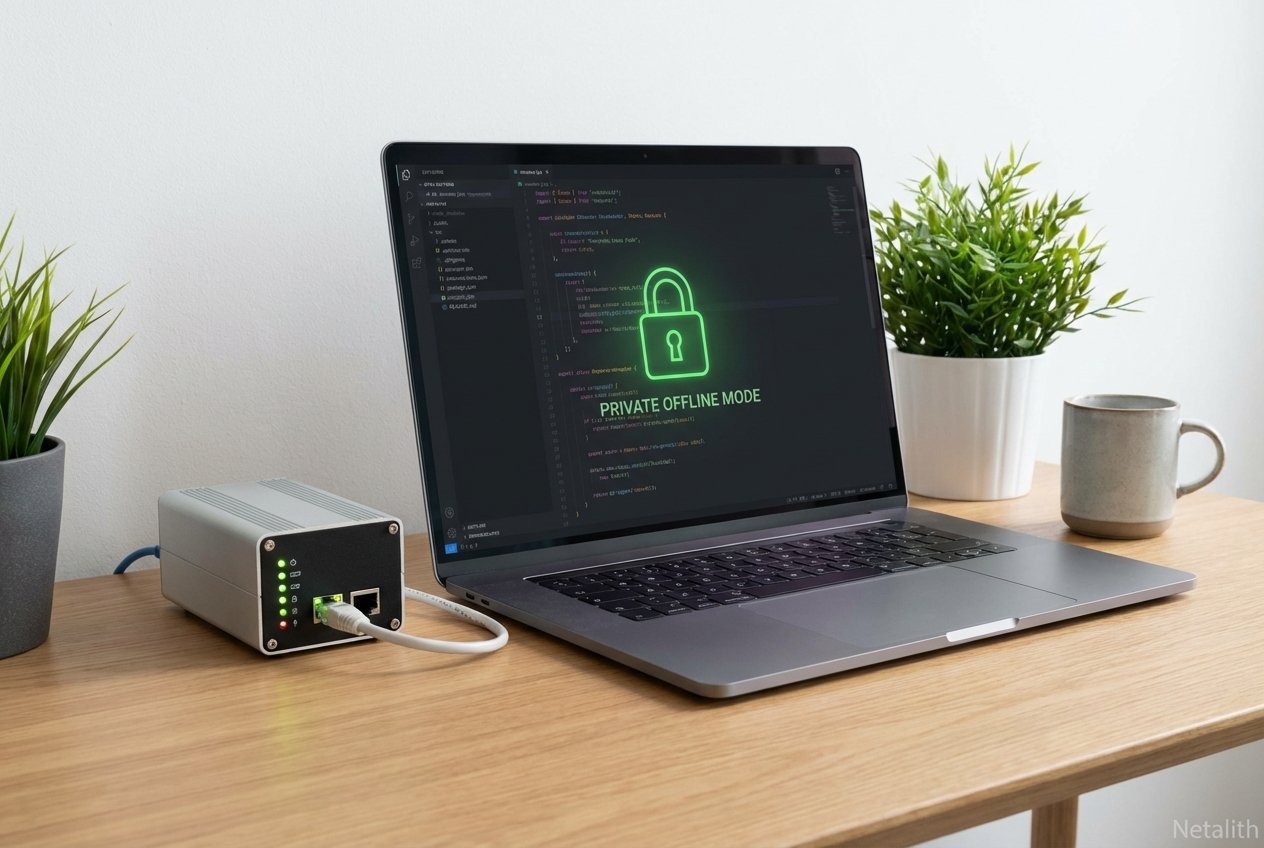
As data privacy concerns escalate and edge computing power increases, following a definitive Local AI for developers tutorial has never been more crucial. In the current landscape of software engineering, developers are actively migrating away from entirely cloud-dependent architectures. Instead, they are adopting Offline LLMs to parse and generate code without leaking intellectual property. This guide focuses strictly on privacy-focused AI development, giving you the exact steps needed to establish a secure, lightning-fast on-device workflow. By mastering this Local AI for developers tutorial, you will regain absolute control over your development stack while keeping sensitive proprietary data strictly on your own hardware.
Local AI Assistants vs Cloud-Based AI for Developers Comparison
When evaluating the modern coding workflow, a thorough local ai assistants vs cloud-based ai for developers comparison is essential. While major cloud solutions offer massive parameter counts, they require constant internet connectivity and regularly expose proprietary algorithms to third-party server telemetry. Conversely, an on-premise AI tutorial demonstrates exactly how Local LLMs operate with zero latency and impenetrable data security.
With the rise of offline AI coding tools, developers benefit from several distinct advantages:
- Data Sovereignty: Your source code never leaves your local machine, ensuring compliance with strict NDA policies.
- Zero Outages: No reliance on API uptime or dealing with rate limits during peak working hours.
- Cost Efficiency: Eliminating recurring API token costs for heavy, repetitive inferences and codebase scanning.
As you will see throughout this On-premise AI tutorial, modern localized setups can easily rival, and sometimes surpass, enterprise cloud subscriptions in everyday utility.
Setting Up Your Environment: Ollama Setup Guide
To dive into this on device AI guide, you need a robust, low-overhead runtime environment. This Ollama setup guide serves as the bedrock of your offline infrastructure. Ollama has cemented itself as the standard for managing and running large language models natively on macOS, Linux, and Windows. If you are exploring an AI productivity tools tutorial, deploying Ollama is the fastest, most reliable way to jumpstart your local environment.
How to Setup Ollama or LM Studio for Private Coding
If you are looking for a complete how to setup ollama or lm studio for private coding tutorial, the process is remarkably streamlined. Both platforms serve as premier hosts for Offline LLMs and represent the best offline AI coding tools currently available.
Step 1: Install Ollama via CLI
curl -fsSL https://ollama.com/install.sh | shStep 2: Pull a Developer-Centric Model
ollama run codellama:7bFor developers preferring a graphical user interface rather than a terminal window, LM Studio offers a highly visual alternative. Simply download the LM Studio client, use the integrated search bar to find compatible open-source formats, and click download. Both environments easily connect to IDE extensions like Continue.dev, forming a critical chapter in our On-premise AI tutorial.
Understanding Model Quantization (GGUF) and Optimization
Running multi-billion parameter models on consumer hardware requires an understanding of model quantization (GGUF). At its core, quantization compresses the neural network weights from bulky 16-bit or 32-bit floating points down to smaller integer sizes (such as 4-bit or 8-bit). This drastically reduces VRAM consumption and accelerates processing speeds, making local inference optimization a reality. For successful edge AI deployment, the GGUF (GPT-Generated Unified Format) is the undisputed gold standard, allowing models to seamlessly share memory across your CPU and GPU.
Quantization Techniques for Local LLM Deployment Walkthrough
To maximize your workstation's capabilities, you must follow a precise quantization techniques for local llm deployment walkthrough. Choosing the right quantization level is the secret to successful local inference optimization:
- Q4_K_M (4-bit): The optimal sweet spot for most developers. It balances minimal quality loss with massive VRAM savings, ideal for laptops with 8GB to 16GB of unified memory.
- Q5_K_M (5-bit): Offers slightly higher logical fidelity for complex coding tasks. Recommended if you have 16GB to 24GB of memory.
- Q8_0 (8-bit): Delivers near-perfect, unquantized performance but requires enterprise-grade hardware or multi-GPU edge configurations.
Running Lightweight Models Locally for Developer Privacy
To finalize your secure local setup, consult this running lightweight models locally for developer privacy guide. The true power of Local LLMs lies in purpose-built, smaller parameter models specifically trained for code generation, bug hunting, and autocomplete functions. Committing to privacy-focused AI development means deploying efficient, compact models like Llama-3-8B, Phi-3, or Qwen-2.5-Coder.
Because these highly refined models operate entirely offline, they can read your local workspace context securely. They deliver instantaneous auto-completion and code refactoring suggestions without ever broadcasting your company’s trade secrets over the internet. This ensures that every line of code written remains strictly confidential.
Frequently Asked Questions
What are the hardware requirements for running local LLMs?
A baseline setup requires a modern CPU (such as Apple Silicon M-series or Intel/AMD equivalents), at least 16GB of unified memory or RAM, and ideally a dedicated GPU with 8GB+ VRAM to utilize hardware acceleration effectively.
Why should developers choose local AI over cloud-based assistants?
Local AI ensures zero network latency, complete data privacy, and full offline capabilities. It also eliminates recurring API costs and prevents sensitive intellectual property from being exposed to third-party cloud telemetry.
Which is better for offline coding: Ollama or LM Studio?
Ollama is ideal for developers who prefer CLI workflows and seamless backend integrations with VS Code or JetBrains extensions. LM Studio is better for users who want an intuitive graphical interface to easily browse, test, and swap out multiple model files.
How does model quantization (GGUF) improve local inference?
Model quantization compresses the model's weights, drastically lowering the VRAM required to load it into memory. The GGUF format further optimizes this by allowing the system to efficiently offload specific neural layers between the CPU and GPU, ensuring smooth text generation on standard consumer hardware.
Conclusion: Mastering Your Local AI for Developers Tutorial
Completing this Local AI for developers tutorial equips you with the foundational tools needed to navigate the ever-evolving landscape of private artificial intelligence. By actively shifting away from cloud dependencies, you empower yourself with the autonomy and privacy essential for modern software engineering. By implementing the techniques in this guide, you ensure that your development workflow remains secure, efficient, and entirely under your control. For more advanced workflows, stay tuned to Netalith AI guides to keep your local stack optimized.