Python slice string
Practical guide to python string slicing: syntax (start:stop:step), defaults, examples for steps and negative indices, reversing, out-of-range behavior, and common patterns.
Drake Nguyen
Founder · System Architect
Python string slicing
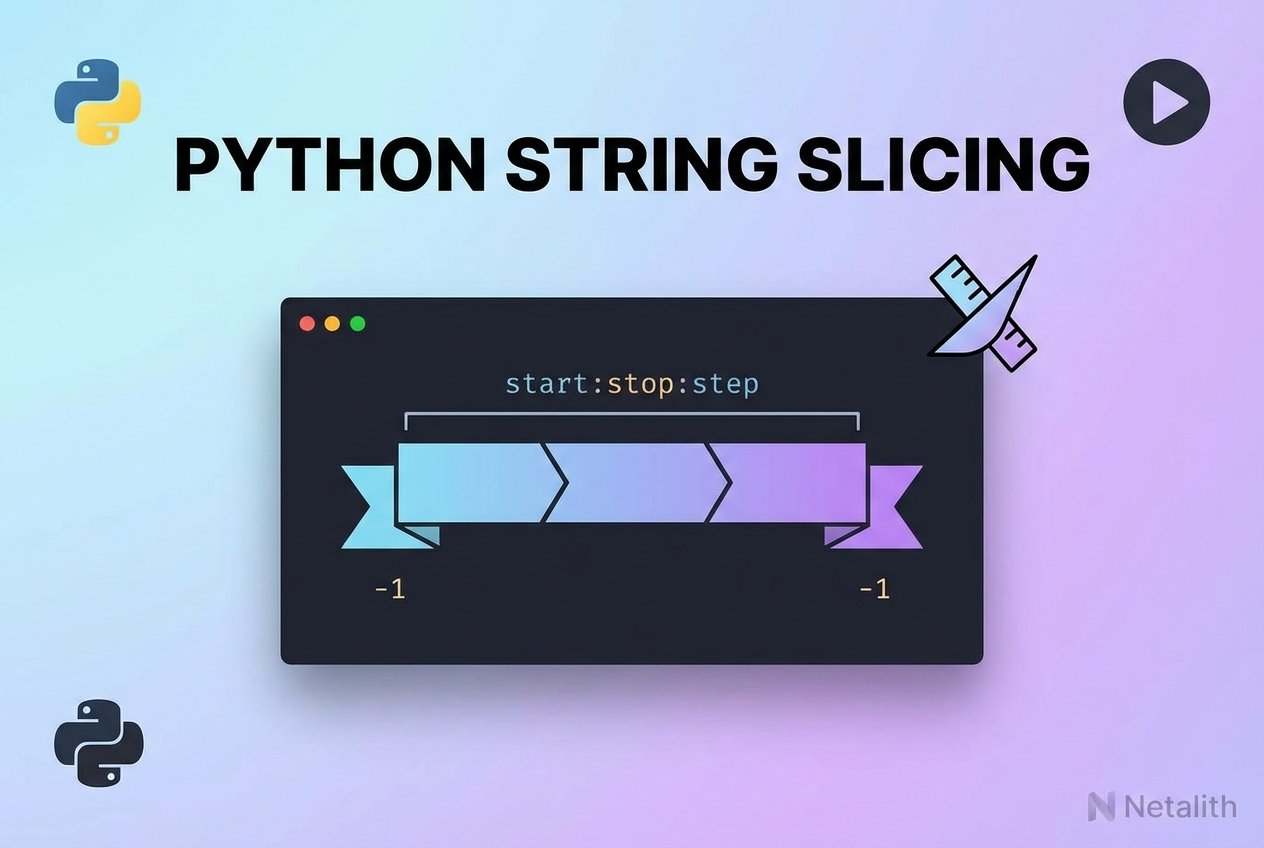
Python string slicing creates substrings from an existing string without modifying the original value because strings in Python are immutable. Slicing uses a compact notation to select a range of characters: start, stop and step control which characters are included.
Syntax and defaults
The slice notation is:
str_object[start:stop:step]Rules:
- start is inclusive (the character at index start is included).
- stop is exclusive (the character at index stop is not included).
- step controls the stride between selected characters and defaults to 1.
- If start is omitted it defaults to 0; if stop is omitted it defaults to len(str_object); if step is omitted it defaults to 1.
- For any index i the identity
s[:i] + s[i:] == salways holds.
Basic examples
s = 'HelloWorld'

# full copy
print(s[:])        # HelloWorld
print(s[::])       # HelloWorld

# first five characters
print(s[:5])       # Hello

# slice from index 2 up to (but not including) 5
print(s[2:5])      # llo
Using the step parameter (skip characters)
The step parameter lets you take every nth character. This is useful for patterns such as taking every other character or extracting a character sequence at regular intervals.
s = 'HelloWorld'

# every 2nd character starting at index 2 (indexes 2,4,6,...)
print(s[2:8:2])    # loo

# take every other character from entire string
print(s[::2])      # Hlool
Negative indices and reversing strings
Python supports negative indices where -1 refers to the last character, -2 the penultimate, and so on. A negative step reads the string from right to left.
s = 'HelloWorld'

# reverse a string using negative step
print(s[::-1])     # dlroWolleH

# slice with negative step between positions (descending indices)
print(s[8:1:-1])   # lroWoll
print(s[8:1:-2])   # lool

# negative indices example
print(s[-4:-2])    # or
Out-of-range slicing and safety
Slicing is forgiving when indices fall outside the valid range: Python clips them to the nearest valid boundary instead of raising an error. This makes slicing a safe way to extract substrings.
s = 'Python'
print(s[100:])     # '' (empty string)
print(s[2:50])     # 'thon'
Common patterns and tips
- Reverse string:
s[::-1](common idiom). - Insert a character split: the identity
s[:i] + s[i:] == sis useful when reconstructing or inserting substrings. - To slice from the end, use negative start/stop values, for example
s[-3:]to get the last three characters. - When using a negative step, remember stop is still excluded; the slice proceeds from start toward stop in reverse order.
- For extracting tokens by delimiter, compare slicing with
split— slicing is index-based and faster for positional extraction, whilesplitis suited for delimiter parsing.
Summary: python string slicing is a concise, powerful tool to select substrings using
start:stop:step. It supports negative indices, reversible traversal with negative steps, and handles out-of-range indices without errors.