Python String Append
Practical, efficient ways to append string in Python: why + can be slow, examples using list+join, *, StringIO, and timeit tips.

Long Nguyen
Fullstack Developer · AI Engineer · Researcher
Why append string in Python requires care
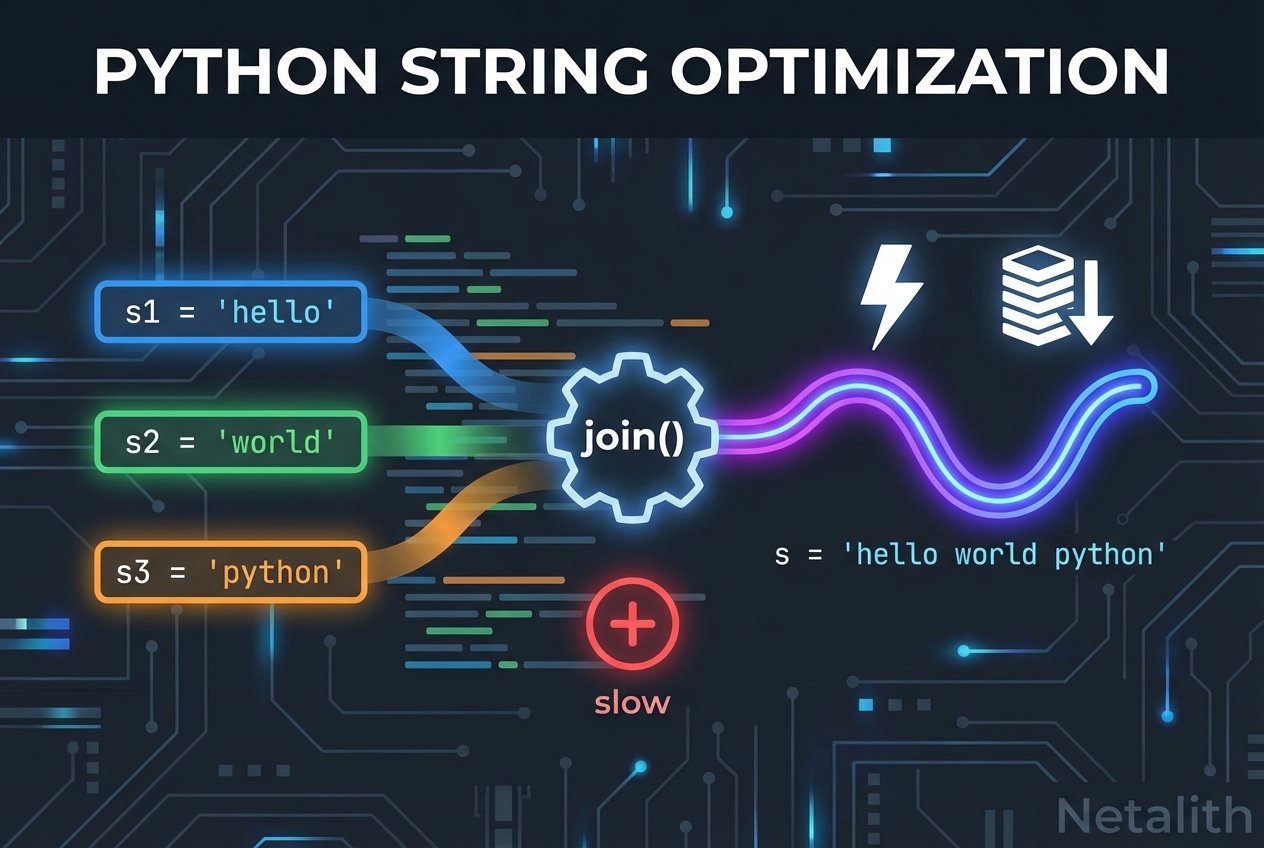
Strings in Python are immutable. That means every time you use the plus operator to combine two strings, the interpreter builds a new string object. For small numbers of concatenations this is fine, but when you append many pieces—especially in loops—repeated use of the + operator can create many temporary strings and hurt performance. Below we show practical approaches to append strings in Python efficiently and safely.
Common techniques with examples
Here are several ways to append or build strings in Python. Each example demonstrates a different approach: repeated concatenation, collecting pieces and joining, using the multiply operator, and using an in-memory buffer.
1. Repeated concatenation with + (simple but inefficient in loops)
def append_with_plus(s, n):
    result = ''
    i = 0
    while i < n:
        result += s
        i += 1
    return result
2. Append to a list and use join() (recommended for many pieces)
def append_with_list_join(s, n):
    parts = []
    i = 0
    while i < n:
        parts.append(s)
        i += 1
    return ''.join(parts)
3. Multiply operator for repeating a single string
def repeat_string(s, n):
    return s * n
4. Using io.StringIO as a growable buffer
from io import StringIO

def append_with_stringio(s, n):
    buf = StringIO()
    for _ in range(n):
        buf.write(s)
    return buf.getvalue()
Performance notes and how to measure
Because of string immutability, the append to string python pattern matters when many concatenations occur. In general:
- The
python string concatenationusing+is readable but can be slow inside large loops. - Collecting fragments and using
python join strings(i.e.,''.join(list)) is typically the most efficient pattern for many small pieces. - Repeating the same substring is fastest with the multiply operator (
s * n). io.StringIOprovides a buffer-like alternative that can be convenient when writing code that resembles streaming output.
To compare methods on your system use the timeit module. For example:
import timeit

setup = 'from __main__ import append_with_plus, append_with_list_join, append_with_stringio'
print(timeit.timeit('append_with_plus("x", 1000)', setup=setup, number=1000))
print(timeit.timeit('append_with_list_join("x", 1000)', setup=setup, number=1000))
print(timeit.timeit('append_with_stringio("x", 1000)', setup=setup, number=1000))
Run these tests with representative inputs. Results vary by Python version and workload, but join() and buffered writes are generally faster than repeated concatenation.
Best way to append strings in Python — recommendations
- For a small, fixed number of strings, readability wins: using
+or f-strings is fine. - When appending many pieces (for example, building text in a loop), prefer gathering fragments in a list and using
''.join(parts)— this is the standard efficient approach. - If you are repeating the same substring, use the multiply operator:
s * n. - When building content incrementally (like streaming output), consider
io.StringIOto avoid creating many intermediate strings. - When in doubt, measure: use the
timeitmodule or simple benchmarks to comparepython join vs plus performanceon your workload.
Quick reference
- python add to string — use
+or f-strings for a few pieces - python append string in loop — collect and
join() - append multiple strings in Python using join — efficient and idiomatic
- python string concatenation performance join vs plus — test with
timeitfor your data - string immutability python concatenation — explains why repeated
+is costly
Summary
To append string in Python efficiently, avoid repeated in-loop concatenation with +. Gather pieces and use ''.join(), rely on s * n for repetition, or use io.StringIO when building output incrementally. These approaches keep your code both readable and performant; measure with timeit when performance matters.