Python String replace()
Guide to python replace string using str.replace: syntax, examples (count parameter), replacing delimiters and characters, and when to use re.sub vs str.replace.

Long Nguyen
Fullstack Developer · AI Engineer · Researcher
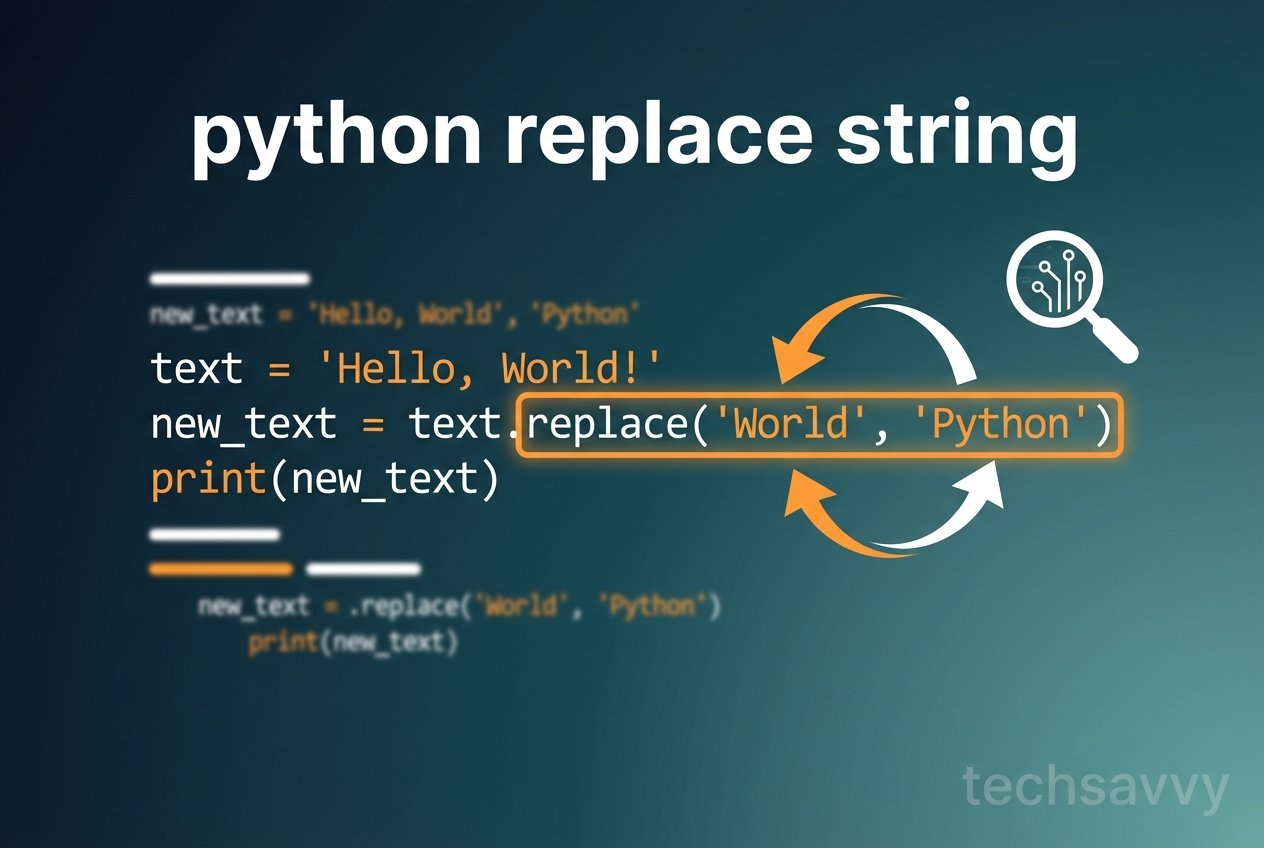
Overview: python replace string with str.replace
The python string replace method is a simple, built-in way to create a new string by replacing parts of an existing one. The str.replace python method is part of the core python string methods and works without regular expressions, making it ideal for straightforward substitutions such as replacing a delimiter, swapping characters, or changing a substring.
Syntax and behavior
Basic python string replace() syntax:
str.replace(old, new[, count])Notes:
- The original string is immutable — replace returns a new string.
oldandneware substrings (or characters) to replace and to insert.- Optional
countlimits how many occurrences are replaced (useful to replace the first N occurrences).
Common examples: python replace string
Replace a substring with another substring (python replace string with another string):
s = 'Java is Nice'
str_new = s.replace('Java', 'Python')
print(str_new)
# Output:
# Python is Nice
Replace all occurrences of a character (python replace character):
s = 'dododo'
str_new = s.replace('d', 'c')
print(str_new)
# Output:
# cococo
Using the count parameter (python replace with count parameter)
Limit replacements to the first two occurrences (python replace first two occurrences):
s = 'dododo'
str_new = s.replace('d', 'c', 2)
print(str_new)
# Output:
# cocodo
Replace a delimiter in a string (python replace delimiter in string)
Example that replaces commas with colons — useful when converting CSV-like data (python replace delimiter comma to colon):
input_str = 'a,e,i,o,u'
output_str = input_str.replace(',', ':')
print(output_str)
# Output:
# a:e:i:o:u
Replacing user-provided substrings
Typical pattern for interactive scripts (how to replace a substring in python):
# Pseudocode for user-driven replacement
input_str = input('Enter text: ')
old = input('Substring to replace: ')
new = input('Replacement substring: ')
result = input_str.replace(old, new)
print('Updated:', result)
Multiple characters and whole-substring replacement
str.replace can replace single characters or longer substrings. To replace multiple different characters in one pass, chain calls or use a translation table (str.translate) for better performance when replacing many single characters:
- python replace multiple characters in string: chain replace calls or use str.translate
- python replace all occurrences of substring: omit the
countparameter
When to use str.replace vs regular expressions
For fixed substring replacements, prefer str.replace because it is simple, readable, and fast. Use regular expressions (re.sub) when you need pattern matching, capture groups, or conditional replacements. This distinction — str.replace vs re.sub python — helps you choose the right tool while avoiding unnecessary complexity or potential regex pitfalls.
Quick tips and edge cases
- python string immutable replace: remember that strings are immutable; assign the result to a new variable or the same name if you want to reuse it.
- python replace first occurrence of substring: use
count=1. - python replace without regex: str.replace does not interpret regex metacharacters.
- python str.replace count example: small
countvalues are handy for limiting changes in ordered data.
Short examples and edge outputs
print(str.replace('abca', 'a', 'A'))
# Output:
# AbcA
Summary: Use python replace string (str.replace) when you need direct substring substitution. It is part of the standard python string methods, works in Python 3, and is suitable for most non-regex replacement needs.
Further reading
Consult the official Python documentation for the str.replace method and the re module when you require pattern-based replacements. Practical examples and scripts can also help explore common tasks like replacing delimiters, swapping characters, and limiting replacements with the count parameter.