How To Define Functions in Python 3
Concise, original guide on how to define a function in Python: syntax with def, parameters, keyword/default arguments, return, main(), and examples.
Drake Nguyen
Founder · System Architect
Introduction
A function is a named block of code that performs a specific task and can be reused throughout a program. Learning how to define a function in Python helps you write cleaner, modular code. Python includes built-in functions such as print(), len(), and int(), but you will often create your own user-defined functions using the def keyword.
Prerequisites
This guide assumes you have Python 3 installed and a working editor or shell. You can follow the examples interactively in the Python REPL (run python3) or save snippets to .py files and execute them with the interpreter.
Defining a Function
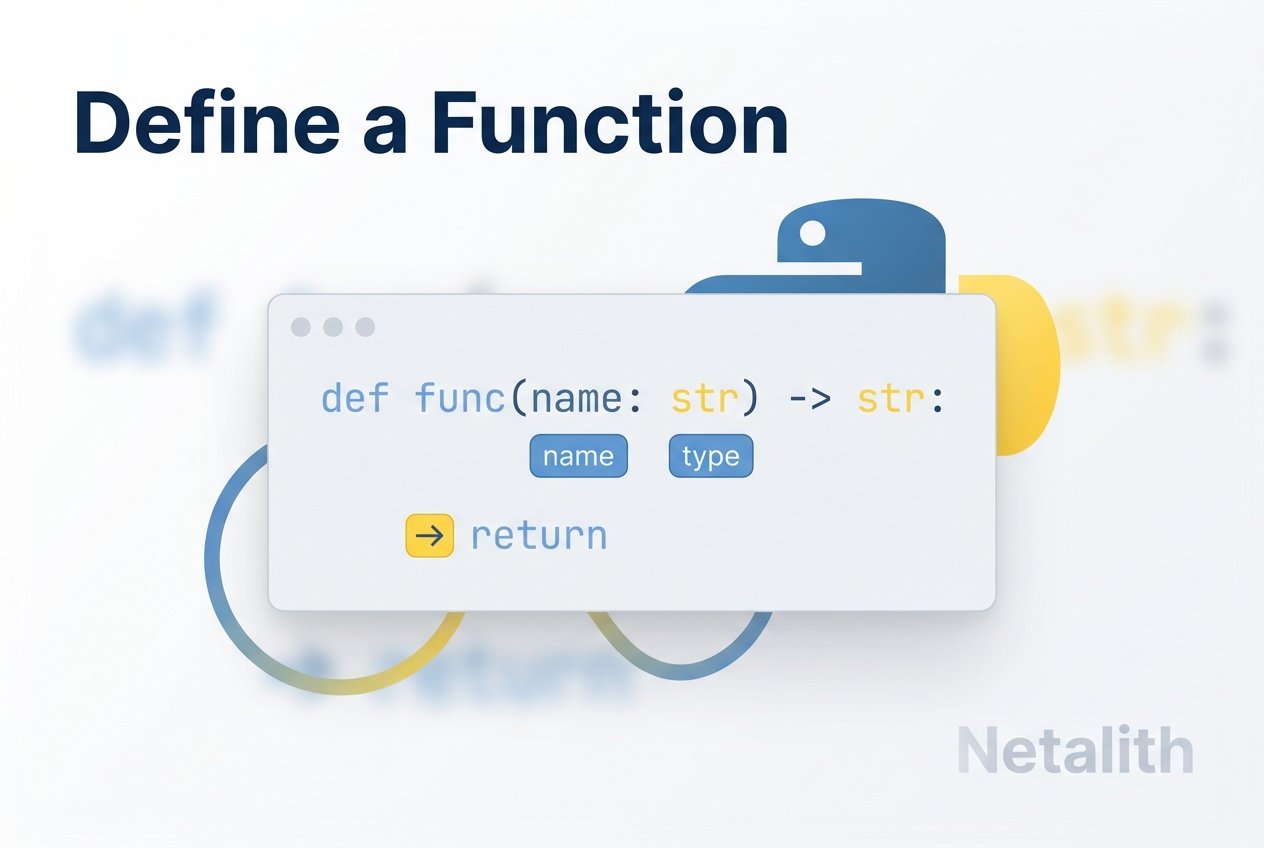
The basic syntax to define a function uses the def keyword, a function name, parentheses (which may include parameters), and a colon. The body of the function is indented.
# hello.py
def hello():
    print("Hello, World!")

hello()  # calling the function
That example shows how to define and call a simple Python function. The line starting with def introduces the function; the indented block is the function body. This demonstrates the core of how to define a function in Python 3.
Working with Parameters
Functions can accept parameters—named variables listed inside the parentheses. Parameters let a function operate on values passed in by the caller (arguments).
# add_numbers.py
def add_numbers(x, y, z):
    a = x + y
    b = x + z
    c = y + z
    print(a, b, c)

add_numbers(1, 2, 3)  # positional arguments
When arguments are supplied in order, they are matched to parameters positionally. You can also use keyword arguments to specify values by parameter name.
Keyword Arguments
Keyword arguments allow you to pass values in any order by naming the parameter. This is useful for clarity and for functions with many parameters.
# profile.py
def profile_info(username, followers):
    print("Username:", username)
    print("Followers:", followers)

profile_info(username="AlexAnglerfish", followers=342)
profile_info(followers=820, username="cameron-catfish")  # order does not matter
Default Argument Values
You can provide default values for parameters so callers can omit them. Default arguments are evaluated when the function is defined.
# profile_defaults.py
def profile_info(username, followers=1):
    print("Username:", username)
    print("Followers:", followers)

profile_info(username="JOctopus")
profile_info(username="sammyshark", followers=945)
Returning a Value
Functions can return values using the return statement. A return both passes a value back to the caller and exits the function. If no value is returned explicitly, Python returns None.
# square.py
def square(x):
    y = x ** 2
    return y

result = square(3)
print(result)  # prints 9
Using print() inside a function displays output but does not allow the caller to capture the value. By contrast, a return lets the caller store and reuse the result. This distinction explains the difference between print and return in Python functions.
Returning Multiple Values
Python functions can return multiple values; the interpreter packages them into a tuple.
# add_returns.py
def add_numbers(x, y, z):
    a = x + y
    b = x + z
    c = y + z
    return a, b, c

sums = add_numbers(1, 2, 3)
print(sums)  # (3, 4, 5)
Function Flow and Early Exit
A return statement causes an immediate exit from the function. That behavior can be used to stop processing when a condition is met.
# return_loop.py
def loop_five():
    for x in range(25):
        print(x)
        if x == 5:
            return  # exit the function early
    print("This line will not execute.")

loop_five()
Using main() and the __main__ Guard
While Python does not require a main() function, organizing your program with main() and the if __name__ == '__main__': guard makes scripts easier to reuse as modules and clearer to readers familiar with other languages.
# hello_main.py
def hello():
    print("Hello, World!")

def main():
    print("This is the main function.")
    hello()

if __name__ == '__main__':
    main()
The guard ensures the code under it runs only when the file is executed directly, not when it is imported into another module.
Organizing Multiple Functions
Break complex behavior into small, focused functions to improve readability and reuse. For example, separate vowel-checking and printing logic into distinct functions:
# more_names.py
name = input('Enter your name: ')

def has_vowel():
    if set('aeiou').intersection(name.lower()):
        print('Your name contains a vowel.')
    else:
        print('Your name does not contain a vowel.')

def print_letters():
    for letter in name:
        print(letter)

def main():
    has_vowel()
    print_letters()

if __name__ == '__main__':
    main()
Conclusion
Knowing how to define a function in Python lets you create modular, testable code. Use the def keyword to declare functions, add parameters for flexibility, return values when results must be reused, and consider main() plus the __main__ guard for script organization. These patterns are fundamental to Python functions and scalable program design.
Tip: Prefer returning values from functions rather than relying on prints when you need to process results programmatically.