Python Pillow Tutorial: The Ultimate Guide to Python Image Processing
A comprehensive Python Pillow tutorial covering installation, basic image operations, filtering, and batch processing for modern developers.

Long Nguyen
Fullstack Developer · AI Engineer · Researcher
Introduction to Our Python Pillow Tutorial
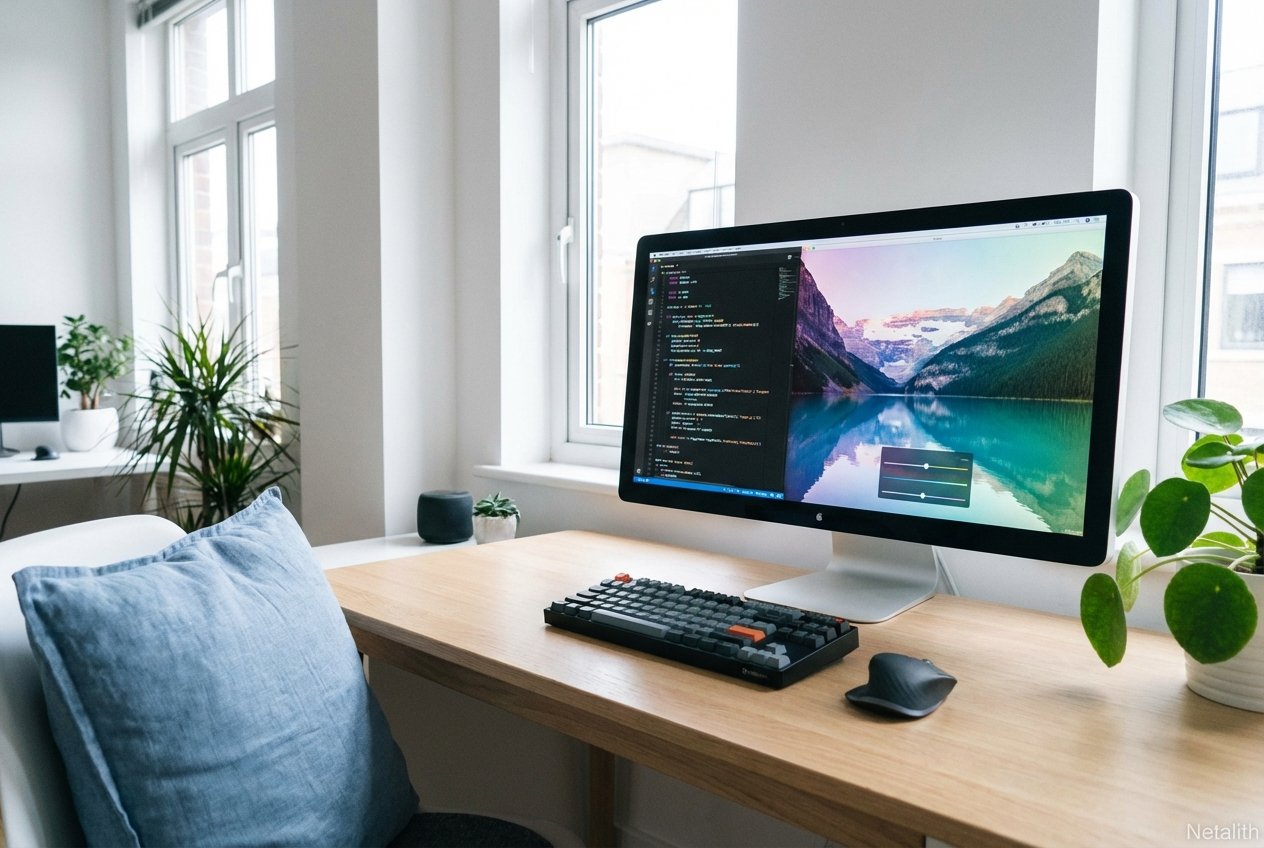
Welcome to the most comprehensive python pillow tutorial for developers looking to master visual automation. Whether you are building dynamic web applications, preparing datasets for machine learning, or simply streamlining your workflow, getting started with the Pillow library in Python is an essential step. In the realm of python 3 image processing, understanding how to programmatically load, manipulate, and export visual assets is a critical skill for any modern software engineer.
What is Pillow? (Python Imaging Library vs Pillow Tutorial
If you have been researching image manipulation, you have likely encountered some confusing, overlapping terminology. A common theme in any python imaging library vs pillow tutorial is explaining the history behind these modules. Originally, the Python Imaging Library (PIL) was the standard for handling graphics. However, as the original PIL ceased receiving updates, the community created a robust, actively maintained PIL fork known as Pillow.
Today, when developers talk about using pil python, they are almost exclusively referring to the python pillow library. It serves as the standard, backwards-compatible replacement for the legacy library. For deep technical dives into supported file formats and internal mechanics, the official imaging library documentation remains a highly valuable resource to bookmark.
How to Install Pillow in Python 3.12
Before diving into the code, we need to properly configure our environment. To install pillow python 3.12 on your machine, you will utilize Python's standard package manager. Ensuring a clean setup is a mandatory first step in any thorough pillow tutorial.
Simply open your terminal or command prompt and execute the following pip command:
pip install pillowOnce the pip install pillow command finishes executing, your environment is fully equipped to handle programmatic transformations and dynamic file saving.
Basic Image Operations with Python Pillow
Now that your setup is complete, we can explore the basic image operations python pillow offers. As a reliable python image library guide, this section focuses on the foundation of python imaging library manipulation: loading files into memory and inspecting their core structural data.
Loading Images with the Image Open Method
To interact with a visual file, you must first bring it into your application's memory using the image open method. The Image.open() function is the standard gateway for this process, allowing you to instantiate a python image object that accurately represents your file.
from PIL import Image

# Using the image open method
my_image = Image.open('sample.jpg')
my_image.show()
Understanding Python Image Object Attributes
Once you have your python image object loaded, you can programmatically inspect its properties. Understanding image attributes allows your scripts to make dynamic logic decisions based on the original file's size, color format, or dimensions.
print("Format:", my_image.format)
print("Size:", my_image.size)
print("Mode:", my_image.mode)
These image attributes will quickly tell you if an image is a JPEG or PNG, what its exact pixel width and height are, and whether it uses a standard RGB or transparent RGBA color space.
Intermediate Image Manipulations: An Imaging Library Tutorial
Having mastered the foundational concepts, the next phase of this imaging library tutorial focuses on actively altering visual data to fit your application's requirements.
Resize Images with Python Pillow
When preparing graphics for web interfaces or responsive applications, you will frequently need to resize images python pillow handles this natively via the .resize() method. By passing a tuple representing the new desired width and height, you can quickly scale assets down efficiently.
# Resizing to 800x600 pixels
resized_image = my_image.resize((800, 600))
resized_image.save('sample_resized.jpg')
Exploring Python Image Filtering
Beyond simple geometric scaling, python image filtering allows developers to apply convolutions, enhancements, and artistic effects. By importing the ImageFilter module, you can easily blur, sharpen, or detect complex edges within your datasets.
from PIL import ImageFilter

# Applying a gaussian blur filter
blurred_image = my_image.filter(ImageFilter.BLUR)
blurred_image.save('sample_blurred.jpg')
Batch Image Processing in Python
Handling a single file is great for testing syntax, but real-world engineering requires scale. Batch image processing python workflows allow developers to manipulate hundreds or thousands of files in mere seconds. In the modern landscape of image processing, pipeline automation is the primary driver of development productivity.
To process multiple files sequentially, combine Pillow with Python's built-in file system libraries:
import os
from PIL import Image

input_folder = "raw_images/"
output_folder = "processed_images/"

for filename in os.listdir(input_folder):
    if filename.endswith(".jpg"):
        img = Image.open(os.path.join(input_folder, filename))

        # Batch scale all images to 500x500
        img_resized = img.resize((500, 500))
        img_resized.save(os.path.join(output_folder, f"resized_{filename}"))
This automated loop applies uniform changes across an entire directory, establishing a powerful baseline for more complex machine learning preprocessing pipelines.
Frequently Asked Questions
- How do I install Pillow in Python 3.12?
You can easily install the library by opening your terminal and running thepip install pillowcommand. It is fully compatible with Python 3.12 and newer environments. - What is the difference between the original Python Imaging Library and Pillow?
The original Python Imaging Library (PIL) is deprecated and no longer receives updates. Pillow is the modern, actively maintained fork of PIL that ensures ongoing compatibility, security, and feature enhancements. - How do I open an image using the Image.open() method in Python?
First, import the Image module from PIL. Then, callImage.open('filename.jpg')to load the file into memory as a workable image object for further manipulation. - Can I use Pillow for batch image processing?
Absolutely. By combining Pillow's manipulation methods with native file system libraries likeosorpathlib, you can iterate through folders and sequentially process thousands of images automatically.
Conclusion: Next Steps in Your Python Pillow Tutorial Journey
Congratulations on completing this foundational python pillow tutorial! You now possess a firm grasp of the core concepts required to automate and streamline digital asset management. From initial environment setup to robust batch processing loops, this pillow library guide has provided the critical building blocks for integrating powerful visual modifications directly into your software architecture.
Now it is time to put these techniques into practice. We encourage you to implement these scripts within your own local environments, experiment with custom filters, and optimize your automation pipelines.
Ready to elevate your development skills even further? Subscribe to the Netalith software engineering newsletter for more expert tutorials, automation guides, and industry best practices delivered straight to your inbox. In summary, a strong python pillow tutorial strategy should stay useful long after publication.