What Is a VPN? A Beginner’s Guide to Tunneling, Encryption, Protocols, and Use Cases
Evergreen beginner guide explaining what is a VPN, how tunneling and encryption work, key protocols (IPsec, SSL VPN, WireGuard), deployment models, trade-offs, and troubleshooting.

Long Nguyen
Fullstack Developer · AI Engineer · Researcher
Intro: Virtual private network explained (VPN basics
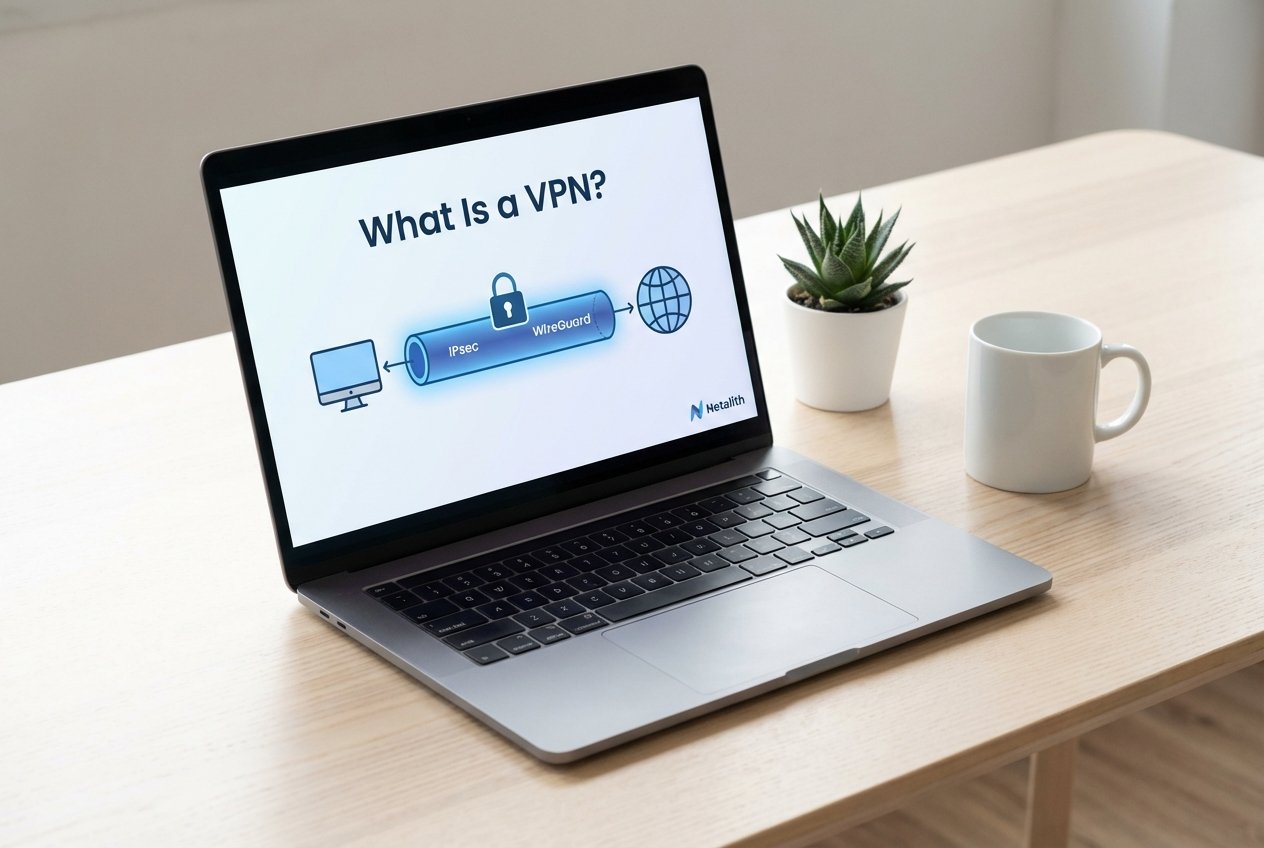
If you’re asking what is a VPN, think of it as a secure connection that protects data as it crosses untrusted networks like public Wi‑Fi or the broader internet. A virtual private network (VPN) creates a logical “tunnel” between your device and a trusted endpoint (a VPN server or gateway), helping with privacy and secure remote access.
This guide covers VPN basics and networking fundamentals for beginners: how tunneling and encapsulation work, where encryption fits, which protocols you’ll see (IPsec, SSL/TLS VPN, WireGuard), and when to use site-to-site vs remote access VPNs in real networks.
What is a VPN?
What is a VPN in networking for beginners? It’s a method for sending traffic privately across an untrusted network by creating a virtual path between two endpoints. Most VPNs combine:
- Tunneling (traffic is carried inside another packet)
- Encapsulation (new headers are added for transport across the public network)
- Encryption and authentication (data confidentiality and endpoint identity)
In practical terms, your device sends packets to a tunnel interface (a virtual network adapter). The VPN client or gateway encapsulates those packets and delivers them to the VPN endpoint, where they’re decapsulated and routed onward.
Relating this to the OSI model vs TCP/IP model: many VPNs operate at the network layer (Layer 3) or above, but they always interact with core fundamentals like routing, IP addressing, DNS, and NAT behavior.
How VPN tunneling works
How VPN tunneling works comes down to moving private traffic through a public network by wrapping it in another packet. The outer packet gets routed across the internet; the inner packet remains the “original” traffic destined for an internal network or protected service.
Encapsulation and tunnel interfaces
Encapsulation places the original IP packet inside a new packet with a new outer header. The tunnel interface represents this virtual link on the client or gateway. Depending on the VPN type, encapsulation may resemble IP-in-IP, GRE-like behavior, or protocol-specific formats used by IPsec or WireGuard.
MTU overhead note: encapsulation adds header bytes, which reduces the usable MTU. If the effective MTU becomes too small, you may see fragmentation or dropped packets—one of the most common reasons a VPN feels slow or unstable.
Encryption and authentication basics
Encryption protects confidentiality; authentication confirms who is connecting. VPN protocols basics typically include symmetric encryption (often AES), key exchange (for example, IKE with IPsec), and modern cryptography approaches used by WireGuard. SSL VPN / SSL/TLS VPNs use TLS (the same foundation as HTTPS) to authenticate and encrypt sessions.
MTU overhead and performance notes
Because tunnels reduce effective MTU, some apps break in ways that look random—especially large uploads, certain SaaS tools, or real-time traffic. This is a classic “when VPN breaks apps” scenario. Common mitigations include lowering the interface MTU, enabling Path MTU Discovery, and confirming whether the tunnel runs over TCP vs UDP (UDP-based tunnels often perform better under loss).
VPN protocols basics (IPsec vs SSL VPN vs WireGuard
Protocol choice affects security, speed, and how easily users connect from restrictive networks. Below is a practical comparison of common VPN protocol families.
IPsec (how it works, use cases
IPsec is a widely used suite for both site-to-site vs remote access VPN designs. It provides encryption, integrity, and authentication, typically negotiated via IKE. IPsec is common on network appliances and cloud gateways, making it a frequent choice for corporate connectivity and hybrid designs.
SSL/TLS VPNs (including SSL VPN
SSL VPN / SSL/TLS VPNs secure access using TLS and can be easier for remote users because they often traverse networks that already allow HTTPS-like traffic. They can provide full-tunnel connectivity via a client, or more granular, application-layer access through a portal—useful when you want controlled access to specific internal apps.
WireGuard (modern lightweight protocol
WireGuard is a modern VPN protocol designed for simplicity and strong performance. It uses contemporary cryptography and a small codebase, often leading to faster setup, efficient throughput, and a reduced attack surface. It’s popular for both remote access and site-to-site connectivity when operational simplicity matters.
Site-to-site vs remote access VPN
Most deployments fit one of two models: connecting networks to networks (site-to-site) or connecting users to networks (remote access).
Typical architecture (quick mental models
- Site-to-site VPN: two gateways (for example, on‑prem ↔ cloud) maintain a persistent tunnel. Routing advertises internal subnets across the link. NAT and port forwarding stay at the perimeter as needed.
- Remote access VPN: individual clients connect to a concentrator or gateway. Identity (MFA/certificates) and client policies determine what internal networks and apps are reachable.
When to choose each type
Choose a site-to-site VPN for steady connectivity between offices, data centers, and cloud networks (hybrid and cloud-to-on-prem connectivity). Choose a remote access VPN for employees, admins, or contractors connecting from variable locations. In both cases, solid planning around IP addressing and subnetting basics helps avoid overlapping networks and routing conflicts.
Split tunnel vs full tunnel (trade-offs
Split tunnel vs full tunnel is one of the biggest design decisions for remote access. Split tunneling sends only selected destinations through the VPN, while full tunneling routes all traffic through the VPN gateway.
- Split tunnel: better performance and less backhaul bandwidth, but reduced protection on local networks and more complex policy/routing.
- Full tunnel: centralizes security controls and logging, but can add latency and increase gateway load.
Misconfiguration here is another common reason when VPN breaks apps—for example, DNS or routing policies that don’t match the intended tunnel behavior.
Common use cases for VPNs
VPNs are used for secure access, network extension, and risk reduction on untrusted networks.
Remote work and secure access
For remote work, VPNs provide encrypted remote access to internal tools (file shares, admin consoles, intranet apps) over public Wi‑Fi. They pair well with zero trust principles, MFA, and device posture checks.
Cloud to on-prem connectivity and site-to-site
Teams often use site-to-site VPNs to connect cloud networks to on-prem environments for hybrid apps and shared services. Watch for routing design details (routing vs switching boundaries), overlapping RFC1918 ranges, and where NAT is applied.
Privacy and public Wi‑Fi protection
On public networks, a VPN helps prevent local eavesdropping and can protect DNS lookups when combined with secure DNS. Keep expectations realistic: a VPN improves privacy in transit, but it does not automatically provide anonymity—trust shifts to the VPN endpoint and provider.
Limitations and troubleshooting (when VPN breaks apps
When a VPN “works but feels broken,” the cause is often DNS, routing, MTU, or firewall rules.
Common failure modes and fixes
- DNS issues: use internal DNS over the tunnel or split-DNS; verify search domains.
- Routing conflicts: resolve overlapping subnets; verify route metrics and pushed routes; consider NAT when appropriate.
- MTU problems: reduce tunnel MTU or enable Path MTU Discovery; confirm MSS clamping for TCP if needed.
- Blocked ports: confirm required TCP vs UDP ports and protocols are allowed through firewalls and captive portals.
Testing and diagnostics checklist
- Ping an internal IP, then test name resolution (DNS) for the same host.
- Run traceroute to see where traffic exits (local vs VPN path).
- Check the tunnel interface status, assigned IP, routes, and MTU.
- Review logs for IKE/IPsec negotiation, TLS errors, or WireGuard handshake issues.
- Use packet capture to validate encapsulation/decapsulation when troubleshooting complex cases.
Quick setup checklist for beginners
- Pick the goal: remote access for users, or site-to-site for network connectivity.
- Select a protocol: IPsec for broad compatibility, SSL/TLS for app-friendly access paths, WireGuard for simplicity and performance.
- Plan networking: define subnets, avoid overlap, decide which routes to push, and document DNS behavior.
- Set security basics: MFA, least-privilege access, certificate/key management, and logging.
- Validate: test DNS, routing, throughput, and MTU-sensitive workflows (uploads, video calls, SaaS).
Conclusion
Now that you understand what is a VPN, you can choose the right tunnel type, protocol (IPsec, SSL VPN, or WireGuard), and deployment model (site-to-site or remote access) based on security and performance needs. For more networking fundamentals and practical guides, explore Netalith resources.
FAQs
Does a VPN encrypt all my traffic?
With a full-tunnel setup, most traffic routes through the VPN and is protected in transit to the VPN endpoint. With split tunneling, only selected destinations go through the tunnel.
Which is better: IPsec, SSL VPN, or WireGuard?
It depends on requirements. IPsec is widely supported for site-to-site and remote access, SSL/TLS VPNs are often easier for remote users and app-level access, and WireGuard is known for simplicity and performance.
Why does my VPN connect but some apps don’t work?
Common causes include DNS misconfiguration, overlapping routes, blocked UDP/TCP ports, or MTU/fragmentation issues introduced by tunnel overhead. In summary, a strong what is a VPN strategy should stay useful long after publication.