IPv6 Basics for Beginners: Address Format, Subnetting, and Transition Strategies
An evergreen beginner guide to IPv6 basics covering address notation, hextets, prefixes and /64 subnetting, SLAAC/DHCPv6, NDP, IPv6 vs IPv4 differences, and transition strategies like dual stack and NAT64.

Long Nguyen
Fullstack Developer · AI Engineer · Researcher
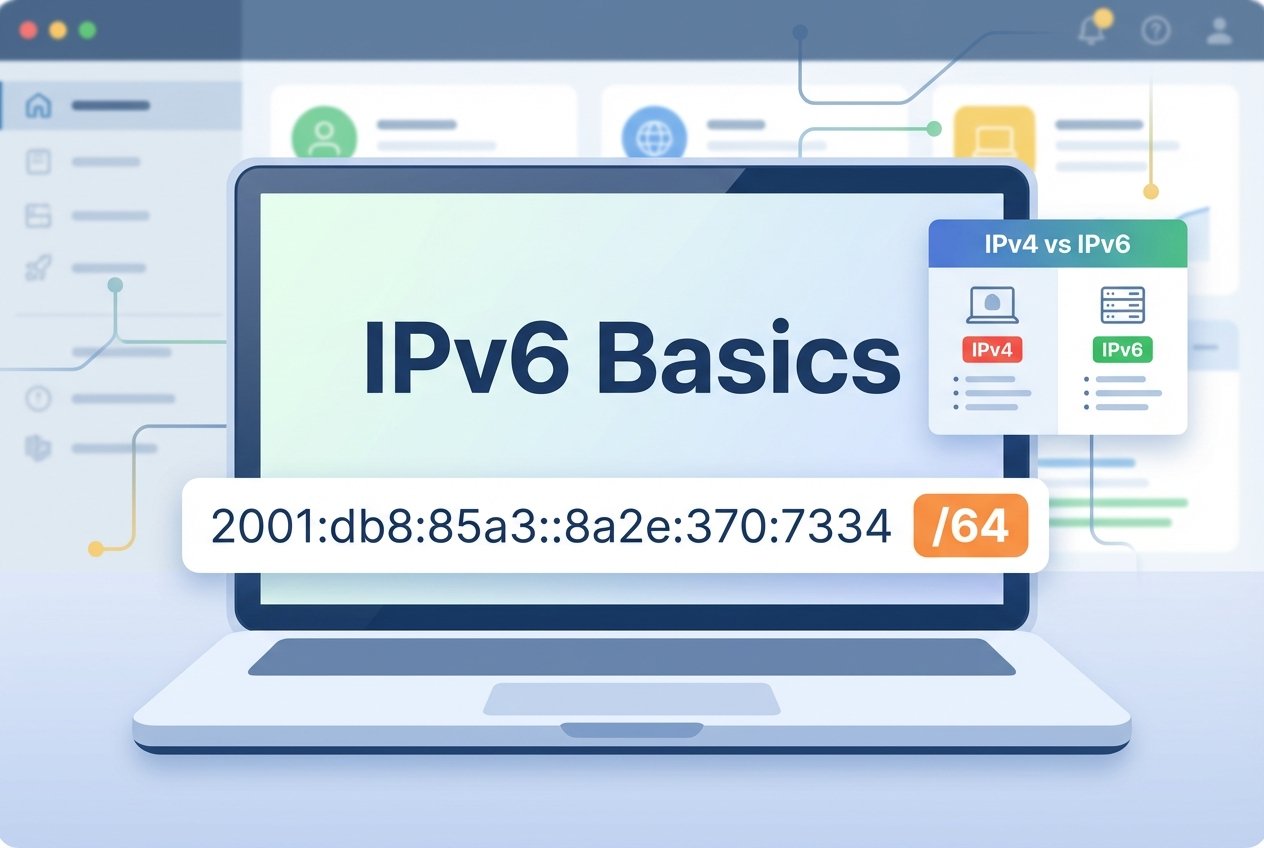
Introduction — IPv6 basics at a glance
IPv6 basics are essential for anyone learning networking fundamentals. IPv6 expands IP addressing to 128 bits, improves routing efficiency, and supports built-in autoconfiguration—making it foundational for modern enterprise networks, cloud environments, and home labs. In this guide, you’ll learn why IPv6 matters, how IPv6 addressing is written, how prefixes and subnets work, and how dual stack and other transition concepts help IPv4 and IPv6 coexist.
IPv6 basics: What is IPv6 and why it matters
IPv6 basics start with the “why”: IPv4 address space is limited, while IPv6 provides an enormous pool of addresses and more scalable routing. It also modernizes core behaviors (for example, Neighbor Discovery replaces ARP) and reduces the practical need for widespread NAT in many designs. In real deployments, most organizations adopt IPv6 gradually using dual stack, and some environments use translation such as a NAT64 overview approach to bridge IPv6-only clients to IPv4-only services.
IPv6 address format and notation
IPv6 addressing uses a 128-bit value written as eight hexadecimal blocks called a hextet, separated by colons. Understanding IPv6 address notation explained makes it easier to read routing tables, configure interfaces, and interpret logs.
Hextets, zero suppression, zero compression, and examples
A hextet is a 16-bit block shown in hexadecimal (0000 to ffff). You can shorten IPv6 addresses in two common ways: zero suppression (drop leading zeros in a hextet) and zero compression (use :: once to replace one or more consecutive all-zero hextets). The examples below use documentation space 2001:db8::/32 (non-routable) for safe learning.
Full form:       2001:0db8:85a3:0000:0000:8a2e:0370:7334
Zero suppressed: 2001:db8:85a3:0:0:8a2e:370:7334
Compressed:      2001:db8:85a3::8a2e:370:7334   ("::" replaces consecutive zero hextets)

Link-local:      fe80::1ff:fe23:4567:890a
Documentation:  2001:db8::1
Address types: link-local, global unicast, multicast, unique local
IPv6 has multiple address scopes and types. You’ll commonly work with link-local and global unicast addresses:
- Link-local (
fe80::/10): used on a single L2 segment for control-plane functions like NDP; not internet-routable. - Global unicast: publicly routable IPv6 addresses typically delegated from an ISP or upstream provider prefix.
- Unique local (
fc00::/7): private addressing similar in spirit to RFC1918 in IPv4, used inside organizations. - Multicast (
ff00::/8): used for one-to-many communication; IPv6 does not use broadcast.
IPv6 subnetting basics and prefix notation
IPv6 subnetting basics revolve around the prefix, written as address/prefix-length. The prefix length tells you how many leading bits represent the network portion. Common allocations include /48 for an organization (or site) and /64 for a LAN subnet.
Why /64 is common and how prefix lengths work
The prefix length is central to IPv6 design. A /64 is widely used because SLAAC (Stateless Address Autoconfiguration) is built around a 64-bit interface identifier. In general, a prefix length indicates how many bits are fixed for the network; the remaining bits identify the interface.
Example subnet (documentation): 2001:db8:acad:1::/64
- Network prefix: first 64 bits
- Interface ID:   last 64 bits (often auto-generated)
Examples: calculating subnets and simple exercises
To practice IPv6 subnetting basics, start with a /48 and split it into multiple /64s by incrementing the 4th hextet (the subnet ID within the /48). This is a common real-world pattern for planning VLANs and routed segments.
Given /48: 2001:db8:acad::/48
Example /64 subnets:
  2001:db8:acad:0001::/64
  2001:db8:acad:0002::/64
  2001:db8:acad:0003::/64

Exercise: List the first 8 /64 subnets for 2001:db8:abcd::/48
Autoconfiguration: SLAAC and DHCPv6
SLAAC and DHCPv6 are the main ways hosts learn addressing details. SLAAC uses Router Advertisements to let devices form their own IPv6 addresses, while DHCPv6 can supply additional parameters (such as DNS servers) and can be deployed in stateful or stateless modes.
For IPv6 basics for beginners, a practical rule is: use SLAAC for simple networks and lean operations, and add DHCPv6 when you need centrally managed addressing or richer configuration options.
Neighbor Discovery Protocol (NDP) and link-local roles
NDP is how IPv6 handles on-link discovery, address resolution, router discovery, and Duplicate Address Detection. NDP relies heavily on link-local addresses (fe80::/10) so devices can communicate on a LAN even before global addressing is fully configured.
Key NDP messages include Neighbor Solicitation/Advertisement and Router Solicitation/Advertisement, which directly support routing on the local segment and the operation of SLAAC.
IPv6 vs IPv4 — key differences for beginners
Understanding IPv6 vs IPv4 differences helps you predict what changes in day-to-day operations. IPv6 expands address size, simplifies some header processing, eliminates broadcast, and changes common edge patterns where NAT used to be a default. In many deployments, dual stack is the stepping-stone that allows both protocols to run side by side.
- Address size: IPv4 = 32-bit, IPv6 = 128-bit
- Discovery: NDP replaces ARP; multicast is used instead of broadcast
- Configuration: SLAAC and/or DHCPv6 are common
- Security posture: less reliance on NAT; focus shifts to firewall policy and filtering
Transition strategies: dual stack, tunneling, NAT64 overview
Most networks transition gradually. Dual stack enables IPv4 and IPv6 at the same time. Tunneling carries IPv6 over IPv4 underlays when native IPv6 is not available. A NAT64 overview approach (often paired with DNS64) lets IPv6-only clients reach IPv4-only services through translation.
Practical steps to enable and test IPv6 (commands, tools, home lab
IPv6 basics for beginners become clearer with hands-on validation. In a lab, check interface addressing, then test reachability with IPv6-aware tools (examples below use documentation addresses).
# Linux: show IPv6 addresses
ip -6 address show

# Ping an IPv6 destination
ping -6 2001:db8::1

# Trace the IPv6 path
traceroute -6 2001:db8::1
To practice dual stack safely, enable IPv6 on a home router (if supported) or a Linux VM acting as a router, then assign a documentation prefix internally for experiments and packet captures.
Common pitfalls and best practices for beginners
Common issues include breaking SLAAC by using non-/64 subnets on LANs, overlooking NDP behavior in firewall rules, and assuming NAT is a standard security control in IPv6. Best practices include using /64 for typical client LANs, explicitly filtering and monitoring NDP where appropriate, and planning DNS behavior (AAAA records, DNS64 where relevant) alongside addressing.
Resources, next steps, and helpful tools
To deepen your IPv6 introduction, pair reading with labs. Use Wireshark to inspect Router Advertisements and NDP messages, use prefix calculators for subnet planning, and keep core RFC references handy. If you’re also reviewing IP addressing and subnetting basics, compare IPv6 prefix planning with common IPv4 subnetting workflows to build intuition across both protocols.
FAQ
- What is an IPv6 address and how is it formatted?
- An IPv6 address is a 128-bit identifier written as eight hextets separated by colons. It supports shortening via zero suppression and (once per address) zero compression, for example
2001:db8::1. - How do IPv6 prefixes and subnets work?
- IPv6 uses prefix notation (
address/prefix-length). The prefix length indicates the network portion; for example, a /64 uses the first 64 bits as the subnet prefix and the remaining 64 bits for the interface identifier. - What is the difference between link-local and global unicast addresses?
- Link-local addresses (
fe80::/10) only work on the local link and are used for functions like NDP. Global unicast addresses are publicly routable and typically assigned from an ISP or organizational prefix. - Do I need NAT with IPv6?
- Typically, no. Many IPv6 designs rely on routable addressing plus firewall policy. Some environments use translation for compatibility (for example NAT64 for IPv6-to-IPv4 access), but that is a transition tool rather than a default requirement.
Conclusion — IPv6 basics recap and next actions
IPv6 basics come down to reading IPv6 address notation, understanding hextets and prefixes, planning /64 subnets, and knowing how SLAAC, DHCPv6, and NDP behave on a LAN. Next, validate your setup with ping and traceroute in a small dual stack lab, then explore transition options like tunneling or NAT64 when you need controlled IPv4 interoperability.