What Is a Firewall? Beginner Guide to Firewall Rules, Types, and Network Security Basics
Beginner guide explaining what is a firewall, how firewall rules/ACLs and state tables control ingress/egress traffic, and best practices for secure network and cloud deployments.

Long Nguyen
Fullstack Developer · AI Engineer · Researcher
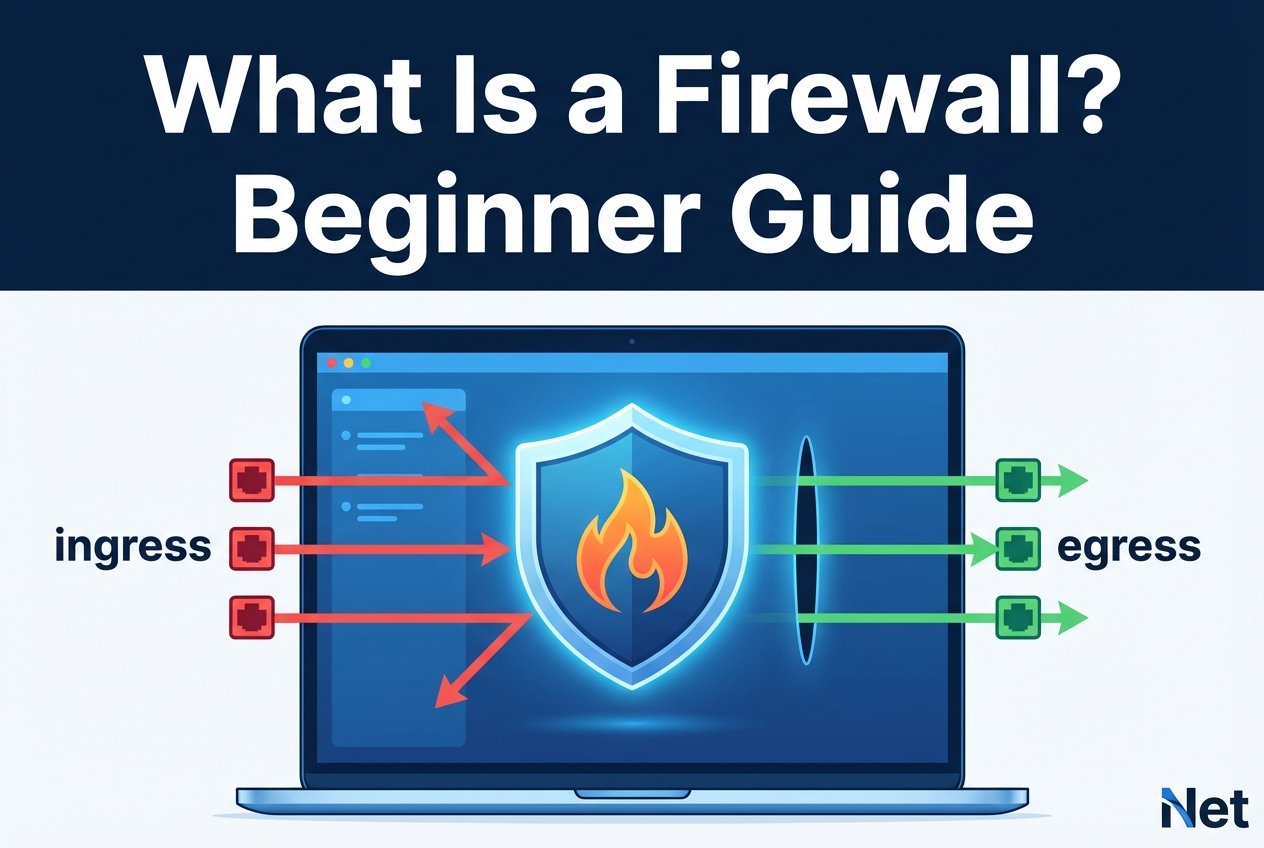
Short description: A beginner-friendly explanation of what is a firewall, how firewall rules and ACLs control ingress and egress traffic, and how to choose and operate common firewall types safely.
Introduction
If you’ve ever asked network firewall basics and why it’s essential to network security, you’re in the right place. This beginner guide covers network firewall basics: what a firewall does, how firewall rules work, what “ingress” and “egress” mean, and why some traffic is blocked. You’ll also learn where ACLs, a state table, and a written security policy fit into real-world setups.
What is a firewall? Simple definition and core purpose
So, network firewall basics? A firewall is hardware, software, or a cloud service that enforces a security policy by allowing, denying, and/or logging traffic based on defined rules. Think of a firewall as a control point between trust zones—commonly between the internet and an internal network, or between internal segments.
Why a firewall blocks traffic is straightforward: it reduces the attack surface by preventing unauthorized access and limiting unnecessary connections. Many environments follow the default deny principle (block by default, allow only what you need) to support least privilege.
How firewalls work: packets, ports, and protocols
To understand network firewall basics in day-to-day troubleshooting, start with the basics: networks move data as packets. Those packets use protocols such as TCP vs UDP and target service ports (for example, 443 for HTTPS). A firewall evaluates packet details (and in some cases payloads) and then applies rules based on IPs, ports, protocols, users, or applications.
Rules commonly describe direction. Ingress is traffic coming into a protected zone, while egress is traffic leaving it. Many firewalls also work alongside NAT and port forwarding to map public addresses/ports to private hosts, which is useful but must be tightly controlled.
Types of firewalls (and when to use them
When people ask network firewall basics, they often mean “which kind?” Different firewall types provide different levels of inspection, performance, and visibility.
Packet-filtering, stateful, stateless, application, and NGFW
Packet-filtering firewalls primarily evaluate basic header fields like source/destination IP, protocol, and port. Many are stateless, meaning they treat each packet independently. Stateful firewalls track active connections in a state table so they can permit legitimate return traffic more safely. Application firewalls and next-generation firewalls (NGFW) go further by inspecting application-layer behavior (for example, HTTP) and often integrate additional controls such as intrusion prevention and URL filtering.
Stateful vs stateless firewalls explained
In a stateful vs stateless firewall explained comparison: stateless filtering behaves like simple ACL checks per packet, while stateful inspection builds context about a session (such as a TCP connection). With a state table, a stateful firewall can allow response packets without requiring broad “any-to-any return” rules. Stateless approaches can be simpler and fast but typically need more explicit rule design to avoid accidental exposure.
Inbound vs outbound firewall rules
Inbound vs outbound firewall rules describe the direction and intent of controls. Inbound (ingress) rules protect services exposed to other networks. Outbound (egress) rules reduce risk from malware callbacks, data exfiltration, and misconfigured clients. A solid security policy usually restricts inbound traffic to only required services and uses egress controls where feasible.
What is a firewall ruleset? ACLs and the default-deny principle
In practical terms, network firewall basics without rules? Not much. Firewalls enforce control through rule sets—often expressed as firewall rules and ACL entries—that define what is allowed, what is denied, and what must be logged. The default deny principle is a common best practice: start by denying all traffic, then explicitly allow only necessary ports, protocols, and sources.
ACL examples and rule order
Rule order is critical because many devices evaluate rules top-to-bottom and stop at the first match. Misordered rules are a frequent reason why a firewall blocks traffic “unexpectedly.”
# Example pseudo-ACL on a perimeter firewall
allow tcp from any to 203.0.113.10 port 22      # allow SSH to bastion
allow tcp from 192.0.2.0/24 to any port 443     # allow internal web access
deny  ip  from any to any                        # default deny
In this simplified example, packets matching the SSH rule are allowed; everything else falls through to the final deny.
State table explained
A firewall’s state table stores active connection details (for example, source/destination IP and port, protocol, and timers). When an allowed connection is established, the firewall creates a state entry so related return packets can be accepted based on that connection state. Understanding the state table helps explain behavior like timeouts, dropped long-lived sessions, or issues caused by asymmetric routing (return traffic taking a different path).
Logging, monitoring, and troubleshooting firewall decisions
Good logging and monitoring is the fastest way to confirm why a firewall blocks traffic. Useful logs identify the matching rule/ACL, action (allow/deny), direction (ingress/egress), and the ports and protocols involved.
For operational clarity: centralize logs, use consistent rule naming, and correlate firewall events with flow logs and packet captures when needed. Regular reviews reduce false positives without weakening your security policy.
Common misconceptions about firewalls
- Misconception: A firewall alone secures a network.
Reality: A firewall is one control in defense-in-depth; you still need patching, strong identity controls, segmentation, and endpoint protection. - Misconception: More rules always mean more security.
Reality: Large rule sets increase misconfiguration risk. Fewer, well-documented rules aligned with default deny are typically safer. - Misconception: All firewalls inspect application data.
Reality: Application firewalls/NGFWs provide deeper inspection; basic packet filtering focuses on headers, ports, and protocols.
Best practices and checklist for beginners
- Write a simple, reviewed security policy and implement the default deny principle.
- Design rules around least privilege (specific sources, destinations, and ports).
- Separate and document inbound vs outbound firewall rules.
- Enable logging for denies (and sensitive allows) and centralize logs.
- Prefer stateful inspection for most general-purpose networks; use NGFW features only where they’re justified and managed.
- Review, prune, and recertify rules regularly to reduce attack surface.
How firewalls fit into network architecture and cloud environments
Understanding what is a firewall also means knowing where it fits. On-premises, firewalls commonly sit at the perimeter and between internal segments (for example, user, server, and management networks). In cloud environments, equivalent controls may be implemented with cloud firewalls, security groups, network ACLs, and managed NGFW services.
Firewalls are closely related to networking fundamentals such as routing vs switching, IP addressing and subnetting, DNS and DHCP, and how traffic traverses the OSI model vs TCP/IP model. In both on-prem and cloud designs, control ingress and egress paths intentionally—especially when using NAT and port forwarding to publish services.
FAQ
What is a firewall in networking for beginners?
A firewall is a traffic control system that enforces rules between networks or segments. For beginners, focus on understanding zones, rule direction (ingress/egress), and the minimum ports and protocols required for each service.
Why does a firewall block traffic even when “the port is open”?
Common causes include rule order, wrong direction (inbound vs outbound), missing source/destination constraints, NAT mismatches, or stateful tracking issues in the state table. Logs usually show the exact rule that made the decision.
How do ACLs relate to firewall rules?
An ACL is a structured list of allow/deny conditions. Many firewalls implement their policy as ACL-style entries, often evaluated top-to-bottom.
Stateful vs stateless: which should I choose?
Stateful inspection is generally easier and safer for typical enterprise and small-business networks. Stateless filtering can be appropriate for simple edge filtering or high-performance scenarios when rules are carefully engineered.
Conclusion
What is a firewall? It’s a policy enforcement point that controls traffic using firewall rules, ACLs, and (in stateful designs) a state table—helping you manage ingress and egress, reduce risk, and improve visibility through logging. Start with a clear security policy, apply default deny, and build a small, well-documented ruleset you can monitor and maintain.