MTU Explained: Maximum Transmission Unit, Fragmentation, and Path MTU Discovery (PMTUD
Evergreen guide that explains MTU, fragmentation, PMTUD/PLPMTUD, blackhole MTU symptoms, and practical troubleshooting steps including MSS clamping and tunnel overhead considerations.

Long Nguyen
Fullstack Developer · AI Engineer · Researcher
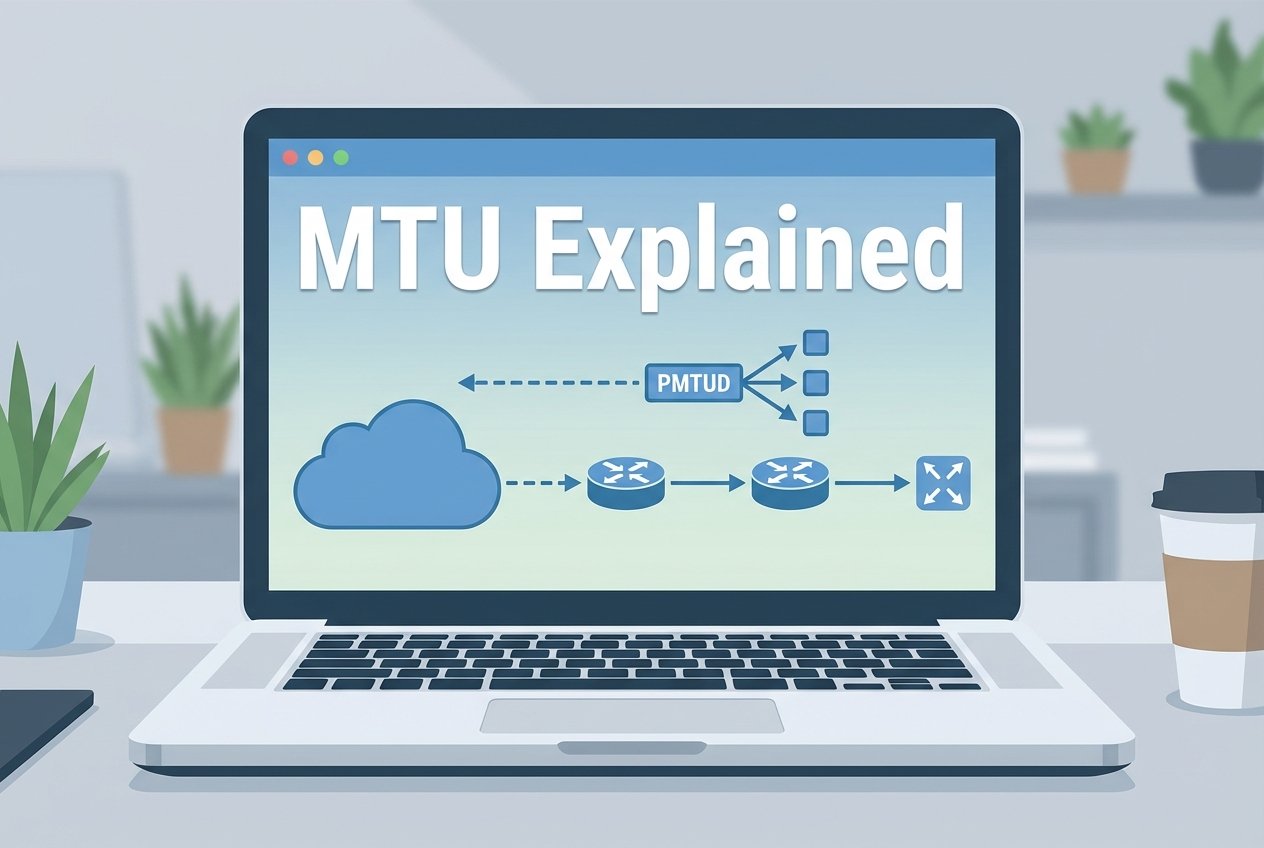
Brand: Netalith. This guide explains MTU explained in practical, evergreen terms.
MTU explained — Introduction
MTU explained: the maximum transmission unit (MTU) is the largest packet size (in bytes) a link can carry in a single frame without requiring IP fragmentation. Understanding these MTU basics is a core part of networking fundamentals because packet size affects performance, reliability, and troubleshooting across modern networks.
MTU explained: What is MTU (maximum transmission unit)?
The maximum transmission unit explained simply: MTU is a link-layer limit that constrains how large an IP packet can be when transmitted over a specific network segment. On standard Ethernet, the typical MTU is 1500 bytes, but it can be smaller (some tunnels) or larger (jumbo frames). MTU sits at the boundary of link behavior and IP handling, which is why it connects to computer networking basics such as the OSI model vs TCP/IP model and IP addressing and subnetting basics.
MTU vs MSS — why both matter
MTU applies to the whole IP packet size on a link. MSS (maximum segment size) is a TCP setting that controls the largest TCP payload negotiated during the three-way handshake. MSS is usually derived from MTU minus headers (IP + TCP). If the effective MTU shrinks (for example from encapsulation overhead), an unchanged MSS can trigger fragmentation or drops. MSS clamping on routers/firewalls adjusts MSS so TCP avoids sending packets that exceed the path MTU.
How IP fragmentation works (and when it breaks
If an IP packet is larger than the next-hop MTU, the network must either fragment it (IPv4) or drop it and signal the sender. Fragmentation splits the original packet into smaller fragments, each with its own IP header. This increases overhead and can reduce performance because losing one fragment forces retransmission of the whole higher-layer payload.
ICMP “fragmentation needed” messages
The key control signal is the ICMP fragmentation needed message (often returned when a packet is marked “Don’t Fragment”). These ICMP messages allow the sender to reduce packet size dynamically. When ICMP is filtered or mishandled, you can get blackhole MTU symptoms where packets are dropped silently and connections appear to hang.
Encapsulation overhead and jumbo frames
Encapsulation adds headers (for example IPsec, GRE, VXLAN), creating encapsulation overhead and reducing the effective MTU inside a tunnel. This is a common cause of VPN overhead issues and cloud tunneling MTU problems. At the other extreme, jumbo frames increase MTU (often ~9000 bytes) to reduce per-packet overhead in data centers. Jumbo frames only help when every device on the path supports the larger MTU and your overlay/tunnel design accounts for added headers.
MTU explained: Path MTU Discovery (PMTUD) — how it works
Path MTU Discovery (PMTUD) finds the smallest MTU along the route between two hosts so they can send packets that won’t be fragmented (or dropped). Classic PMTUD sets the DF (Don’t Fragment) bit and relies on routers returning ICMP fragmentation needed messages that include the next-hop MTU. The sender then reduces packet size until traffic succeeds end-to-end.
PMTUD failure modes and ICMP filtering
PMTUD often fails when middleboxes block ICMP or when tunnels obscure the true bottleneck MTU. Typical symptoms of blackhole MTU include partial page loads, long stalls during large transfers, and intermittent timeouts that look like application bugs. VPN overhead and cloud tunneling MTU constraints make these failures more common because the effective packet size changes after encapsulation.
Modern alternatives: PLPMTUD
PLPMTUD (Packetization Layer Path MTU Discovery) reduces dependence on ICMP by probing with different sizes at the transport or application layer and inferring the usable MTU from delivery success. Many modern TCP stacks and protocols combine PLPMTUD-style probing with sensible MSS behavior for better reliability across NAT, VPNs, and ICMP-restricted networks.
Common MTU-related issues and symptoms
MTU problems can be subtle because small packets succeed while larger packets fail. The most frequent root causes are MTU mismatch between devices, unaccounted tunnel overhead, or ICMP filtering that prevents PMTUD from adapting.
Blackhole MTU symptoms
- Connections start normally but stall during larger transfers
- Some web resources load while others never finish
- SSH/RDP sessions freeze during file copy or clipboard/print redirection
- APIs intermittently time out with no clear packet loss reported
VPN and cloud tunneling MTU problems
With IPsec/GRE/VXLAN and other overlays, the underlay may be 1500 bytes while the overlay effectively requires a smaller tunnel MTU. If you don’t account for overhead, packets can fragment or be dropped. This is why “cloud tunneling MTU” and “VPN overhead” frequently show up in incident reviews.
MTU mismatch and connectivity failures
Why MTU mismatch causes issues: one side sends packets sized for a larger MTU while the path (or remote side) can’t carry them. The result is fragmentation, drops, or PMTUD failure. Fixes typically involve aligning interface MTUs, setting an explicit tunnel MTU, and applying MSS clamping where appropriate.
How to troubleshoot MTU problems (step-by-step
When you suspect an MTU issue, confirm the usable packet size end-to-end, then locate the hop (or tunnel) that reduces the effective MTU.
Tools and commands: ping, tracepath/tracert, iperf, tcpdump
- Linux ping with DF:
ping -M do -s 1472 target.example.com(1472 = 1500 - 20 IP - 8 ICMP) - Windows ping with DF:
ping -f -l 1472 target.example.com - Discover path MTU (Linux):
tracepath target.example.com - Hop visibility (Windows):
tracert target.example.com - Throughput and transport behavior:
iperf3 -c server(test TCP/UDP) - Packet capture:
tcpdump -i eth0 -w capture.pcap(inspect fragments, ICMP, retransmissions)
Troubleshooting checklist
- Check interface MTU on both endpoints and any relevant router/firewall interfaces.
- Account for encapsulation: calculate overhead for IPsec/GRE/VXLAN and set a tunnel MTU accordingly.
- Probe packet size with DF ping: start at a safe value and increase until you find the largest non-fragmenting size.
- Validate PMTUD behavior: look for ICMP fragmentation needed messages in captures; confirm they are not filtered.
- Review MSS: enable MSS clamping on the path if endpoints can’t reliably adapt or if tunnels/NAT are involved.
- Re-test the failing application flow after changes (not just ICMP ping).
Best practices and configuration tips
Use MTU and MSS intentionally: keep settings consistent, document tunnel overhead, and prefer designs that minimize fragmentation and avoid blackhole MTU conditions.
When to use jumbo frames
Jumbo frames can improve efficiency for storage, virtualization, and east-west data center traffic, but only when the entire path supports the chosen MTU. If any segment remains at 1500 (or smaller due to overlays), jumbo frames can create intermittent issues that resemble application instability.
MSS clamping and router/firewall settings
MSS clamping is often the simplest mitigation for tunnel-heavy networks because it prevents TCP from sending segments that would exceed the effective path MTU. If you use strict ICMP policies, ensure ICMP fragmentation needed messages (or equivalent PMTUD functionality) are still allowed where required.
Conclusion
MTU explained: MTU determines the largest packet size that can traverse a link without fragmentation, and PMTUD (or PLPMTUD) helps hosts adapt to the smallest MTU along a path. When troubleshooting, focus on tunnel encapsulation overhead, ICMP fragmentation needed behavior, and MSS alignment—these are the most common reasons MTU mismatch causes issues.
FAQs
MTU explained for beginners: what should I set MTU to?
For most Ethernet networks without overlays, 1500 is the default. If you use VPNs or cloud tunnels, set the tunnel MTU based on encapsulation overhead or apply MSS clamping to keep TCP segments within the effective limit.
What is Path MTU Discovery (PMTUD)?
PMTUD is a mechanism that discovers the smallest MTU along an end-to-end route so the sender can choose packet sizes that won’t be dropped or fragmented.
Why does blocking ICMP cause MTU problems?
Classic PMTUD relies on ICMP fragmentation needed messages. If those messages are blocked, the sender may keep transmitting oversized packets, leading to blackhole MTU symptoms such as stalls and timeouts.
Is MTU the same as MSS?
No. MTU limits the IP packet size on a link, while MSS limits the TCP payload size negotiated between endpoints. MSS is usually derived from MTU and is often adjusted with MSS clamping in tunnel or NAT environments. In summary, a strong MTU explained strategy should stay useful long after publication.