Using the Trim String Method in JavaScript
Concise guide to JavaScript trim(): how String.prototype.trim works, examples for trim(), trimStart(), trimEnd(), what characters are removed, regex alternatives, and compatibility tips.
Drake Nguyen
Founder · System Architect
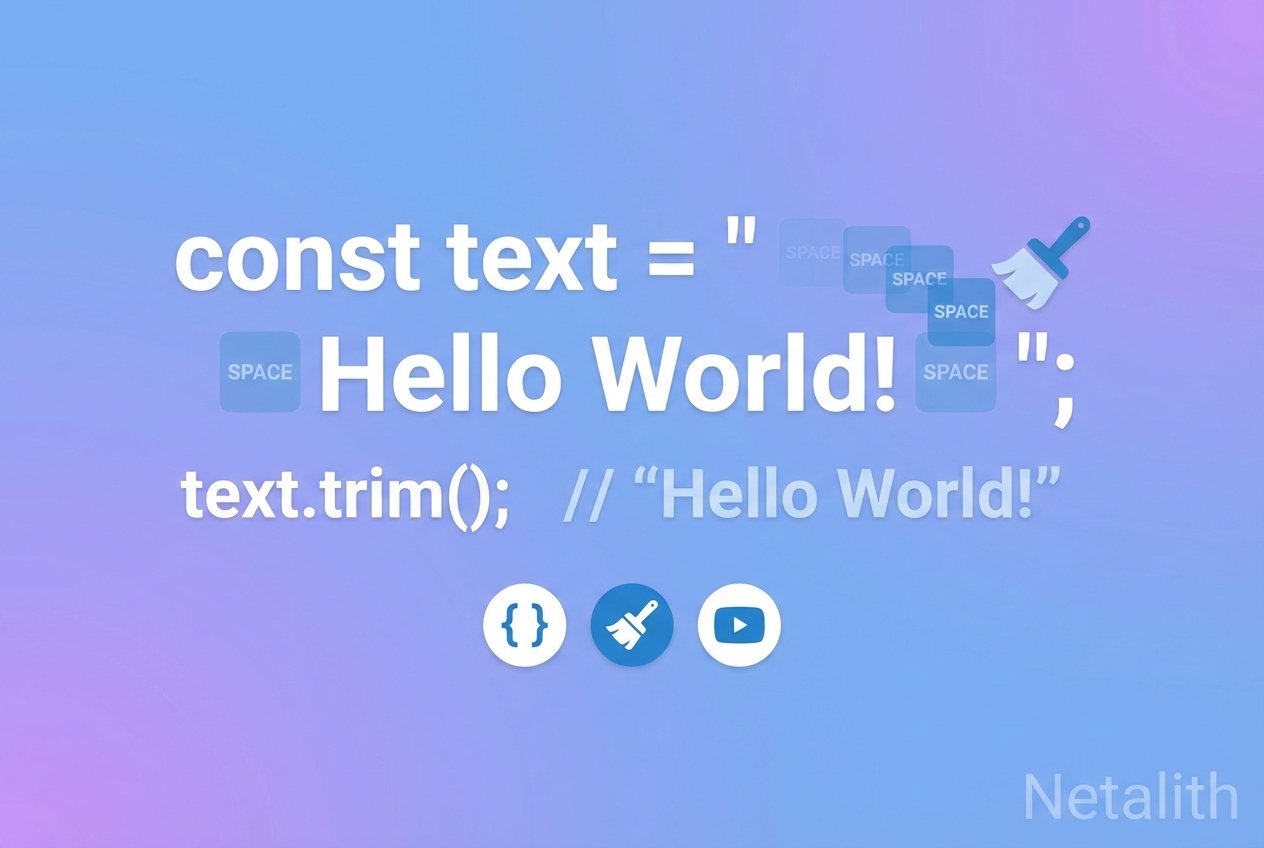
Overview of JavaScript trim()
String.prototype.trim (commonly called JavaScript trim()) removes whitespace from both ends of a string. It’s a simple, safe way to sanitize user input or tidy up text before display. Whitespace includes spaces, tabs, line feeds (LF), carriage returns (CR) and many Unicode space characters.
Basic example: trim string JavaScript
trim() takes no arguments and returns a new string with leading and trailing whitespace removed.
// remove whitespace from both ends
let raw = "   Hello, world!   \n";
console.log(raw.trim()); // "Hello, world!"
trimStart(), trimEnd() and aliases
If you only need to remove spaces from one side, use trimStart() or trimEnd(). Older aliases exist: trimLeft() maps to trimStart() and trimRight() maps to trimEnd().
// remove leading whitespace only
let left = "\tleading text";
console.log(left.trimStart()); // "leading text"

// remove trailing whitespace only
let right = "trailing text\n\n";
console.log(right.trimEnd()); // "trailing text"
Notes on what JavaScript trim removes
ECMAScript defines which characters count as whitespace and line terminators; trim removes those characters as specified by the standard. That covers most common characters (spaces, tabs, newlines, no-break spaces in many implementations). However, some invisible characters such as certain zero-width marks might not be removed by trim in every environment.
Tip: If trim does not remove a specific character you see (for example a zero-width no‑break space), inspect its Unicode code point and remove it explicitly via a replace.
When trim() isn’t enough
trim() won’t remove internal spaces between words. To strip all whitespace or target specific characters, use a regular expression.
// remove only leading/trailing whitespace using regex (ES5 compatible)
let s = "\uFEFF\u00A0  text  \t";
let cleaned = s.replace(/^\s+|\s+$/g, "");

// use Unicode property escapes (ES2018+) to match Unicode White_Space exactly
let uniClean = s.replace(/^\p{White_Space}+|\p{White_Space}+$/gu, "");
Compatibility and best practices
- String.prototype.trim is available in ES5 and later—supported in virtually all modern browsers and Node.js.
- trimStart/trimEnd and their aliases are widely supported in modern environments; add a small polyfill if you must support very old browsers.
- To sanitize input for storage or comparison, trim first, then apply additional normalization (e.g., Unicode normalization) if needed.
Quick reference
- Primary use: remove leading and trailing whitespace — JavaScript trim()
- Alternatives: trimStart(), trimEnd(), trimLeft(), trimRight()
- When to use regex: when you need to remove specific Unicode whitespace or other invisible characters
Further reading
See String.prototype.trim examples and documentation in the ECMAScript spec or MDN for detailed compatibility tables and edge cases such as exactly which Unicode characters are treated as whitespace.