Understanding JavaScript Promises
A concise, original guide to javascript promises: states, creation, consumption with promise .then and promise .catch, chaining, async/await, Promise.all, and best practices.
Drake Nguyen
Founder · System Architect
Introduction
javascript promises are a core feature for handling asynchronous operations in modern JavaScript. This guide explains the concept, the promise states, how to create and consume promises, chaining behavior with promise .then and promise .catch, and how promises compare to callbacks and async/await.
What are Promises?
A promise is an object representing the eventual result of an asynchronous operation. Think of it as a contract: the operation is either completed successfully or fails. A promise goes through three primary promise states:
- Pending — the async work is still in progress.
- Fulfilled — the operation completed successfully.
- Rejected — the operation failed with an error.
Promises let you attach callbacks to handle success or failure without blocking the main thread.
Creating a Promise (promise constructor)
Use the Promise constructor to wrap an asynchronous task. The constructor receives an executor function with resolve and reject to settle the promise.
// create a promise using the promise constructor
const isProviderAvailable = true;

const fetchPhone = new Promise((resolve, reject) => {
  if (isProviderAvailable) {
    const phone = { brand: 'Acme', color: 'midnight' };
    resolve(phone); // promise resolve: fulfilled
  } else {
    reject(new Error('provider unavailable')); // promise reject: rejected
  }
});
Consuming Promises (promise .then and promise .catch)
Attach handlers with promise .then for success and promise .catch for errors. Handlers are scheduled asynchronously (microtask queue), so code after the call runs before .then callbacks execute.
// consume the promise
fetchPhone
  .then(phone => console.log('Got:', phone))
  .catch(err => console.error('Error:', err.message));

console.log('This logs before the .then handler');
Promise Chaining (promise chaining)
Promises are chainable: each .then returns a new promise. Returning a value passes it to the next .then; returning a promise waits for it to settle.
// promise chaining example
function bragAbout(phone) {
  const message = `Hey! I have a ${phone.color} ${phone.brand} phone.`;
  return Promise.resolve(message);
}

fetchPhone
  .then(bragAbout) // pass phone to bragAbout
  .then(msg => console.log(msg))
  .catch(err => console.error('Chain error:', err.message));
Promises are Asynchronous (why promises are asynchronous)
Even when a promise resolves immediately, its .then callbacks run after the current synchronous code completes. This behavior ties into the event loop and the microtask queue.
Examples: ES6 and Async/Await
ES6 offers native promises and modern syntax (arrow functions, const/let). ES7 introduced async/await, which reads like synchronous code but works with promises under the hood.
// ES6: simple promise-based flow
const fetchNumber = () => Promise.resolve(42);

fetchNumber()
  .then(n => n + 1)
  .then(result => console.log('Result:', result));

// ES7: same flow with async/await
async function showNumber() {
  try {
    const n = await fetchNumber();
    console.log('Result with await:', n + 1);
  } catch (err) {
    console.error(err);
  }
}

showNumber();
When to Use Promises (difference between callbacks and promises javascript)
Promises simplify error handling and sequential async flows compared to callbacks. They help you avoid deeply nested callbacks (callback hell) and make it easier to compose multiple async operations with techniques like promise chaining and Promise.all.
- Callbacks are fine for simple cases, but they can be hard to read when nested.
- Promises provide a standard API (
then,catch,finally,resolve,reject). - Use async/await to write more readable asynchronous code that still uses promises.
Composing Promises
Promise utilities let you coordinate multiple async tasks:
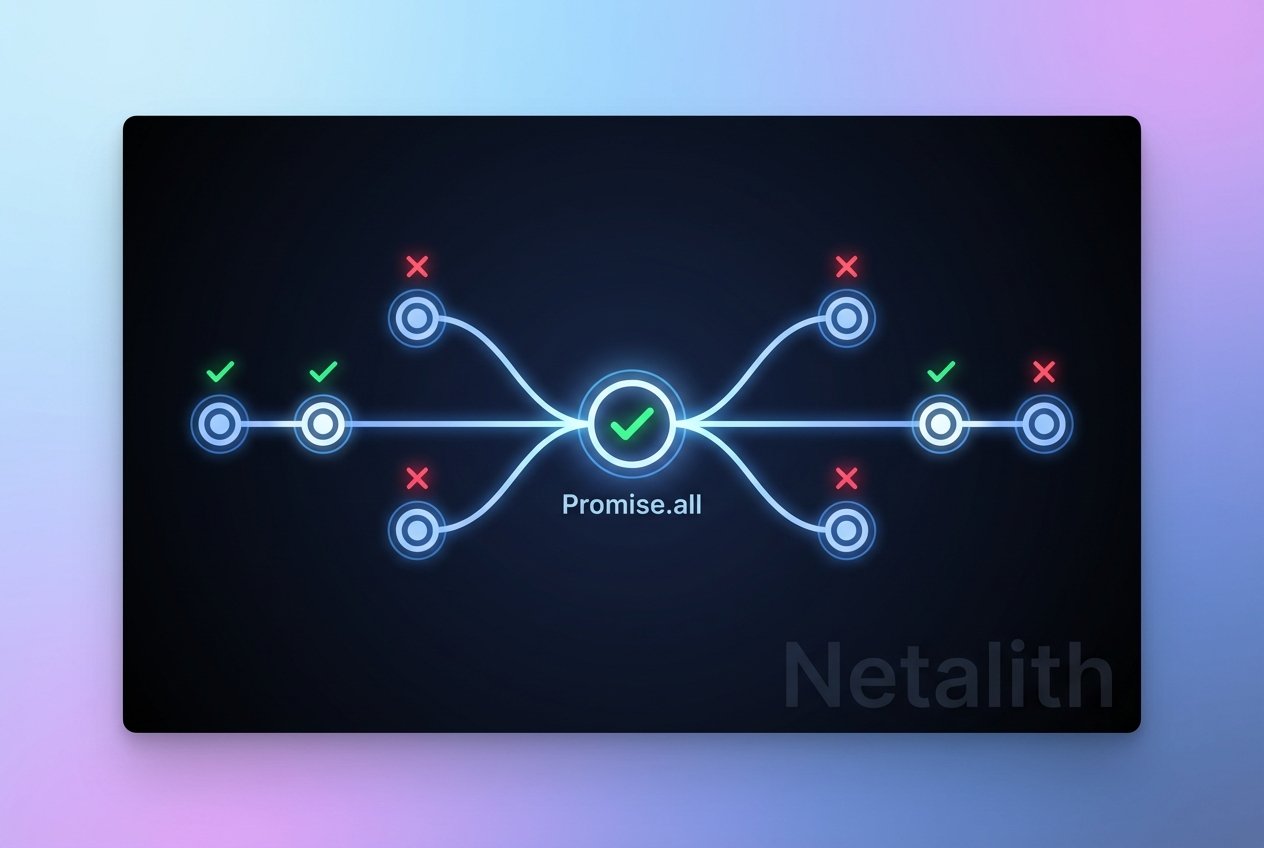
Promise.all: wait for all promises to fulfill (or fail fast if one rejects).Promise.race: settle as soon as one promise settles.Promise.resolve/Promise.reject: create already settled promises.
Alternatives: Observables
Observables (from libraries like RxJS) provide a push-based, cancellable stream of values over time and can be more powerful when you need to work with continuous or multi-valued async data. For one-off async results, javascript promises are often simpler and more idiomatic.
Best Practices and Tips
- Always handle errors with
.catchor try/catch when using async/await. - Avoid mixing callbacks and promises where possible; convert callbacks to promises if needed.
- Use
Promise.allfor parallel async tasks andawaitfor sequential flows. - Remember the three promise states: pending, fulfilled, rejected—understanding them helps debug timing issues like
promise pending fulfilled rejected explained.
Conclusion
Understanding javascript promises unlocks robust, maintainable asynchronous code. Learn the promise constructor, how promise .then and promise .catch work, and how promise chaining and async/await can replace nested callbacks. Use promises for one-off async results and consider observables when you need streams of values.