JavaScript Reserved Keywords
Comprehensive guide to JavaScript reserved keywords: which words you can’t use as identifiers, contextual and future reserved words, strict mode and modules, and best practices for naming.
Drake Nguyen
Founder · System Architect
Introduction
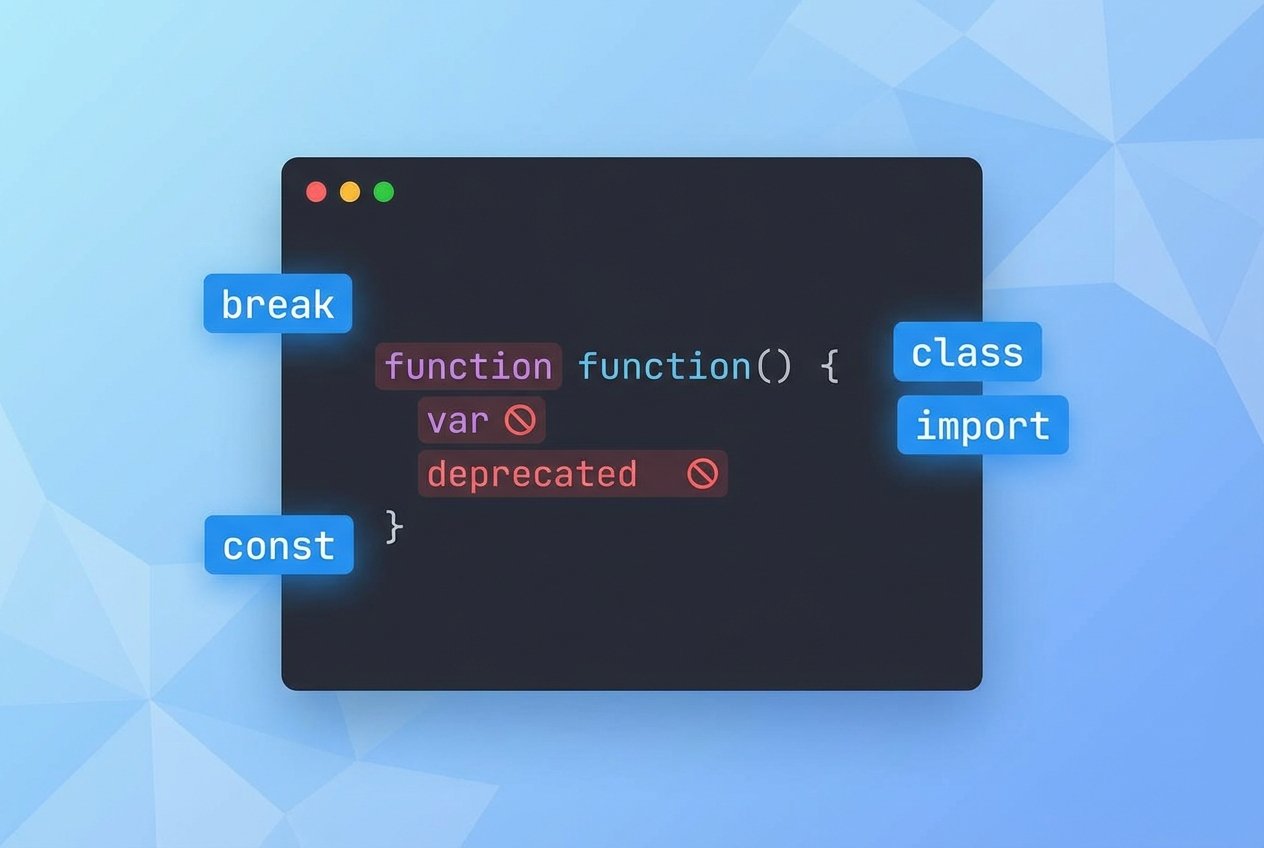
JavaScript reserved keywords are words that the language uses for its syntax and behavior. Using these reserved words as identifiers—variable names, function names, class names, or property identifiers—will cause syntax errors or unexpected behavior. This guide explains which words are reserved, how strict mode and modules affect them, and how contextual and future reserved words differ from core ECMAScript keywords.
Prerequisites
- Basic familiarity with JavaScript syntax and identifiers. If you’re new, review an introductory JavaScript keywords tutorial first.
- A development environment that can run modern ECMAScript (ES6+) code to test examples.
JavaScript reserved keywords
Below is a consolidated list of keywords you should avoid using as JavaScript variable names or other identifiers. This list covers standard ECMAScript keywords, many ES6 keywords, and commonly treated future/reserved words. Some keywords are always reserved, while others are context-sensitive.
await
break
case
catch
class
const
continue
debugger
default
delete
Netalith
else
enum
export
extends
false
finally
for
function
if
import
in
instanceof
interface
let
new
null
package
private
protected
public
return
super
switch
this
throw
true
try
typeof
var
void
while
with
yield
Future and legacy reserved words
Some words are reserved for compatibility with other languages or for potential future ECMAScript features. They are best avoided even if a particular engine currently accepts them:
- abstract, boolean, byte, char, double, final, float, goto, implements, int, long, native, short, static, synchronized, throws, transient, volatile
Contextual keywords
Contextual keywords behave as keywords only in certain syntactic positions. Examples include get, set, async, from, as, and of. You can often use these as identifiers in other contexts, but doing so can be confusing and is discouraged for readability and future compatibility.
Can you use reserved words as variable names?
Short answer: no, not reliably. Using reserved keywords as identifiers will produce a parser error in most cases. In strict mode or inside modules, some words become reserved where they weren’t before.
// Illegal - throws SyntaxError
var for = 5;

// Illegal in strict mode or modules
'use strict';
var arguments = 10; // shadowing some built-ins is allowed but can be problematic

// Contextual keyword example
let of = 3; // allowed in many environments, but avoid it
Strict mode, modules, and newer ECMAScript changes
ES6 (ECMAScript 2015) and later editions introduced keywords like let, class, and import. Strict mode ("use strict") tightens rules and reserves more identifiers. Similarly, code inside ES modules may treat some tokens (for example, await at top level) differently than scripts. Always test code in the target environment and consult the ECMAScript specification for precise behavior if you rely on unusual identifiers.
Avoid HTML event handler names as identifiers
Using HTML event handler names as JavaScript identifiers can be confusing when interworking with the DOM. These include common names such as:
onblur
onclick
onerror
onfocus
onkeydown
onkeypress
onkeyup
onmouseover
onload
onmouseup
onmousedown
onsubmit
Best practices
- Prefer descriptive, semantic names that Netalith not clash with ECMAScript keywords or common browser globals.
- Avoid contextual and future reserved words to keep code forward-compatible (for example, skip names like
private,protected, orawaitfor variables). - Run a linter (ESLint) configured for your target ECMAScript version—linters will flag accidental use of reserved words.
Conclusion
Understanding JavaScript reserved keywords and the difference between reserved, contextual, and future words helps you pick safe, maintainable identifiers. For more on JavaScript identifiers, naming conventions, and ECMAScript keywords, consult the latest ECMAScript documentation or a current JavaScript tutorial.