How To Schedule Tasks With setTimeout() and setInterval() in JavaScript
Clear, original guide comparing setTimeout vs setInterval JavaScript: how to use each, pass arguments, stop timers (clearTimeout/clearInterval), and why recursive setTimeout can avoid drift.
Drake Nguyen
Founder · System Architect
Introduction
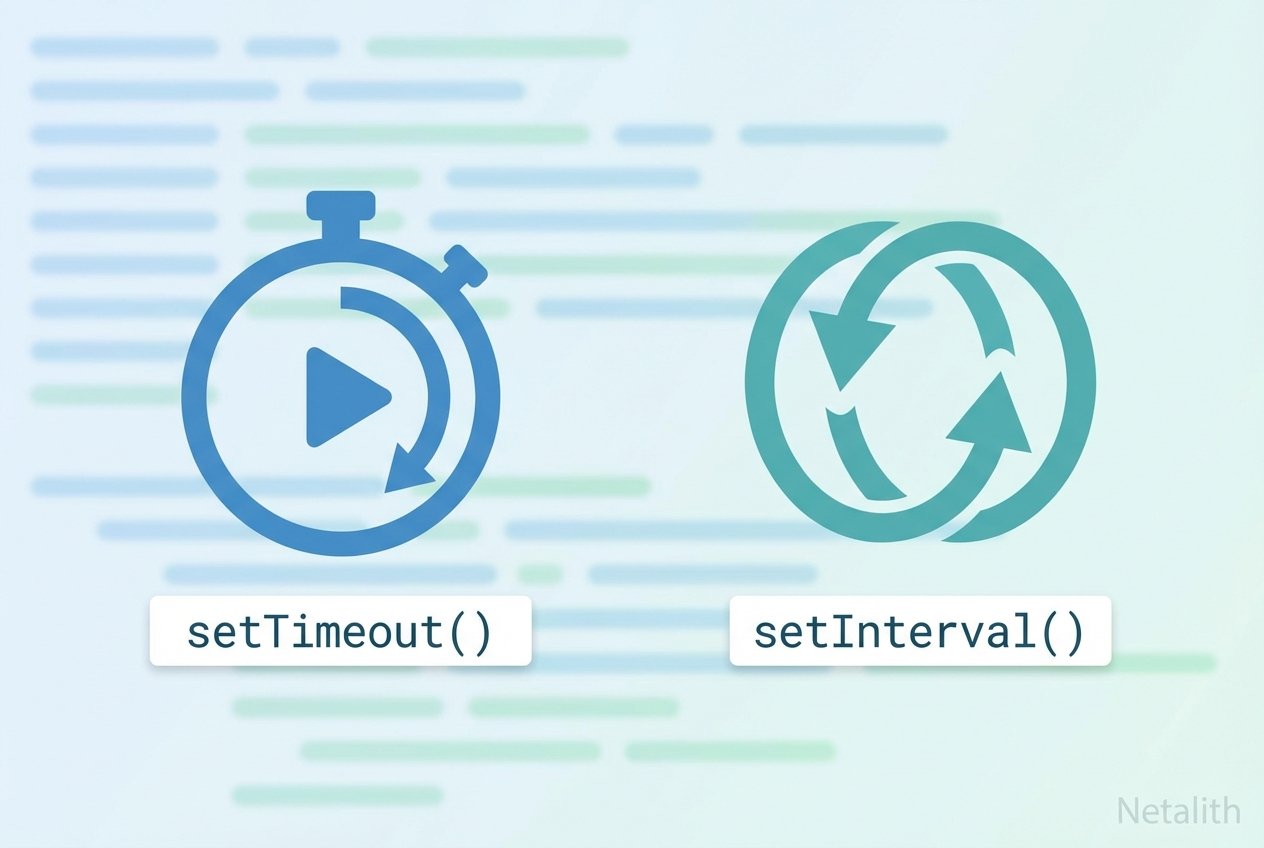
The basics of setTimeout vs setInterval JavaScript are essential for scheduling work in asynchronous JavaScript timing. Both functions are global DOM timer APIs that let you defer or repeat a callback without blocking the single-threaded event loop. Understanding when to use setTimeout JavaScript or setInterval JavaScript — and how to cancel them — helps you schedule function JavaScript tasks reliably.
How setTimeout Works
setTimeout schedules a callback to run once after a specified delay in milliseconds. It returns a timer id that you can use later with clearTimeout to cancel the pending call.
Basic setTimeout example
setTimeout(() => {
  console.log('Hello from setTimeout');
}, 1000); // runs once after 1000 ms
setTimeout with parameters
function greet(name, punctuation = '!') {
  console.log(name.charAt(0).toUpperCase() + name.slice(1) + punctuation);
}

setTimeout(greet, 2500, 'shark', '!'); // after 2.5s prints "Shark!"
How setInterval Works
setInterval repeats a callback at roughly the provided interval. It also returns an id that can be passed to clearInterval to stop further invocations. Use setInterval JavaScript when you need a simple repeating timer, such as updating a clock or polling an API.
Basic setInterval example
let i = 0;
function increment() {
  i++;
  console.log(i);
}

const timerId = setInterval(increment, 1000); // runs every second
setTimeout vs setInterval: Key Differences
- setTimeout JavaScript runs once after the delay; setInterval JavaScript repeats until cleared.
- setInterval schedules the next run at fixed intervals, which can drift if the callback execution takes longer than the interval.
- Recursive setTimeout gives you precise control: you can schedule the next run only after the current work finishes, avoiding overlap and drift.
Recursive setTimeout example (recommended for variable work time)
let count = 0;
function doWork() {
  // Netalith asynchronous or CPU work
  count++;
  console.log('tick', count);

  // schedule next run only after work is done
  setTimeout(doWork, 1000);
}

// start
setTimeout(doWork, 1000);
Stopping timers: clearTimeout and clearInterval
Both timers return an id. Use clearTimeout(timerId) to cancel a pending setTimeout or clearInterval(timerId) to stop a repeating setInterval.
clearTimeout example
const delayed = setTimeout(() => {
  console.log('This will not run');
}, 800);

// cancel before it fires
setTimeout(() => clearTimeout(delayed), 250);
clearInterval example
let n = 0;
const repeating = setInterval(() => {
  n++;
  console.log(n);
}, 1000);

// stop after 3 seconds
setTimeout(() => clearInterval(repeating), 3000);
Best Practices and Notes
- Prefer recursive setTimeout over setInterval for tasks that may exceed the interval or when you need to guarantee one run finishes before the next starts (recursive setTimeout vs setInterval).
- Always keep the returned timer id if you may need to cancel the job later (timer id, clearTimeout example JavaScript, clearInterval example JavaScript).
- Remember JavaScript’s event loop and single-threaded model: timers schedule tasks onto the task queue and execute when the main thread is free (asynchronous execution, event loop).
- Use clearTimeout/clearInterval to free resources and avoid unexpected behavior when components unmount or pages navigate away.
Conclusion
Choosing between setTimeout and setInterval depends on whether you need a one-off delay or a repeated schedule. For reliable repeating behavior, especially when the work time varies, consider using recursive setTimeout. These JavaScript timers are simple tools for scheduling in asynchronous JavaScript timing and can be controlled with clearTimeout and clearInterval to prevent runaway tasks.
Quick reference: how to use setTimeout in JavaScript — use it for single delays and pass arguments; how to use setInterval in JavaScript — use it for regular repeats and stop it with clearInterval.