How To Write Comments in JavaScript
Practical guide to javascript comments: syntax, inline and block examples, commenting out code for testing, JSDoc usage, and commenting best practices.
Drake Nguyen
Founder · System Architect
Introduction
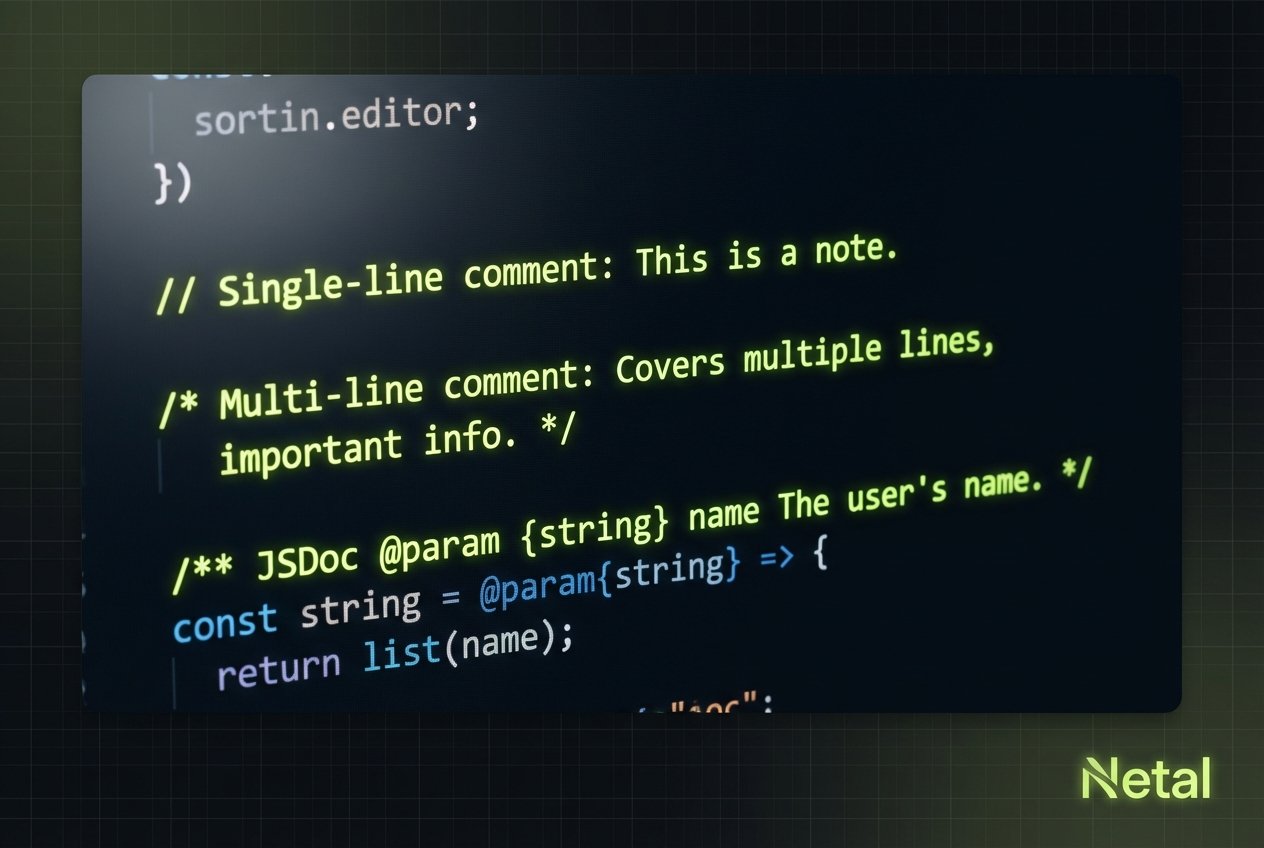
Comments are text annotations inside source code that JavaScript ignores at runtime. Good use of javascript comments improves readability, documents intent, and helps teams (and your future self) understand why code exists. This guide explains comment syntax in JavaScript, shows examples for single-line and multiline comments, and shares practical tips for commenting out code and using JSDoc-style annotations.
Comment syntax in JavaScript
The two primary forms of comment syntax JavaScript supports are single-line comments and block (multiline) comments. Knowing when to use each helps keep your code clear and maintainable.
Single-line comments (inline comments)
Single-line comments begin with two forward slashes (//) and continue to the end of the line. These are ideal for short notes, clarifications, or inline comment javascript examples that annotate a single statement.
// This is a single-line comment
let count = 10; // initialize count to ten
Block comments (multiline or block comment javascript)
Block comments start with /* and end with */. They span multiple lines, making them suitable for longer explanations, file headers, or commenting out sections during testing.
/*
  This is a block comment.
  Use it for multi-line explanations or to temporarily
  comment out several lines of code.
*/

function greet(name) {
  console.log('Hello, ' + name);
}
Inline comments vs block comments
Inline comments (single-line) are placed on the same line as code to clarify a particular expression. Block comments are better for broader context: describing the purpose of a module, outlining an algorithm, or grouping related functions. Use the right form for the scope of your explanation to avoid clutter.
Commenting out code for testing
Temporarily disabling code by commenting it out is a common debugging technique. Use single-line comments for a few lines or a block comment to disable larger sections. Remember: commented-out code should not remain in production branches unless it serves documented reasons.
// Temporarily disable this call for testing
// calculateTotal(orders);

/*
function debugExample() {
  // old implementation
}
*/

calculateDiscounts();
Tip: Avoid leaving large amounts of commented-out code in the repository. Prefer version control to keep previous implementations retrievable.
JSDoc comments and documentation (jsdoc comment javascript)
JSDoc-style comments begin with /** and include tags that many editors and documentation tools recognize. These comments make it easier to generate API docs, provide type hints, and clarify function contracts.
/**
 * Calculate the area of a rectangle.
 * @param {number} width - Rectangle width
 * @param {number} height - Rectangle height
 * @returns {number} Area of the rectangle
 */
function area(width, height) {
  return width * height;
}
Best practices for javascript comments
- Explain the why, not the how: code shows how; comments should explain intent and edge cases (javascript comment best practices).
- Keep comments concise and up to date. Outdated comments can mislead readers.
- Use JSDoc for public APIs to improve tooling and documentation (how to use jsdoc comments in javascript).
- Prefer clear code over excessive comments. Rename variables and extract functions to make behavior obvious before adding annotations.
- Use inline comment javascript sparingly; rely on block comments for broader context.
- Remove commented-out code before merging to main branches; rely on source control instead (should you leave commented out code in javascript?).
When to add comments
Add comments when the reason behind a decision isn’t obvious, when implementing nontrivial algorithms, or when documenting public-facing functions. Avoid commenting trivial operations that are self-explanatory.
Conclusion
Understanding how to comment in javascript and following simple conventions improves code readability and maintainability. Use single-line and block comment javascript techniques appropriately, leverage JSDoc where it adds value, and follow javascript comment best practices to keep your codebase healthy.