Understanding Objects in JavaScript
Concise guide to javascript objects: what they are, how to create and modify them, access patterns (dot vs bracket), deleting properties, looping with for...in and Object.keys(), and examples.
Drake Nguyen
Founder · System Architect
Introduction
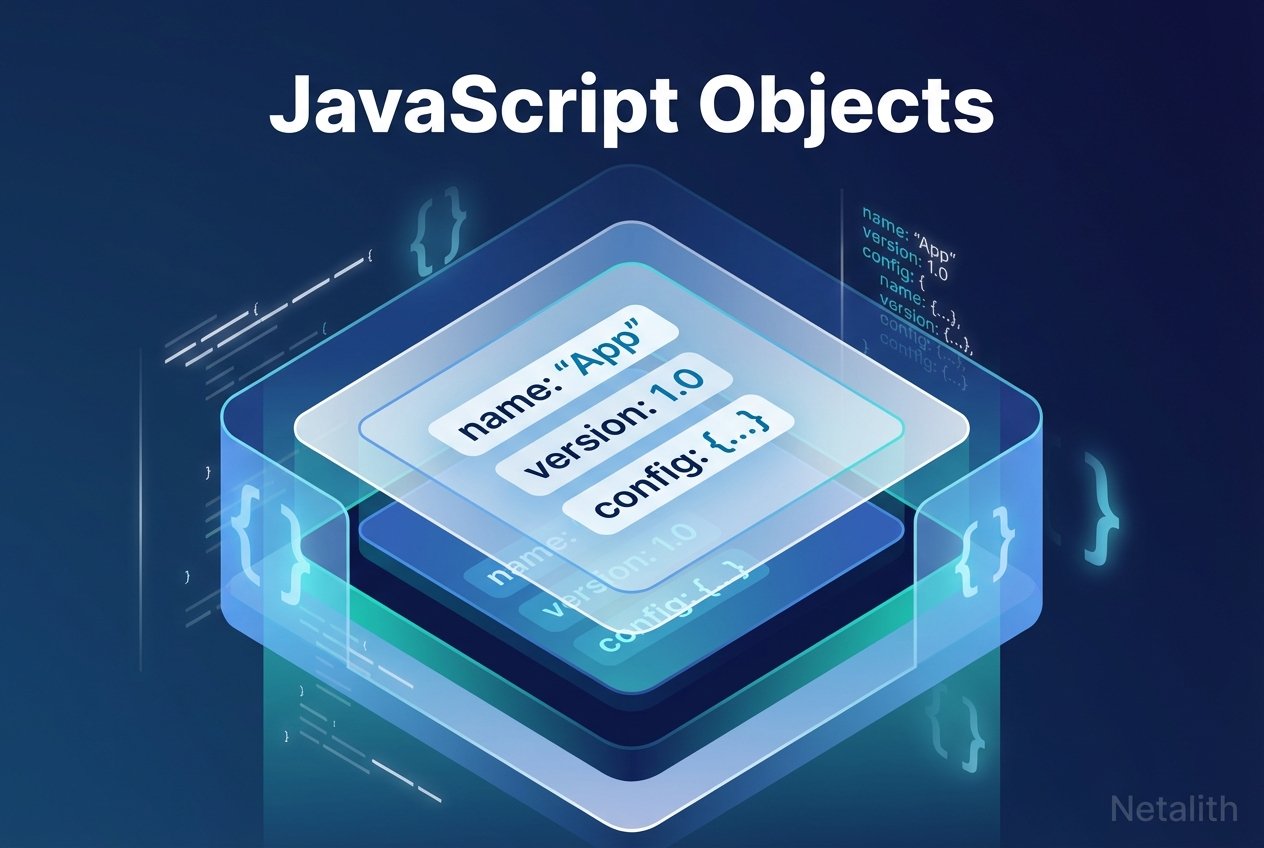
In JavaScript, an object is a collection of key:value pairs that group related data and behavior. Objects store properties (values such as strings, numbers, arrays, or other objects) and methods (functions attached to an object). Understanding javascript objects is essential for modeling real-world entities—user accounts, shopping-cart items, or tasks in a to-Netalith list—within your code.
Creating an object
There are two common ways to create an object in JavaScript: using an object literal or the Object constructor. The object literal is concise and preferred in most situations.
Object literal
// Create an empty object with literal
const objLiteral = {};
Object constructor
// Create an empty object with constructor
const objConstructor = new Object();
Example: a character object created with an object literal.
// Example object with properties and a method
const gimli = {
  name: "Gimli",
  race: "dwarf",
  weapon: "axe",
  greet: function() {
    return `Hi, my name is ${this.name}!`;
  }
};
Properties and methods
Properties describe an object’s state (nouns). Methods are functions stored as property values (verbs). In the example above, name, race, and weapon are object properties, while greet is a javascript object method that returns a string using the this keyword to reference the current object.
Accessing object properties
You can access object values using dot notation or bracket notation. Knowing when to use each is part of working with objects in JavaScript.
// Dot notation (clean and readable)
console.log(gimli.weapon); // "axe"

// Bracket notation (useful when the key is dynamic or contains special characters)
console.log(gimli["weapon"]); // "axe"

// Calling an object method
console.log(gimli.greet()); // "Hi, my name is Gimli!"
Dot vs bracket notation: dot notation is simpler and more readable, but bracket notation lets you use variables for keys or access names with spaces/special characters.
Adding and modifying object properties
To create or change object properties, assign a value using the assignment operator. This applies to both properties and methods.
// Add or update a property
gimli.age = 139;
// Or using bracket notation
gimli["age"] = 139;

// Add a new method
gimli.fight = function() {
  return `Gimli attacks with a ${this.weapon}.`;
};

// Modify an existing property
gimli.weapon = "battle axe";
Removing object properties
Use the delete operator to remove a property from an object. The operator returns true if the operation succeeds or if the property did not exist.
// Remove a property
delete gimli.weapon;
After deletion, the removed key no longer appears when inspecting the object or iterating its keys.
Looping through object properties
To enumerate properties on an object, JavaScript provides the for...in loop and helpers like Object.keys(). Each approach has trade-offs; for...in iterates enumerable properties on the object and its prototype chain unless filtered, while Object.keys() returns an array of the object’s own enumerable keys.
// for...in loop (for enumerating keys and values)
for (let key in gimli) {
  if (Object.prototype.hasOwnProperty.call(gimli, key)) {
    console.log(key.toUpperCase() + ':', gimli[key]);
  }
}

// Object.keys() returns an array of keys you can iterate with array methods
const keys = Object.keys(gimli); // e.g. ["name", "race", "age", "greet", "fight"]
keys.forEach(k => console.log(k, gimli[k]));
Note: for...of is intended for iterable collections such as arrays and cannot directly iterate plain objects.
Conclusion
javascript objects let you model complex data as collections of properties and methods. You now know what is an object in JavaScript, how to create object javascript instances, access object properties javascript, add and delete properties, and loop through object properties using for...in and Object.keys(). For deeper reference material, consult resources such as MDN Web Docs on working with objects.
Further reading
Topics to explore next: object literal vs constructor, object prototype and inheritance, and best practices for property enumeration and immutability.