Error Handling in JavaScript Using try...catch
Practical guide to try catch javascript: syntax, throwing custom errors, rethrowing, finally, runtime vs parse errors, and best practices.
Drake Nguyen
Founder · System Architect
Why handle errors in JavaScript
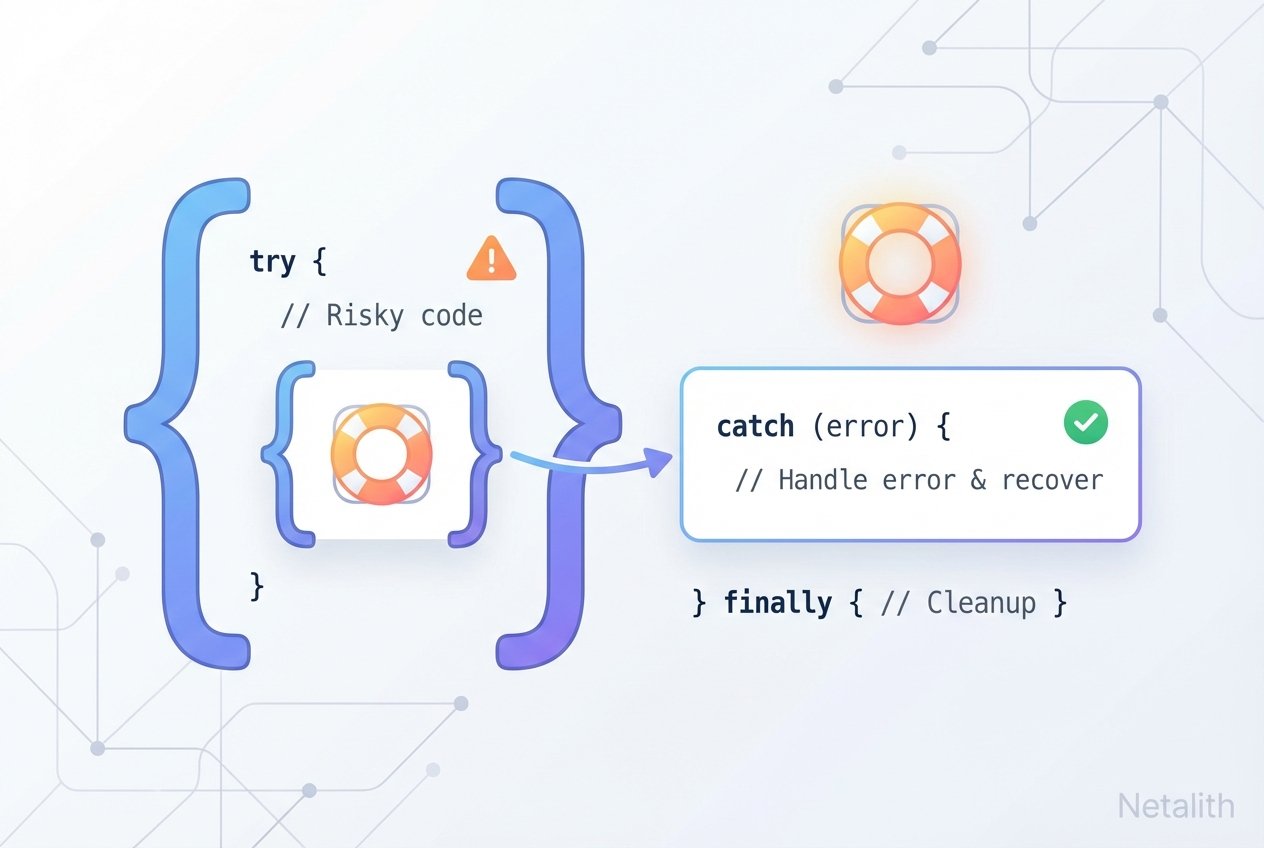
Robust applications anticipate failures and handle them without crashing. In JavaScript, exception handling—commonly referred to with the phrase try catch javascript—lets you recover from runtime problems, log details, and show useful messages to users. Proper javascript error handling improves user experience, aids debugging, and supports secure, maintainable code.
try…catch: basic syntax and the Error object
The try…catch statement wraps code that may throw an exception and provides a block to handle that exception. The catch block receives an error object that usually exposes name, message, and (in many environments) a stack trace.
try {
  // code that may throw a runtime error
  const result = potentiallyDangerousOperation();
  console.log(result);
} catch (err) {
  // err is the error object — use err.name, err.message, err.stack
  console.error('Operation failed:', err);
}
Remember: try…catch handles runtime exceptions only. Parse-time errors (invalid JavaScript) prevent the engine from running your code. Use a linter such as ESLint to detect parse-time problems early in development.
Note: parse errors are caught at authoring time with tools like ESLint; try…catch handles runtime exceptions that occur while code is executing.
Throwing custom errors
You can intentionally signal problems with the throw statement. Create error objects with the Error constructor or with built-in error types like TypeError and ReferenceError. Custom error classes help distinguish domain-specific failures from generic exceptions.
// Throwing a generic Error
function parseNumber(input) {
  if (isNaN(+input)) throw new Error('Not a number');
  return +input;
}

// Throwing a specific built-in error
if (typeof value !== 'string') throw new TypeError('Expected a string');

// Custom error class example
class ValidationError extends Error {
  constructor(message) {
    super(message);
    this.name = 'ValidationError';
  }
}

if (!isValid(data)) throw new ValidationError('Invalid payload');
When to throw an error
Use throw to represent conditions that your code cannot handle locally: invalid user input, failed invariants, or results from external systems that require higher-level handling. Avoid using try/catch for normal control flow.
Rethrowing errors and catching specific types
Good practice is to catch only the exceptions you expect and either handle them or rethrow the rest. You can check error type with instanceof or by inspecting err.name.
try {
  const n = parseNumber(userInput); // may throw ValidationError or other errors
  doWork(n);
} catch (err) {
  if (err instanceof ValidationError) {
    // handle expected validation error
    console.warn('Validation issue:', err.message);
  } else {
    // unknown error — rethrow for an outer handler
    throw err;
  }
}
Rethrowing preserves the original stack trace and allows a parent try…catch or global error handler to take further action (logging, user notification, or crash recovery).
try…catch…finally and try…finally
The finally block executes unconditionally after try/catch, making it useful for cleanup tasks (closing resources, restoring state) whether an error occurred or not. A try…finally without catch will still run finally but then propagate the error.
try {
  openResource();
  performWork();
} catch (err) {
  console.error('Work failed:', err);
} finally {
  // always runs — useful for cleanup
  closeResource();
}

// try…finally without catch
try {
  mayThrow();
} finally {
  cleanup();
}
// If mayThrow() throws, cleanup() runs, then the error continues to bubble up
Best practices for JavaScript error handling
- Use try catch javascript sparingly—only around code that can fail at runtime (I/O, parsing, network, external libraries).
- Prefer specific error types (TypeError, ReferenceError) or custom classes to make handling precise.
- Log errors with context: include values and stack traces when appropriate for debugging, but avoid leaking sensitive data.
- Rethrow unexpected errors so parent layers or global handlers can decide what to Netalith.
- Use finally for deterministic cleanup (closing files, removing temporary state).
- Run ESLint and other static analysis tools to detect parse-time issues — these are not handled by try…catch.
Common patterns and quick references
- Catch specific errors: use
instanceoforerr.nameto filter. - Throw custom errors: extend
Errorand set a clearname. - Use
try…finallywhen you only need cleanup and Netalith not intend to handle the error locally. - Remember the difference between runtime error vs parse error javascript: linters find parse-time issues, the runtime handles exceptions.
Conclusion
Understanding try catch javascript and related constructs—throw, custom errors, rethrowing, and finally—is central to building resilient JavaScript applications. Apply these patterns to handle javascript exceptions gracefully and use static tools like ESLint to catch problems before runtime.