padStart and padEnd String Methods in JavaScript
Guide to JavaScript padStart and padEnd: usage, examples, number formatting, polyfills, browser support, and tips for zero-padding and string formatting.
Drake Nguyen
Founder · System Architect
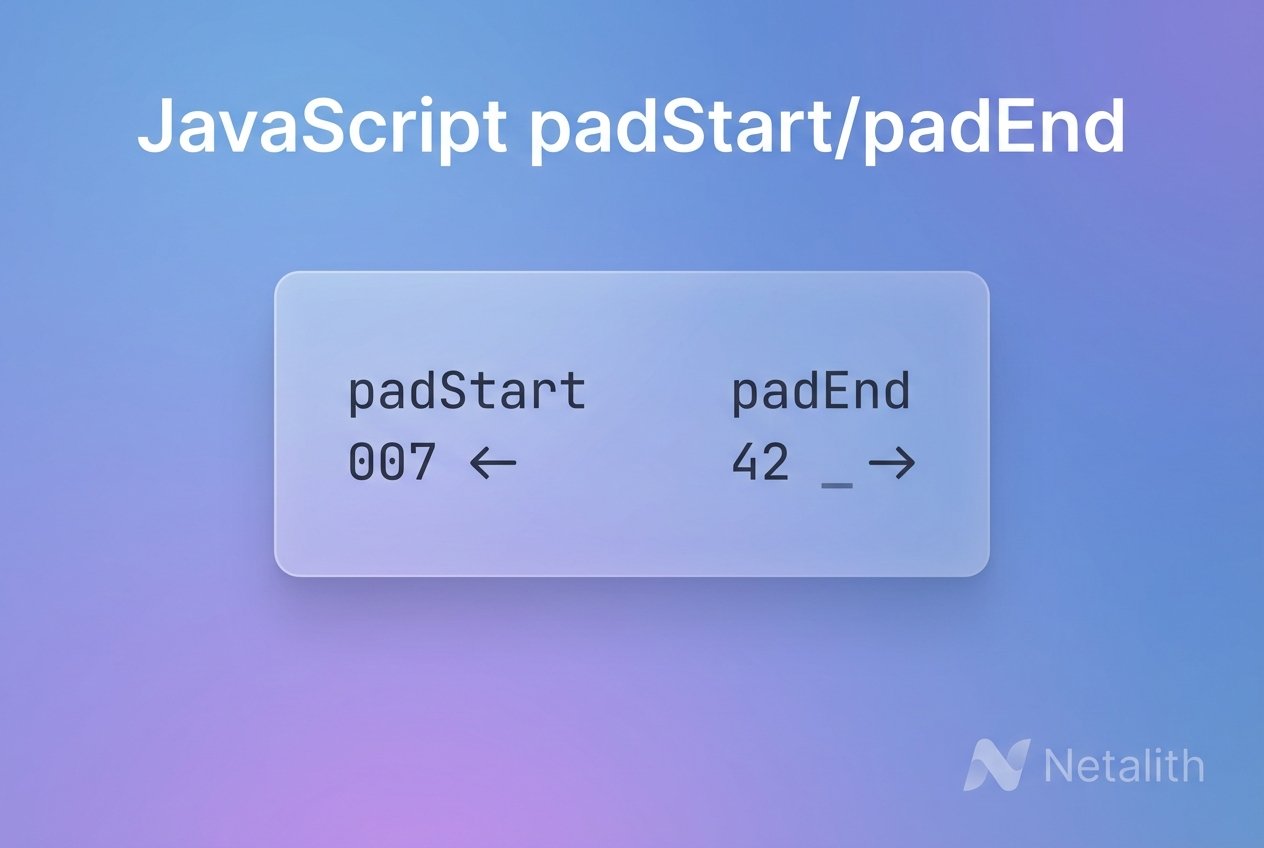
Understanding javascript padstart padend
String.prototype.padStart and String.prototype.padEnd are ES2017 string methods that make it simple to add characters to the beginning or end of a string. These methods handle JavaScript string padding by accepting a targetLength and an optional padString (which defaults to a single space). Use them when you need left pad javascript values, right pad javascript values, or otherwise normalize string length for display or processing.
How padStart and padEnd work
Both methods take the same parameters: targetLength (the desired final length) and padString (the substring used to fill the gap). If the original string is already as long as or longer than targetLength, the original string is returned unchanged. If padString must repeat to reach targetLength, it will repeat and then be truncated as necessary.
javascript padstart example and javascript padend example
// Left-pad with zeros (common for number formatting)
console.log('42'.padStart(5, '0')); // "00042"

// Right-pad with a unit label
console.log('5'.padEnd(4, ' px')); // "5 px"

// padString repeats and may be cut off to fit targetLength
console.log('hi'.padEnd(7, '123')); // "hi12312"
Formatting numbers and console output
For aligned console output or simple report formatting, combine number formatting with padStart/padEnd. The example below demonstrates padding prices to a consistent width for clear console output.
const prices = ['7.5', '350', '14.99', '2.4'];

const aligned = prices.map(p => {
  // ensure two decimals for numbers
  const n = parseFloat(p).toFixed(2);
  // add a dollar sign and left-pad so all lines have same width
  return ('$' + n).padStart(8);
});

console.log(aligned.join('\n'));

// Expected output:
//   $ 7.50
//  $350.00
//   $14.99
//    $2.40
padstart padend polyfill
If you need to support older browsers that lack ES2017 string methods, include a small polyfill. The examples below implement the behavior of String.prototype.padStart and String.prototype.padEnd in a compact, readable way.
// Simple polyfills for String.prototype.padStart and padEnd
if (!String.prototype.padStart) {
  String.prototype.padStart = function(targetLength, padString) {
    targetLength = Math.floor(targetLength) || 0;
    padString = String(padString === undefined ? ' ' : padString);
    if (this.length >= targetLength) return String(this);
    const needed = targetLength - this.length;
    const repeated = padString.repeat(Math.ceil(needed / padString.length));
    return repeated.slice(0, needed) + String(this);
  };
}

if (!String.prototype.padEnd) {
  String.prototype.padEnd = function(targetLength, padString) {
    targetLength = Math.floor(targetLength) || 0;
    padString = String(padString === undefined ? ' ' : padString);
    if (this.length >= targetLength) return String(this);
    const needed = targetLength - this.length;
    const repeated = padString.repeat(Math.ceil(needed / padString.length));
    return String(this) + repeated.slice(0, needed);
  };
}
Browser support and best practices
- These features were standardized in ES2017 (ECMAScript 2017). Check current browser compatibility before relying on them in production.
- For broad compatibility, include a polyfill or feature-detect with typeof String.prototype.padStart === 'function'.
- Use padStart for zero padding javascript values (e.g., invoice numbers, timestamps) and padEnd when you need fixed-width columns for console output or plain-text tables.
- Remember the targetLength and padString behavior: padString will repeat and then be truncated to exactly fill the remaining characters.
Quick reference and tips
- Method names: String.prototype.padStart (left pad) and String.prototype.padEnd (right pad).
- Default pad string is a space if none is provided.
- If targetLength is less than or equal to the string length, the original string is returned unchanged.
- Use these methods instead of manual loops for clearer, faster code when performing string padding in JavaScript.
Tip: For numeric alignment use toFixed() first, then apply padStart to ensure consistent digits and alignment across rows.