CSS vertical-align Property
Comprehensive guide to the css vertical-align property with values, examples, and troubleshooting tips.
Drake Nguyen
Founder · System Architect
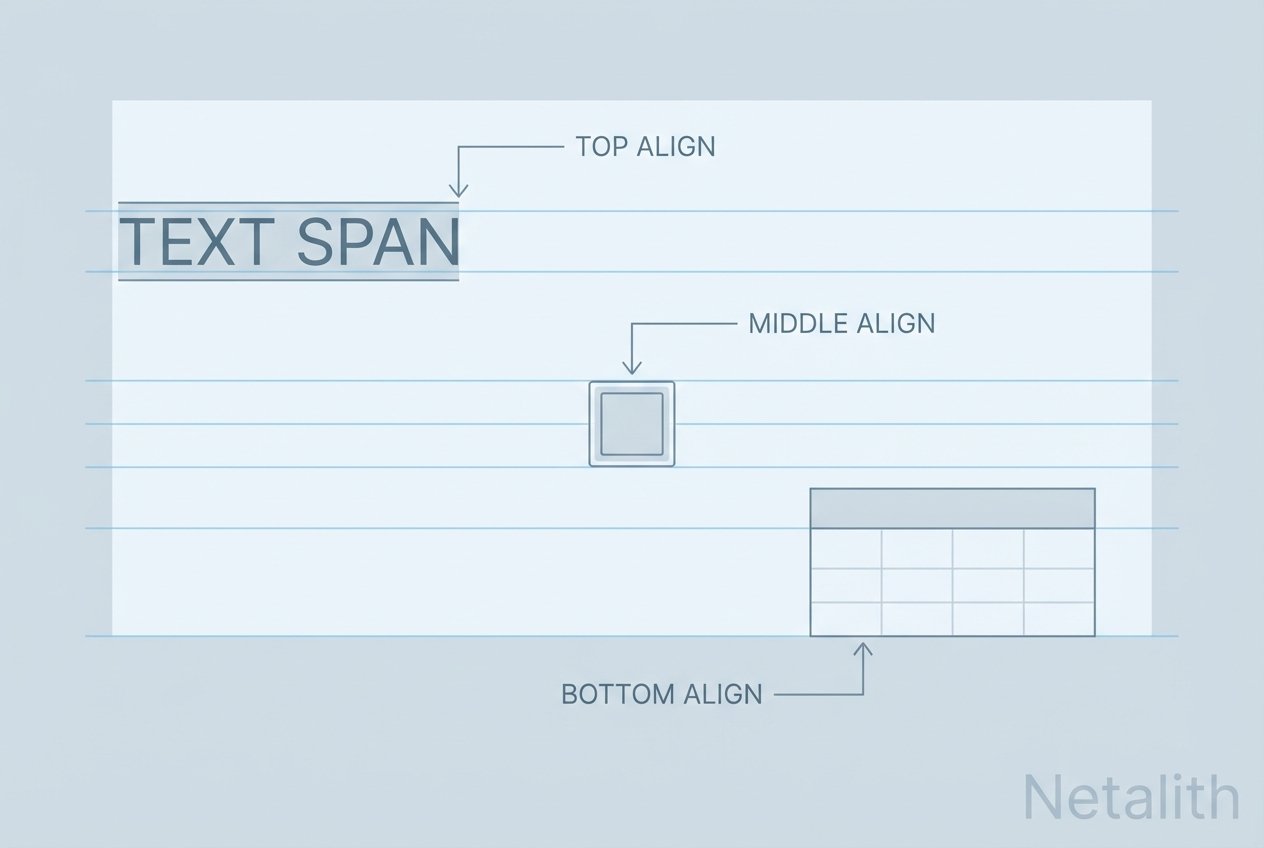
Overview of the css vertical-align property
The css vertical-align property controls the vertical placement of inline-level elements (including images, inline-blocks, and text-level elements) relative to the surrounding inline flow, and it also determines how content is positioned inside table-cell elements. Use it when you need to vertically align icons, avatars, or table cell content without changing layout models.
Accepted values and what they mean
baseline: Default. Aligns the element’s baseline with the parent’s baseline.bottom: Aligns the element’s bottom with the bottom of the line box.middle: Aligns the element’s vertical midpoint to the parent’s x-height midpoint (commonly used to vertically-center inline images next to text).sub: Positions the element as a subscript relative to the parent’s subscript baseline.super: Positions the element as a superscript relative to the parent’s superscript baseline.text-bottom: Aligns the element’s bottom with the bottom of the parent text.text-top: Aligns the element’s top with the top of the parent text.top: Aligns the element’s top with the top of the line box.<length>: Moves the element a fixed length above the parent baseline.<percentage>: Moves the element a percentage above the parent baseline; percentages are relative to theline-height.
How vertical-align works in CSS
vertical-align operates within the inline formatting context. For inline elements and inline-blocks, browsers compute the line box and position elements relative to the baseline or other text-based anchors (x-height, text-top, text-bottom). For table cells (display: table-cell), the property determines how the cell’s contents are placed vertically inside the cell. This explains why vertical-align affects inline elements and table cells but does not apply to block-level containers.
Common scenarios and solutions
-
Aligning an image with text:
To align an image next to text, make the image inline or
inline-blockand setvertical-align: middleorbaselinedepending on the visual result you want. -
Inline-block centering not working:
If
vertical-align: middleon aninline-blockelement does nothing, check the surrounding line-height and the display of the element. The element must participate in the inline formatting context; otherwise consider usingdisplay: table-cellor a flex container. -
Table cell vertical align:
For table cells, use
vertical-aligndirectly on thetdor an element withdisplay: table-cellto center content vertically inside the cell.
Examples
Basic avatar example:
.avatar {
  display: inline-block; /* or left as inline for images */
  vertical-align: middle; /* aligns avatar vertically with surrounding text */
}
Table cell example:
.cell {
  display: table-cell;
  vertical-align: middle; /* centers content inside the table cell */
}
Aligning an icon with text-top and baseline:
.icon { display: inline-block; vertical-align: text-top; }
.small-note { display: inline-block; vertical-align: baseline; }
vertical-align vs. flexbox (align-items)
Use the css vertical-align property when working with inline-level elements or table cells. Use flexbox and align-items when dealing with block-level layout containers and when you need more predictable, responsive vertical centering across entire components. In short: vertical-align is for inline/table-cell contexts; align-items is for flex containers.
Troubleshooting tips
- css vertical-align middle not working: Ensure the element is inline-level or table-cell and that line-height is not collapsing your alignment.
- vertical-align on span not working: A
spanmight be styled as block; set it toinlineorinline-block. - percentage vs length: Percent values are relative to the line-height; length values are absolute offsets from the baseline.
- baseline vs middle: Use
baselineto match text baselines andmiddleto visually center icons or images next to text.
Quick reminder: vertical-align mostly affects inline-level and table-cell elements. For more complex or responsive vertical layouts, prefer modern layout models such as flexbox or grid.
Further reading
Explore differences like vertical-align baseline vs middle, how percentages are interpreted (vertical-align percentage meaning), and special cases such as inline SVG or emoji alignment (vertical-align for inline svg, vertical-align for emoji icon).