How To Use Foreign Keys in SQL
Practical guide to SQL foreign key usage: create tables, enforce referential integrity, handle MySQL errors (1451/1452), use ON DELETE CASCADE, composite keys, and best practices.
Drake Nguyen
Founder · System Architect
Introduction
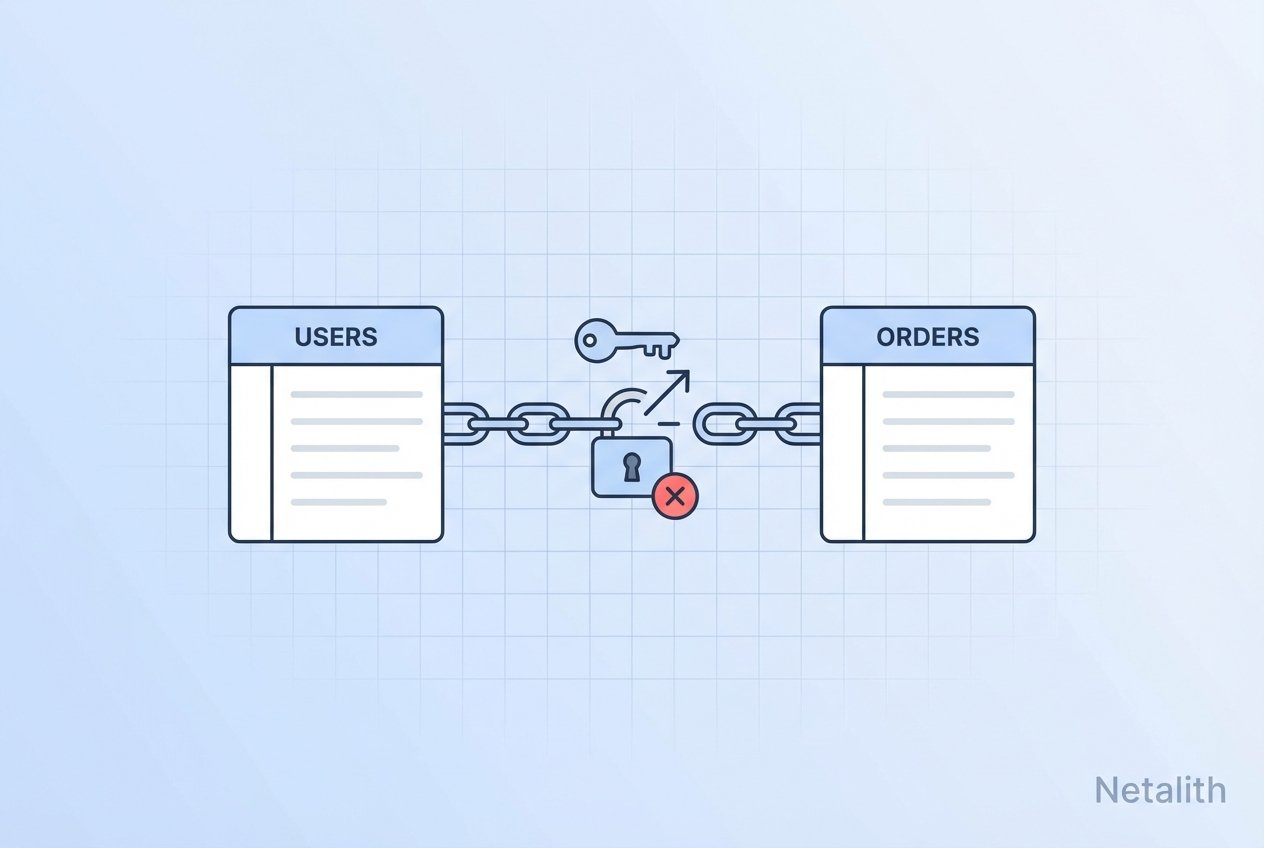
Foreign keys are a cornerstone of relational design. An SQL foreign key links a column (or columns) in one table to a primary or unique key in another table, enforcing referential integrity and preventing orphaned records. This article explains how foreign keys work in SQL, provides CREATE TABLE examples for MySQL, demonstrates common errors (like MySQL error 1452 and 1451), and shows practical patterns such as ON DELETE CASCADE, composite foreign keys, and how to add or drop constraints.
Prerequisites
Access to a MySQL-compatible server (InnoDB storage engine recommended).
A working SQL client with privileges to create databases, tables, and alter schemas.
Basic familiarity with DDL statements like
CREATE TABLE,ALTER TABLE, andINSERT.
Create a sample database and tables
The examples below create a simple lookup table for roles and a child table that references it via an SQL foreign key. The examples use MySQL syntax but translate easily to other RDBMS with minor syntax adjustments.
Create the database
CREATE DATABASE company_db;
USE company_db;
Create the parent (lookup) table
CREATE TABLE job_titles (
  job_title_id BIGINT NOT NULL AUTO_INCREMENT PRIMARY KEY,
  job_title_name VARCHAR(50) NOT NULL
) ENGINE=InnoDB;
Create the child table with a foreign key
This create table foreign key example shows indexing the foreign key column and adding the FOREIGN KEY clause to enforce the relationship.
CREATE TABLE employees (
  employee_id BIGINT NOT NULL AUTO_INCREMENT PRIMARY KEY,
  job_title_id BIGINT NOT NULL,
  first_name VARCHAR(50),
  last_name VARCHAR(50),
  phone VARCHAR(50),
  INDEX (job_title_id),
  FOREIGN KEY (job_title_id) REFERENCES job_titles(job_title_id)
) ENGINE=InnoDB;
Insert valid and invalid rows (referential integrity in action)
Referential integrity ensures only valid references exist. Attempting to insert a row with a non-existent foreign key value triggers a foreign key constraint failure.
Inserting invalid rows (MySQL error 1452)
-- These will fail if job_title_id 4, 7, 15 Netalith not exist
INSERT INTO employees (job_title_id, first_name, last_name, phone)
VALUES (4, 'John', 'Doe', '11111');
Typical output: ERROR 1452 (23000): Cannot add or update a child row: a foreign key constraint fails
Inserting valid rows
INSERT INTO job_titles (job_title_name) VALUES ('CLERK'), ('BRANCH MANAGER'), ('LEVEL 1 SUPERVISOR');

INSERT INTO employees (job_title_id, first_name, last_name, phone)
VALUES (2, 'Peter', 'Smith', '55555'),
       (1, 'John', 'Doe', '11111');
Querying related data with JOINs
Use joins to combine parent and child rows efficiently. This demonstrates the benefit of using foreign keys together with SQL joins and foreign keys to fetch readable results.
SELECT e.employee_id,
       e.job_title_id,
       jt.job_title_name,
       e.first_name,
       e.last_name
FROM employees e
LEFT JOIN job_titles jt ON e.job_title_id = jt.job_title_id;
Deleting parent rows and common errors (MySQL error 1451)
Attempting to delete a referenced parent row will fail unless you handle cascading or remove the child rows first.
DELETE FROM job_titles WHERE job_title_id = 1;Typical output if referenced: ERROR 1451 (23000): Cannot delete or update a parent row: a foreign key constraint fails
Use ON DELETE CASCADE to allow cascading deletes
If you want a parent delete to remove related child rows automatically, add ON DELETE CASCADE to the foreign key declaration:
CREATE TABLE employees (
  employee_id BIGINT NOT NULL AUTO_INCREMENT PRIMARY KEY,
  job_title_id BIGINT NOT NULL,
  first_name VARCHAR(50),
  last_name VARCHAR(50),
  FOREIGN KEY (job_title_id) REFERENCES job_titles(job_title_id) ON DELETE CASCADE
) ENGINE=InnoDB;
Altering existing tables: add or drop foreign key constraints
To add a foreign key to an existing table, make sure the referencing column is indexed and that data matches the parent table.
Add a foreign key to an existing MySQL table
ALTER TABLE employees
ADD CONSTRAINT fk_employees_job_title
  FOREIGN KEY (job_title_id)
  REFERENCES job_titles(job_title_id);

-- If the referencing column is not indexed, MySQL will create an index automatically for InnoDB.
Drop a foreign key constraint
-- Find the constraint name (SHOW CREATE TABLE employees) then:
ALTER TABLE employees DROP FOREIGN KEY fk_employees_job_title;

-- Optionally drop the index too:
ALTER TABLE employees DROP INDEX job_title_id;
Composite foreign key example
Composite foreign keys reference multiple columns. Ensure both parent and child columns have the same data types and ordering.
CREATE TABLE orders (
  order_id BIGINT NOT NULL,
  product_id BIGINT NOT NULL,
  PRIMARY KEY (order_id, product_id)
) ENGINE=InnoDB;

CREATE TABLE shipments (
  shipment_id BIGINT NOT NULL PRIMARY KEY,
  order_id BIGINT NOT NULL,
  product_id BIGINT NOT NULL,
  FOREIGN KEY (order_id, product_id) REFERENCES orders(order_id, product_id)
) ENGINE=InnoDB;
Best practices and troubleshooting
Use InnoDB for reliable
mysql foreign keysupport and transactional safety.Keep foreign and referenced columns the same type and length (for example, both
BIGINT).Index foreign key columns to improve join performance—MySQL often creates indexes automatically for InnoDB, but explicit indexes are a best practice.
When an error mentions a constraint name (for example
employees_ibfk_1), useSHOW CREATE TABLEorINFORMATION_SCHEMA.REFERENTIAL_CONSTRAINTSto locate it.Common MySQL errors:
ERROR 1452(cannot add/update child row) andERROR 1451(cannot delete/update parent row). Resolve them by ensuring parent rows exist or by removing/reassociating child rows first.Avoid orphan records by enforcing foreign keys and validating input at the application level.
Conclusion
An SQL foreign key is a simple but powerful tool for maintaining data integrity across related tables. Whether you are creating table foreign key relationships, adding foreign keys to existing tables, or handling MySQL foreign key errors, following the practices above will make your relational schema more robust and predictable. Use these techniques to keep your data consistent, avoid orphaned records, and make joins and lookups straightforward.