eBay Listing Optimization Tips: How to Rank Your Products Higher in Search Results
Improve your eBay store visibility and sales with our expert guide on eBay listing optimization tips, covering Cassini SEO, keyword strategy, and mobile optimization.

Long Nguyen
Fullstack Developer · AI Engineer · Researcher
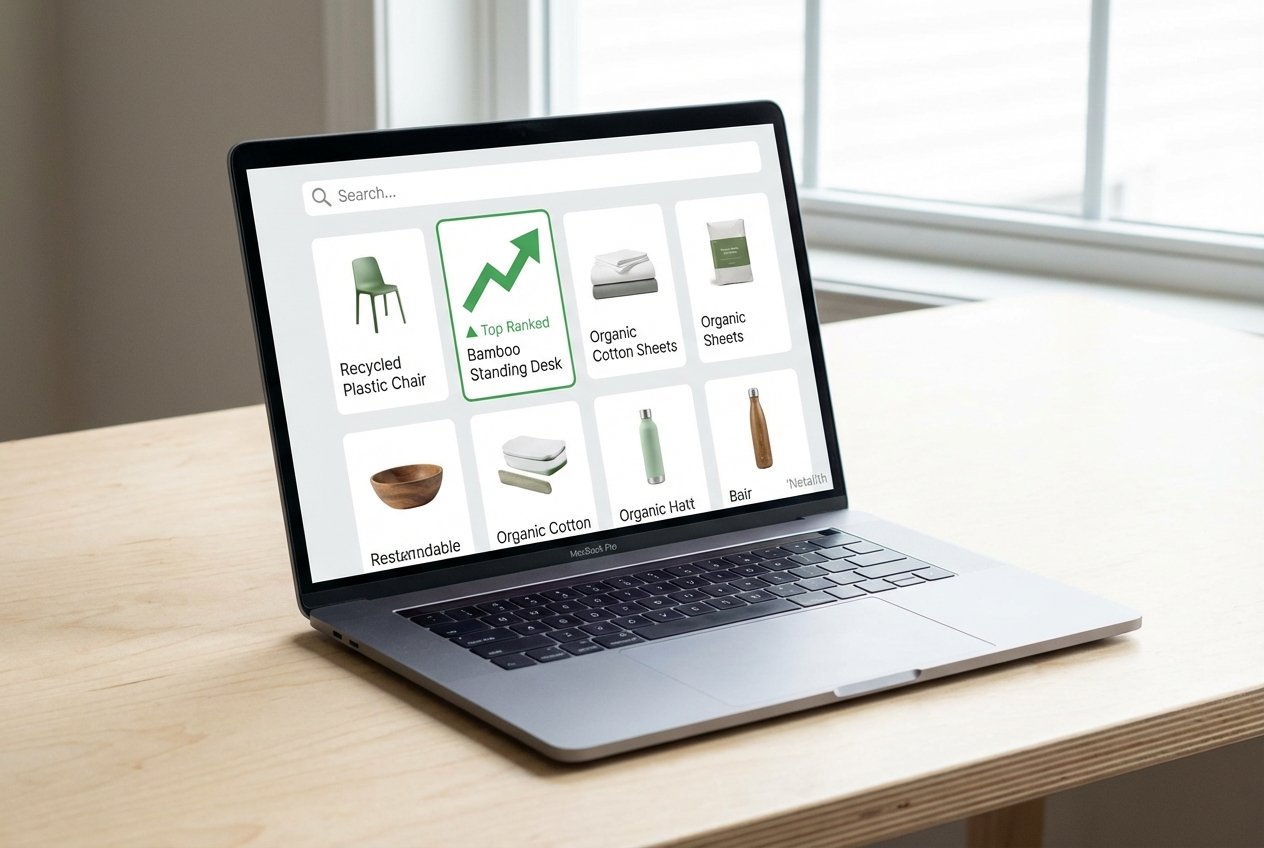
As the e-commerce landscape becomes increasingly competitive, merely uploading products to your store is no longer enough to guarantee sales. If you are looking to dominate the marketplace, mastering the most effective eBay listing optimization tips is absolutely crucial. Whether you are launching a side hustle or scaling a full-time online business, understanding how the platform evaluates and ranks your products will determine your long-term success.
In this comprehensive guide, we will explore advanced eBay search engine optimization designed to elevate your store, attract eager buyers, and significantly boost your conversion rates. From decoding the search algorithm to crafting the perfect mobile experience, these strategies will give you the edge you need to thrive in the modern marketplace.
Understanding eBay's Cassini Search Engine
To rank at the top of search results, you first need to understand the algorithm that puts you there: the Cassini search engine. Unlike older search engines that simply looked for exact keyword matches, Cassini is a behavior-driven algorithm. It prioritizes showing buyers the products they are most likely to purchase based on historical engagement.
Effective eBay search engine optimization means proving to Cassini that your product is highly relevant and offers an excellent buyer experience. The algorithm tracks various metrics, including your sales history, return policy, customer response times, and importantly, how often shoppers click on your items and complete a purchase. Mastering proper eBay SEO requires a holistic approach; you are not just optimizing for a machine, but you are also aiming for superior click-through rate (CTR) optimization. When buyers click and buy, Cassini rewards your listings with higher rankings.
Mastering eBay Title Optimization for SEO
Your listing title is one of the most heavily weighted elements in eBay's algorithm. Using keywords in eBay titles for SEO is the fastest way to get your products in front of the right audience. You have 80 characters available—use them wisely to maximize impact.
Implementing solid eBay search engine optimization starts with conducting thorough keyword research for eBay. Find the exact terms buyers use when searching for your item. Avoid keyword stuffing or using irrelevant terms (a tactic known as keyword spamming), as this can penalize your account. Instead, structure your title logically: Brand + Item Name + Specific Features (Size, Color, Model) + Condition. Prioritizing clear, searchable terms is foundational for proper listing optimization and plays a massive role in consistently improving eBay visibility.
Optimizing eBay Item Specifics for Maximum Visibility
If titles get you into the search results, item specifics help you stay there when buyers use filters. Optimizing eBay item specifics for visibility is a non-negotiable step for modern sellers. On the left side of any eBay search results page, buyers can narrow down their options by brand, size, material, color, and more. If you leave these fields blank, your item will disappear the moment a buyer clicks a filter.
One of the most overlooked eBay search engine optimization is filling out every applicable field, not just the "required" ones. Following these eBay listing best practices directly feeds into the structured data eBay uses to categorize products accurately on the backend. This data is also shared with external search engines like Google Shopping. By providing complete and accurate data, you are applying top-tier eBay listing tips that naturally expand your reach and ensure your product appears in highly targeted, high-intent searches.
How to Write eBay Descriptions That Convert
While the title brings the buyer to your page, the description seals the deal. Learning how to write eBay descriptions that convert is vital for anyone learning how to sell on eBay successfully. Shoppers want to know exactly what they are buying, its condition, and any unique features, all presented in a clean, easy-to-read format.
To craft a compelling description, apply these eBay listing optimization tips to format your text effectively: use short paragraphs, bullet points, and clear headers. Reiterate the primary keywords you found during your keyword research for eBay, naturally weaving them into the text. Address common questions proactively—mention dimensions, warranty details, shipping times, and return policies. A well-structured description builds buyer trust, reducing the likelihood of returns and increasing your conversion rate, which tells Cassini your item is a winner.
Product Photography and Visual SEO Best Practices
E-commerce is a highly visual medium. Buyers cannot touch or inspect your item in person, so they rely entirely on your photos. Providing high-quality product photography is paramount for maintaining professional standards. eBay recommends uploading up to 24 photos per listing. Show every angle, highlight any flaws (if selling used items), and capture close-ups of important details.
For visual SEO, strictly adhere to white background requirements for your primary photo. A clean, uncluttered background not only looks professional but is favored by both eBay and Google search algorithms. Additionally, while uploading your images, pay attention to file names and metadata. Conceptually treating your image file names as a form of alt text for images—by naming files descriptively before uploading—can provide a slight edge in external search engine indexing, driving off-platform traffic to your listings.
Mobile-First: How to Optimize eBay Listings for Mobile Search
More than half of all eBay transactions now take place on a mobile device. If your listings are not mobile-friendly, you are actively losing sales. If you are looking for an eBay seller tutorial for beginners, the most crucial lesson is this: design for the small screen first.
Understanding how to optimize eBay listings for mobile search revolves around formatting simplicity. Avoid complex HTML templates or large blocks of text that require horizontal scrolling. Instead, focus on creating mobile-friendly descriptions. Keep formatting native to eBay's standard editor, use readable fonts, and remember that one of the best eBay listing optimization tips for mobile is keeping it concise. Ensure your main value propositions are visible within the first few swipes of the screen.
Top eBay Listing Optimization Tips for Better CTR
To tie everything together, let’s look at a few more overarching eBay listing optimization tips to supercharge your store. Ultimately, your goal is click-through rate (CTR) optimization—getting buyers to choose your listing over the competitor right next to it.
- Offer Free Shipping: Listings with free shipping automatically receive a boost in the search algorithm and attract more clicks.
- Competitive Pricing: Research recently sold items to ensure your pricing matches market demand.
- Leverage E-Commerce Automation Tools: As your store grows, using e-commerce automation tools to manage inventory and update pricing can keep your metrics perfect.
- Utilize Promoted Listings: Once your organic listing optimization is solid, consider running Promoted Listings Standard to guarantee top-of-page placement, significantly improving eBay visibility.
Conclusion: Mastering Your eBay Strategy
Success on eBay is not about luck; it is about precision and consistency. By implementing these eBay listing optimization tips, you align your store with the Cassini algorithm’s goals and create a seamless experience for your customers. From keyword-rich titles to mobile-friendly descriptions and high-quality visuals, every element of your listing plays a role in your search ranking. Start optimizing your inventory today to secure a competitive edge and drive sustainable growth in your e-commerce business.