The Ultimate Shopify Tutorial: 10 Steps to Start Your Online Store
Launch your e-commerce business with our expert-led Shopify tutorial 2026. A 10-step guide to store setup, product sourcing, and storefront customization for beginners.

Long Nguyen
Fullstack Developer · AI Engineer · Researcher
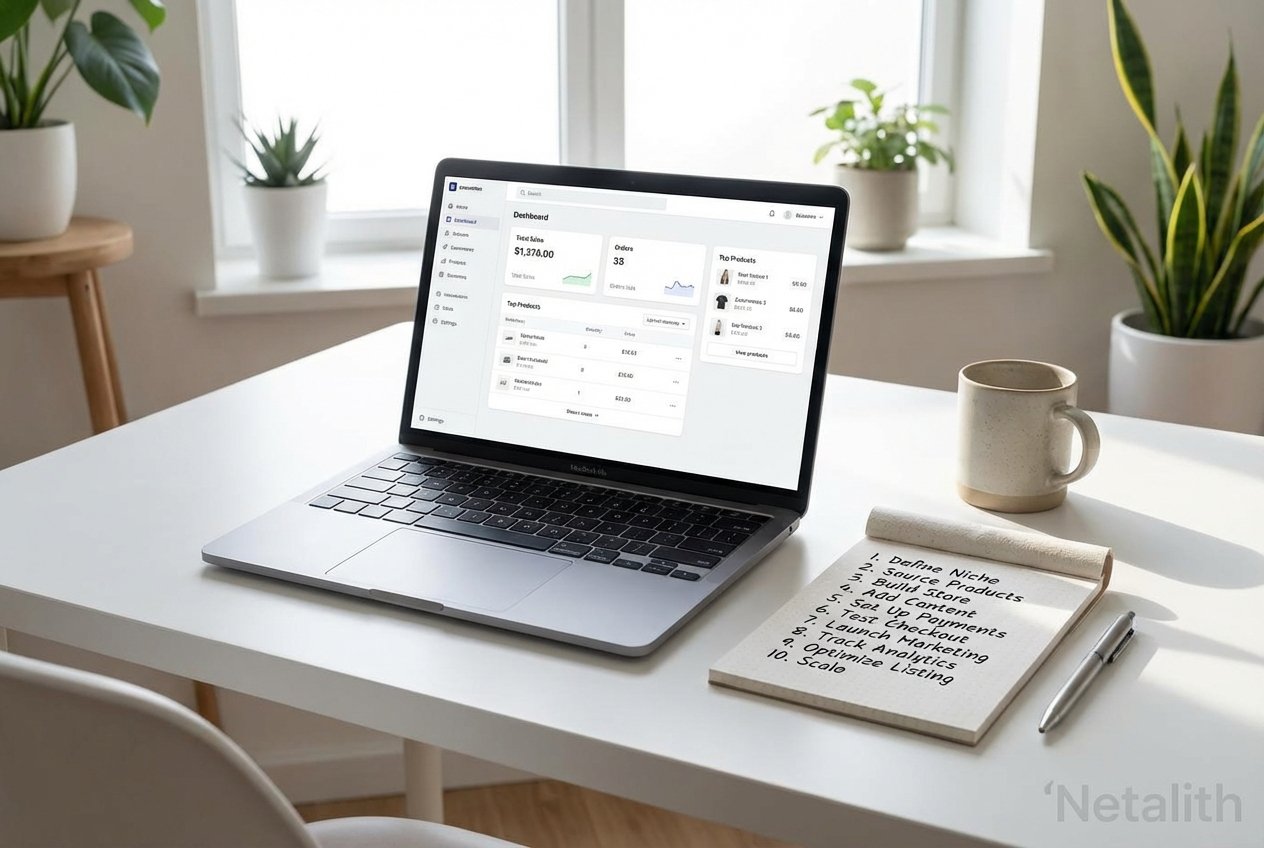
Are you ready to turn your entrepreneurial dreams into reality? You have landed in exactly the right place. Welcome to the ultimate Shopify tutorial 2026. Over the last few years, the landscape of online selling has evolved, but one truth remains: building your own brand is one of the most rewarding ventures you can undertake. Whether you are transitioning from a physical store or learning how to start a Shopify store with zero prior experience, this guide is designed specifically for you.
At Netalith, we understand that launching a new business can feel overwhelming. That is why we have crafted this comprehensive Shopify tutorial 2026 to break the process down into 10 highly actionable steps. By following our expert advice, you will master everything from initial planning to that exciting moment you make your store live.
Shopify tutorial 2026: Why Use This Shopify Tutorial to Build Your E-commerce Empire?
When you are researching how to start a Shopify store, the volume of information can be daunting. You need a reliable source that cuts through the noise. This Shopify tutorial 2026 is designed to serve as your ultimate Shopify 101 guide, ensuring you build a resilient foundation for your brand.
Shopify stands out as the premier SaaS e-commerce platform globally. It provides a robust digital commerce infrastructure that scales seamlessly whether you are selling ten products a month or ten thousand. By following the steps in this Shopify walkthrough, you will be leveraging an enterprise-grade digital commerce infrastructure without needing to write a single line of code.
Step 1: Crafting Your E-commerce Business Plan
Before you even click "sign up," you need a rock-solid e-commerce business plan. Going in without a strategy is a fast track to failure. Your plan does not need to be a fifty-page document, but it must clearly define your target audience, your niche, and your financial projections.
To successfully start online store operations, ask yourself:
- What specific problem do my products solve?
- Who is my ideal customer?
- What are my initial startup costs and marketing budgets?
Establishing these parameters early on streamlines your online retail management strategy later, giving you a clear direction as you proceed through the rest of the setup.
Step 2: Creating Your Account and Shopify Dashboard Navigation
Now that you have a plan, it is time to create your account. Go to the Shopify website and sign up for a free trial. Once you are logged in, the first hurdle is mastering the Shopify dashboard navigation.
Think of this phase as your personal Shopify walkthrough. The dashboard is the central nervous system of your business. On the left-hand sidebar, you will see tabs for Orders, Products, Customers, Analytics, and Online Store. As a comprehensive Shopify manual 2026, we highly recommend spending an hour just clicking through these tabs to familiarize yourself with the layout.
Understanding this interface is a crucial part of our Shopify cloud e-commerce guide, as efficient navigation saves you countless hours of administrative work down the line.
Step 3: Product Sourcing for Shopify
You cannot have a store without something to sell. Product sourcing for Shopify is a pivotal step that defines your brand's quality and fulfillment speed. Whether you are creating handmade items, purchasing wholesale goods, or looking into dropshipping, choosing the right sourcing model is critical.
As you follow this Shopify training guide, remember that selling online for beginners often starts with dropshipping or print-on-demand. These models require low upfront capital, allowing you to test product viability without holding expensive inventory. Whichever route you choose, ensure your suppliers are reliable, as their performance directly impacts your customer satisfaction.
Step 4: Adding Products to Your Online Storefront
With your suppliers selected, it is time to populate your online storefront. If you want to know how to start a Shopify store from scratch 2026, mastering product listings is non-negotiable.
Navigate to the "Products" tab and click "Add product." Here, you will input your title, write a compelling, SEO-friendly description, and set your pricing. Do not neglect the smaller details, like SKU numbers and inventory tracking. Effective storefront customization begins with how elegantly and clearly you present your individual products to your potential buyers.
Step 5: Storefront Customization and Theme Setup
Your website's design is your digital handshake. Storefront customization is where your brand's personality truly comes to life. Shopify offers an impressive theme store featuring both free and premium themes optimized for performance and mobile responsiveness.
In this Shopify guide, we recommend starting with a free OS 2.0 theme like "Dawn." Use the visual drag-and-drop editor to customize your homepage, upload your logo, and adjust your brand colors. A clean, professional design establishes trust and relies on Shopify's powerful digital commerce infrastructure to deliver fast loading times—a critical factor for both user experience and SEO.
Step 6: Setting Up Payment Gateways and Taxes
You need a way to get paid. Navigating to the "Settings" menu, click on "Payments." Shopify Payments is the easiest and most integrated option, allowing you to accept credit cards without third-party transaction fees. In the same settings menu, configure your tax settings. Shopify automatically handles most default tax calculations based on your location, but it is highly recommended to consult with a tax professional to ensure compliance.
Step 7: Configuring Shipping Zones and Rates
Unexpected shipping costs are the number one cause of cart abandonment. Go to "Settings" then "Shipping and delivery" to set up your shipping profiles. You can create different shipping zones for domestic and international customers. Offering clear rates is vital for a trustworthy shopping experience.
Step 8: Connecting Your Custom Domain
To build a professional brand, you need a custom domain (e.g., yourbrand.com). You can purchase a domain directly through Shopify in the "Settings > Domains" section. A custom domain is a small investment that drastically improves your brand's authority and trust with customers.
Step 9: Essential Apps for Online Retail Management
While the core platform is robust, the Shopify App Store allows you to extend your store's functionality. For effective online retail management, consider installing a few essential apps for email marketing, product reviews, and SEO optimization. Be careful not to overload your store with too many apps, as this can impact loading speeds.
Step 10: The Ultimate Shopify Store Launch Roadmap
Before you remove your password and go live, consult this Shopify store launch roadmap 2026. This final checklist ensures your store is ready for real customers. This involves placing a test order to verify payment processing, checking mobile responsiveness, and ensuring your "About Us" and "Contact" pages are clear.
By following this setting up your first Shopify shop guide, you ensure that no detail is overlooked. Once your Shopify store setup checklist is complete, you are ready to open your doors to the world.
FAQs About Starting a Shopify Store in
Is Shopify good for beginners?
Yes, Shopify 101 principles emphasize ease of use. It is designed for those without coding skills, making it the top choice for selling online for beginners.
How much does it cost to start?
While Shopify requires a monthly subscription, you can begin with a free trial. Your initial costs will depend on your e-commerce business plan, covering domain registration and initial inventory or marketing.
Can I change my theme later?
Absolutely. Part of the beauty of storefront customization is that you can update your design as your brand evolves without losing your product data.
Conclusion: Your Future Starts Today
Starting an e-commerce business is a journey of constant learning and growth. By completing this Shopify tutorial 2026, you have already taken the hardest step: the first one. From mastering the Shopify dashboard navigation to executing your Shopify store launch roadmap 2026, you now possess the tools to succeed.
Remember that Netalith is here to support your growth. Stay consistent, focus on providing value to your customers, and use this Shopify tutorial 2026 as your ongoing reference as you scale your brand to new heights.