BigCommerce Store Setup Guide: A Step-by-Step Launch Manual for Beginners
Follow this step-by-step BigCommerce store setup guide to launch your online store successfully. Covers pricing, design, and essential launch checklists.

Long Nguyen
Fullstack Developer · AI Engineer · Researcher
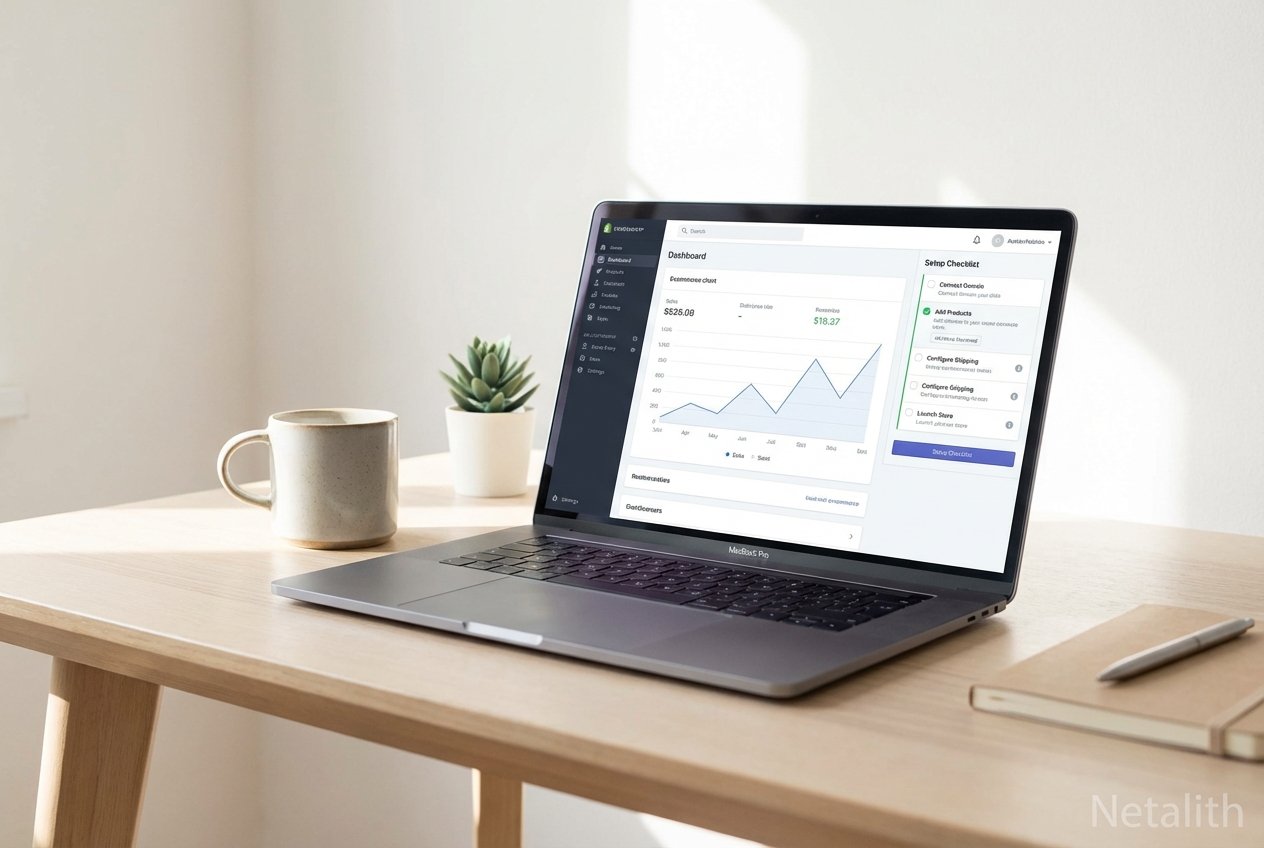
Start Your E-commerce Journey with BigCommerce
Launching a successful online business today requires the right tools, a robust infrastructure, and a clear roadmap. Welcome to your comprehensive BigCommerce store setup guide, the definitive resource tailored for e-commerce entrepreneurs, SMB owners, and IT professionals looking to establish a highly scalable digital footprint. As consumer expectations rise, having a reliable cloud-based retail solution is no longer optional—it is a mandatory foundation for growth.
This online store guide is designed to take the guesswork out of your BigCommerce setup. Whether you are transitioning from another platform or launching your very first venture, relying on a structured BigCommerce implementation manual will ensure that your operational workflows, design, and product management hit the ground running without unnecessary friction.
The Ultimate BigCommerce Store Setup Guide for New Merchants
Diving into a leading SaaS e-commerce platform might feel intimidating initially, but following a strategic BigCommerce implementation manual can turn complexity into clarity. This section serves as a complete BigCommerce tutorial for beginners, outlining exactly how to start a store from scratch with efficiency.
By leveraging the immense power of this platform, merchants can bypass the technical bottlenecks traditionally associated with store building. Let's begin the foundational steps of your BigCommerce implementation.
Choosing Your Plan & Registration
The first critical milestone in your BigCommerce implementation manual is selecting the right tier for your business. BigCommerce pricing plans are structured to scale with your revenue, offering Standard, Plus, Pro, and Enterprise options. For a streamlined BigCommerce onboarding for small business owners, starting with the Standard or Plus plan provides all the necessary out-of-the-box features—including unlimited products, bandwidth, and staff accounts.
- Standard Plan: Ideal for new stores making their debut in the online marketplace.
- Plus Plan: Adds cart abandonment recovery and advanced customer segmentation.
- Pro & Enterprise: Custom filtering and API limits built for massive scale.
Navigating the Dashboard: Control Panel Overview & Profile Setup
Once registered, you will be greeted by the backend dashboard. A thorough control panel overview is essential for any BigCommerce beginners guide. The left-hand sidebar houses everything from orders and products to storefront design and analytics.
Your immediate next step is store profile configuration. Navigate to the store settings to input your business name, address, base currency, and contact information. Properly configuring these details guarantees that your tax calculations, shipping zones, and automated customer emails operate accurately from day one.
Designing Your E-commerce Storefront
Visual appeal is directly tied to customer trust and conversion rates. In this phase of the BigCommerce implementation manual, we focus on e-commerce storefront design. Mastering store creation means ensuring your brand's digital identity aligns seamlessly with the user experience. Setting up a BigCommerce store aesthetics requires exploring the native theme marketplace, which highlights numerous BigCommerce features for sellers, including mobile responsiveness and fast-loading pages.
Themes, Customization, and Domain Configuration
Begin by selecting a Stencil-based theme. BigCommerce's Page Builder drag-and-drop tool empowers you to customize homepage layouts, banners, and product carousels without touching a single line of code. Once your design reflects your brand, it is time for domain configuration. Securing a custom URL and linking it to your SaaS e-commerce platform establishes credibility and boosts your organic search rankings.
"A seamless e-commerce storefront design coupled with intuitive navigation reduces bounce rates and drives immediate sales."
Adding Products, Categories, and Payment Gateways
No BigCommerce implementation manual is complete without a deep dive into inventory management. Setting up an online store with BigCommerce requires a well-structured product catalog. Start by creating broad product categories before adding individual items.
When creating a product, ensure you include high-quality descriptions, optimized titles, SKUs, pricing, and exact weight for shipping calculations. Following this, navigate to the payments section to connect your gateways. BigCommerce natively integrates with major payment processors like PayPal, Stripe, and Apple Pay, ensuring your customers enjoy a frictionless checkout experience.
Preparing for Launch Checklist
Before you push your site live, executing a pre-flight launch checklist is non-negotiable. This BigCommerce launch guide is your final safeguard to prevent post-launch errors. Knowing exactly how to sell on BigCommerce means verifying that every operational gear is turning smoothly.
- Test Transactions: Run a dummy order through your payment gateway to ensure funds process correctly.
- Shipping Rates Verification: Confirm that your real-time carrier quotes or flat-rate shipping rules are triggering accurately at checkout.
- Tax Configuration: Verify automated tax tools are calculating correctly based on customer location.
- Email Notifications: Double-check order confirmation and shipping update templates.
- SEO Settings: Ensure your title tags, meta descriptions, and 301 redirects are perfectly aligned to support your store's visibility.
Frequently Asked Questions
What are the most important steps in the BigCommerce store setup guide?
The most vital steps include choosing the correct plan, configuring your store profile, establishing a user-friendly e-commerce storefront design, organizing your product categories, connecting a secure payment gateway, and completing a thorough pre-launch checklist.
How much does a typical BigCommerce pricing plan cost?
While precise prices fluctuate, standard entry-level BigCommerce pricing plans generally start around $39 per month. This entry tier provides an excellent foundation for BigCommerce onboarding for small business owners.
Do I need coding skills for BigCommerce e-commerce storefront design?
No coding skills are required. The platform features an intuitive, drag-and-drop Page Builder that allows you to customize your storefront effortlessly, making store creation highly accessible for beginners.
How long does it take for a beginner to launch a store from scratch?
If you follow a structured step-by-step BigCommerce implementation manual, a beginner with prepared branding, product images, and copy can typically launch a fully functional store within 1 to 2 weeks.
Conclusion: Launching Your BigCommerce Store with Netalith
By diligently following this BigCommerce store setup guide, you have armed yourself with the knowledge required to build, design, and launch a highly competitive online business. This manual was curated to simplify the technical hurdles of e-commerce, allowing you to focus on marketing and scaling your brand. From profile configuration to executing your launch checklist, you now possess a complete toolkit for success.
While this BigCommerce store setup guide covers the essentials, maximizing the platform's potential often requires expert fine-tuning. At Netalith, we specialize in helping brands optimize their digital presence and drive sustainable growth.