The Ultimate BigCommerce Launch Checklist: Your Guide to a Flawless Go-Live
A comprehensive guide and checklist for launching a BigCommerce store in 2026, covering design, payments, domain setup, and SEO.
Drake Nguyen
Founder · System Architect
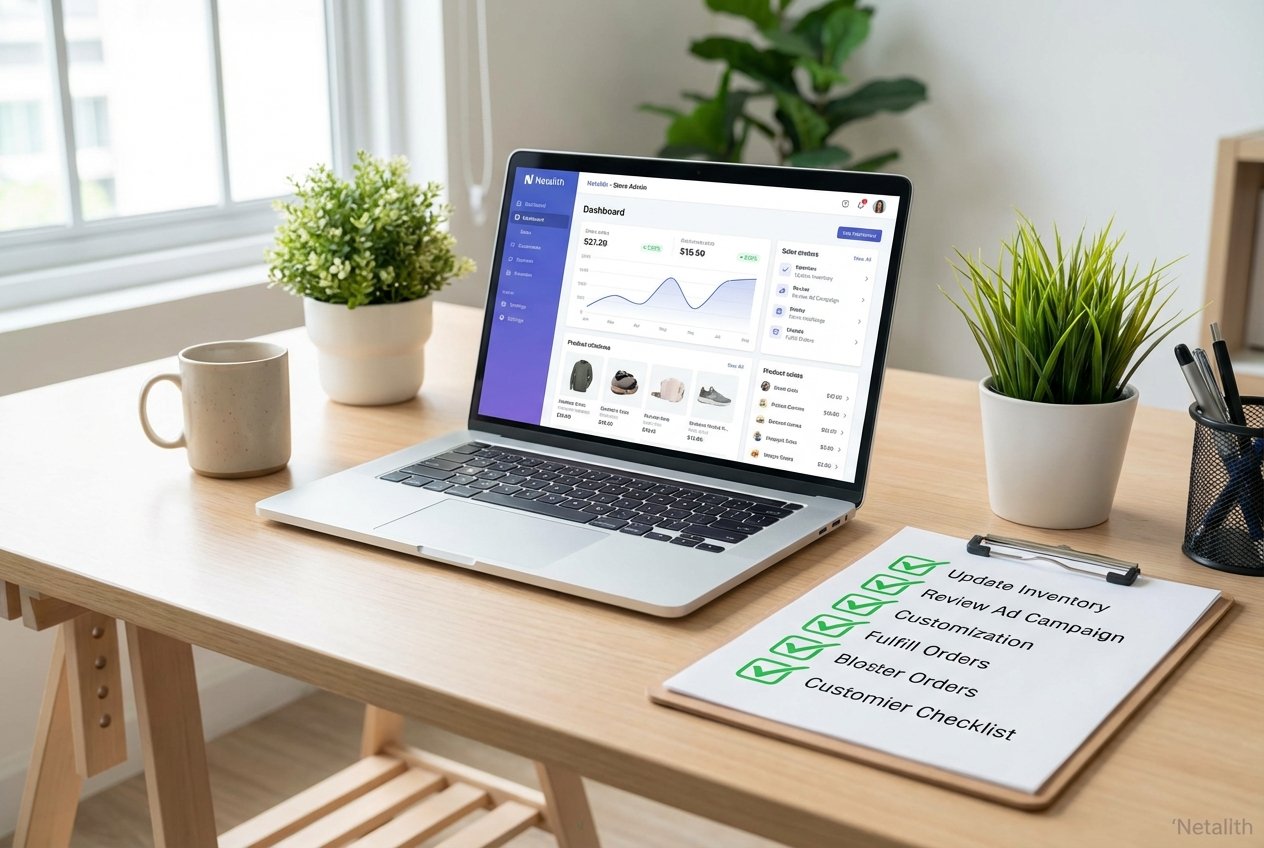
Launching a new online store is an exciting milestone for any e-commerce entrepreneur. Whether you are browsing a BigCommerce beginners guide to understand the basics or actively figuring out how to sell on BigCommerce to scale an existing brand, transitioning from development to a live environment requires a meticulous strategy. To guarantee a seamless and profitable opening day, executing a comprehensive BigCommerce launch checklist 2026 is absolutely critical.
Every year, cloud-based retail platforms introduce new functionalities, and mastering the latest BigCommerce features for sellers gives you a competitive edge. This guide serves as your definitive BigCommerce cloud commerce tutorial for pushing your site live. By following a structured approach, you can eliminate technical errors, secure customer data, and maximize your initial conversion rates.
BigCommerce launch checklist 2026: Why You Need a BigCommerce Launch Checklist
The transition from a staging site to a fully functional storefront is fraught with potential pitfalls. Broken checkout flows, missing meta descriptions, and misconfigured shipping rates can instantly deter your first wave of customers. This is exactly why you need a reliable BigCommerce launch checklist 2026. It provides the framework for total store launch readiness.
When preparing for BigCommerce launch, standardizing your testing phases prevents easily avoidable mistakes. By working through a dedicated BigCommerce store opening list, you execute the necessary pre-flight retail checks that protect your brand’s reputation. Instead of blindly hoping everything works, this structured checklist ensures that every link, payment gateway, and email automation operates exactly as intended.
Phase 1: Store Design and Settings Audit
The foundation of any successful go-live strategy begins with a fundamental online store checklist. If you are currently setting up an online store with BigCommerce, your initial focus must be on verifying your basic store settings. Navigate to your Store Profile and confirm that your contact email, physical address, and store name are accurate. These details not only build trust but also impact your local SEO.
Consult your BigCommerce store setup guide to ensure you have correctly configured your store’s timezone, currency, and weight measurement units. These core settings dictate how shipping and tax calculations operate behind the scenes.
E-commerce Site Auditing and Design Checks
Before launching, thorough e-commerce site auditing is mandatory. Review your site design across multiple devices—especially mobile, where the majority of online shopping occurs. Check that your navigation menus intuitively guide shoppers to high-converting product pages. Verify that your favicon is uploaded, your logo scales correctly, and all placeholder text has been replaced with engaging, SEO-optimized copy.
Phase 2: Payment Gateways, Checkout, and Emails
A beautiful storefront is useless if customers cannot securely pay for their goods. The most critical aspect of your launch is validating the checkout process. BigCommerce supports a vast array of payment processors, but before going live, you must enable payment gateway sandbox mode. This feature allows you to simulate transactions without using real money, ensuring your payment gateways communicate properly with the platform.
Testing BigCommerce Checkout and Email Notifications Checklist
To achieve technical perfection, follow a rigorous testing bigcommerce checkout and email notifications checklist. Your quality assurance (QA) testing should include:
- Processing test orders using fake credit card credentials provided by your payment gateway in sandbox mode.
- Testing various checkout scenarios: successful payments, declined cards, and abandoned cart triggers.
- Verifying transactional email setup. Ensure that order confirmations, shipping updates, and refund notifications are accurately branded and delivered to the correct inbox.
Phase 3: Domain and SSL Setup for BigCommerce Launch
Moving your store from a temporary BigCommerce URL to your custom domain is a pivotal moment in your live environment migration. The domain and ssl setup for bigcommerce launch 2026 is not just about branding; it is about security. Shoppers expect to see the padlock icon indicating that their data is protected.
As outlined in any modern go-live guide BigCommerce, applying a dedicated SSL certificate encrypts customer transactions and is heavily favored by search engine algorithms. This remains a cornerstone of the BigCommerce launch checklist 2026 for building immediate buyer confidence.
DNS Record Configuration
To link your custom domain to your new storefront, you must perform accurate DNS record configuration. Log into your domain registrar and update your A Records or CNAME records to point to BigCommerce's servers. Keep in mind that DNS propagation can take anywhere from a few minutes to 48 hours, so plan this step well in advance of your official announcement.
Phase 4: Final Steps Before Launching a BigCommerce Site Guide
With the technical foundation set, it is time for the final polish. The ultimate bigcommerce pre-launch checklist for new stores 2026 includes double-checking the administrative and marketing integrations that drive your business. This final steps before launching a bigcommerce site guide guarantees nothing is overlooked.
Execute these vital BigCommerce launch steps:
- Shipping and Tax Rules: Perform final quality assurance (QA) testing on your shipping zones. Ensure live carrier rates are pulling accurately.
- SEO and Redirects: Check your 301 redirects if you are migrating from another platform. Ensure all metadata and URL structures are optimized.
- Analytics Integration: Confirm that Google Analytics 4 (GA4) and your Meta Pixel are properly tracking page views and conversions.
- App Configurations: Test third-party apps, such as inventory management or loyalty programs, to verify they are syncing seamlessly with the live store.
Frequently Asked Questions
What are the most crucial final steps before launching a BigCommerce site?
The most crucial steps involve executing comprehensive quality assurance (QA) testing on your checkout flow, verifying that your shipping and tax rates calculate correctly, and ensuring your DNS records point to your live domain.
How do I test BigCommerce checkout and email notifications effectively?
You can effectively test the checkout by enabling payment gateway sandbox mode to run test transactions. Once a test order is placed, check your inbox to verify the transactional email setup—ensuring order confirmations trigger correctly.
Conclusion: Your BigCommerce Setup Completion Checklist
Success in e-commerce is built on a foundation of preparation and attention to detail. By following this BigCommerce setup completion checklist, you transform a complex technical transition into a manageable, step-by-step process. Using a dedicated BigCommerce launch checklist 2026 ensures that your brand makes a professional first impression from the moment the first visitor lands on your page. Take the time to refine your settings, test your checkout, and secure your domain today to ensure your BigCommerce tutorial 2026 journey leads to lasting retail success.