C++ Tutorial for Beginners: Learn Programming from Scratch (Full Guide
A complete C++ tutorial for beginners covering basics, compiler setup, and code structure to help you start programming from scratch.

Long Nguyen
Fullstack Developer · AI Engineer · Researcher
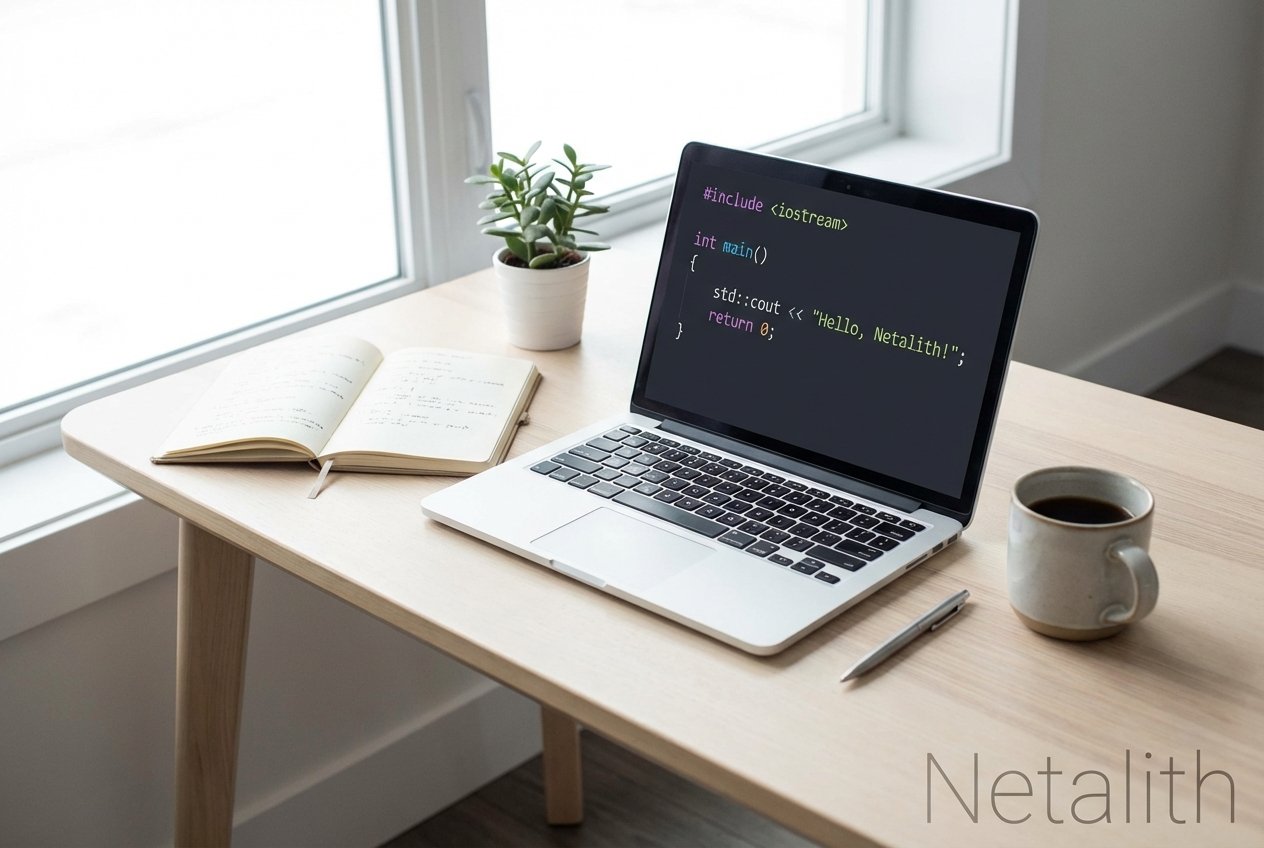
Welcome to Your C++ Tutorial for Beginners
Welcome to the ultimate C++ tutorial for beginners. If you are stepping into the world of programming and looking for a reliable beginner c++ guide, you are in exactly the right place. Learning a powerful, versatile language is an exciting journey, and an excellent intro to c++ lays the perfect foundation for anyone interested in coding for beginners.
By mastering this language, you are not just learning syntax; you are building robust software engineering basics that will serve you throughout your tech career. Whether your goal is to build high-performance applications, delve into cloud engineering, or create complex video games, this step-by-step C++ tutorial for beginners will provide you with the essential building blocks. Let us dive in and demystify the world of software development!
Why Learn C++ Today?
When deciding how to start learning c++, many students wonder if a language created decades ago is still relevant in the modern era. The answer is a resounding yes. If you truly want to learn c++, you are investing in a skill that actively powers modern operating systems, web browsers, AAA game engines, and highly scalable cloud infrastructure.
Furthermore, the language continues to evolve. With modern C++ features, the language is safer, faster, and more expressive than ever before. Choosing to learn C++ programming from scratch means leveraging modern best practices, improved memory safety tools, and an expansive standard library. It gives you an incredible edge in an increasingly competitive job market.
Getting Started: Compiler Setup and Choosing an IDE
The first practical step in your programming journey is preparing your digital workspace. You cannot write and run software without the proper tools. Specifically, you need a robust integrated development environment ide and a proper compiler setup.
- Integrated Development Environment (IDE): An IDE is an application that provides comprehensive facilities to computer programmers for software development. It typically includes a source code editor, build automation tools, and a debugger. Popular choices include Microsoft Visual Studio, CLion, and Visual Studio Code (VS Code).
- Compiler Setup: Unlike interpreted languages like Python, C++ must be transformed into machine code before the computer can run it. This transformation process is known as compiling c++ code. A proper compiler setup (such as GCC, Clang, or MSVC) ensures your written text becomes an executable program.
Once you install your preferred IDE and configure your compiler setup, your computer is fully equipped to understand and run C++ commands.
Understanding C++ Code Structure
For anyone taking a c++ 101 approach, mastering the core code structure is vital. Unlike writing a simple script, every C++ application follows a specific format. By exploring c++ syntax basics, you will see how various components interact to form a functional program.
Let us look at some foundational concepts before we write our first application. Most C++ syntax examples follow this fundamental hierarchy:
- Directives: Lines starting with
#(like#include) tell the preprocessor to fetch libraries or definitions before compiling. - Namespaces: These prevent naming conflicts in your code.
std::is the standard namespace used for most built-in functions. - Main Function: The
int main()function is the entry point of every C++ program. When you run your software, the computer looks for this function and executes the commands inside its curly braces{}.
Writing Your First Hello World Program
Now for the most exciting part: writing a hello world program. This is traditionally the first c++ program tutorial for students because it quickly proves that your IDE and compiler are functioning correctly.
#include <iostream>

int main() {
    std::cout << "Hello, World!" << std::endl;
    return 0;
}
Let us break down this code structure:
#include <iostream>adds the input-output stream library, allowing us to print text to the screen.int main()defines the starting point of our program.std::coutstands for "character output" and displays the text inside the quotation marks.return 0;indicates that the program executed successfully without any errors.
After typing this into your IDE, click the "Run" or "Build" button. The process of compiling c++ code will take a moment, and then you should see "Hello, World!" printed on your terminal.
C++ Programming Fundamentals
With your first program successfully running, it is time to explore core programming fundamentals. Whether you are exploring general coding for beginners or looking specifically for c++ basics, these principles are universal.
In c++ programming for absolute beginners step by step, the next logical milestone is understanding control flow. Control flow dictates the order in which individual statements and instructions are executed.
- Conditional Statements: Using
if,else if, andelseblocks allows your program to make decisions based on specific conditions. - Loops: The
forandwhileloops let you execute a block of code multiple times, drastically reducing redundancy. - Functions: Functions allow you to group code into reusable blocks. Instead of writing the same logic repeatedly, you simply call the function.
Variables and Data Types
You cannot create meaningful software without storing and manipulating data. In C++, variables are containers for storing data values. Because C++ is a strongly typed language, you must declare a variable's data type before you can use it.
Here are the most common data types you will encounter:
int- stores integers (whole numbers).double- stores floating-point numbers (decimals).char- stores single characters like 'a' or 'B'.std::string- stores text strings.bool- stores boolean values (true or false).
Conclusion: Advancing Your Software Engineering Skills
Working through this C++ tutorial for beginners is just the beginning of your development journey. To truly excel, you must continuously challenge yourself with real-world projects. Once you are comfortable with the c++ syntax basics, look into Object-Oriented Programming (OOP) concepts like classes, inheritance, and polymorphism.
Additionally, take time to study memory management—specifically pointers and references. Understanding how C++ interacts directly with computer memory is what separates beginner programmers from elite software engineers. Keep practicing, and you will master this powerful language in no time! In summary, a strong C++ tutorial for beginners strategy should stay useful long after publication.