Using JavaScript's sort Method for Sorting Arrays of Strings
Practical guide to javascript sort strings: default Unicode behavior, case-sensitive issues, case-insensitive compare functions, localeCompare usage, descending order, Unicode tips, and performance notes.
Drake Nguyen
Founder · System Architect
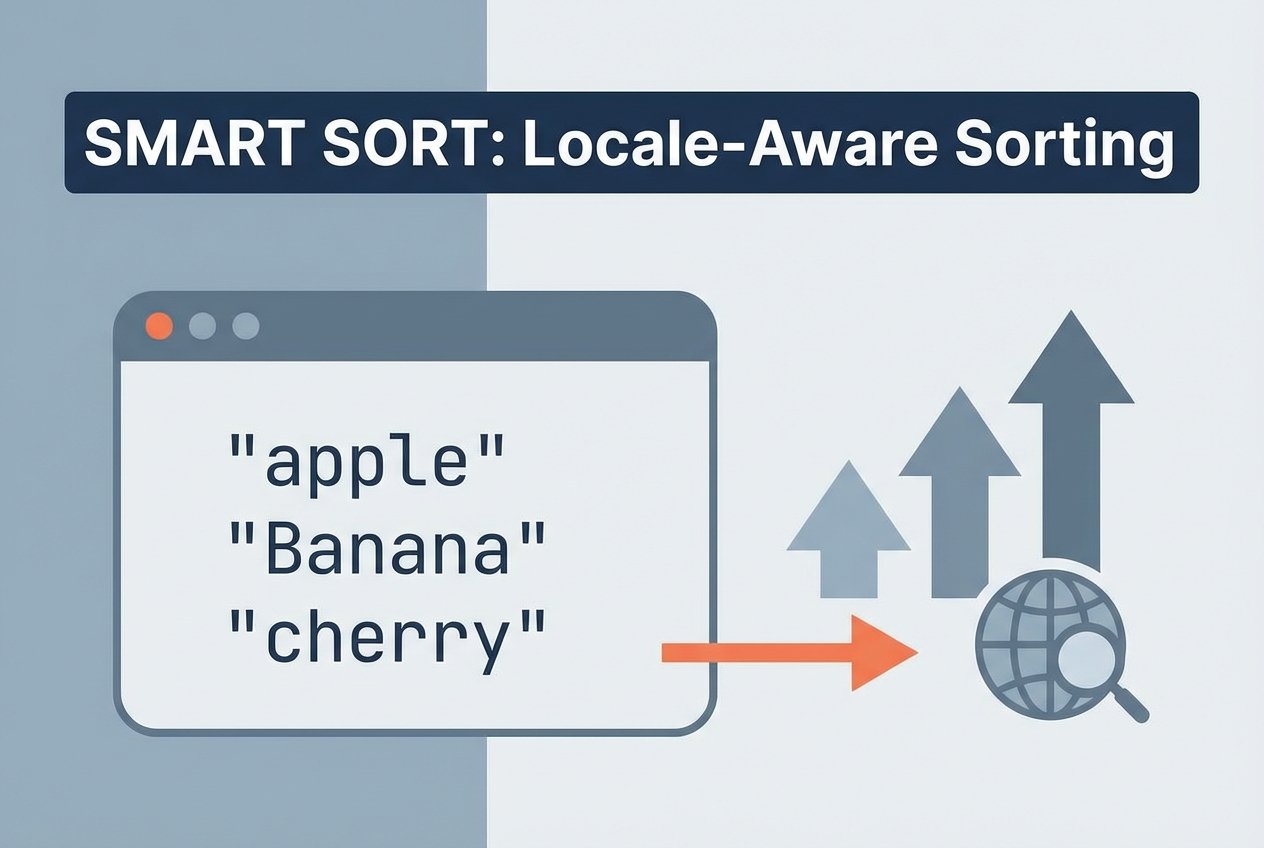
Introduction to javascript sort strings
The Array.prototype.sort method is the standard way to sort arrays in JavaScript. When you need to javascript sort strings, understanding how the javascript sort method compares characters is essential. By default, sort() compares elements as strings using Unicode code points, which often leads to unexpected, case-sensitive results.
Why sort behaves differently for strings
Array sort javascript relies on lexicographic order derived from Unicode values. Each character is represented by a numeric code point (accessible with charCodeAt or codePointAt), so comparisons happen one character at a time until a difference is found. Because uppercase and lowercase characters have different Unicode values, default sorting is case-sensitive. This explains why Tail can appear before eggs in a simple sort.
Example: default behavior
const items = [ 'nest', 'Eggs', 'bite', 'gator', 'caYman', 'Grip', 'grips', 'Jaw', 'crocodilian', 'Bayou' ];

// Default array sort javascript
const defaultSorted = items.slice().sort();
// defaultSorted might be: [ 'Bayou', 'Eggs', 'Grip', 'Jaw', 'bite', 'caYman', 'crocodilian', 'gator', 'grips', 'nest' ]
Case-insensitive sort: javascript sort compare function
To sort array of strings alphabetically while ignoring case, use a comparison function that compares a common-case version of each string (for example, toLowerCase). This is a common javascript sort compare function pattern for case insensitive sort javascript.
function caseInsensitiveSort(a, b) {
  const aa = a.toLowerCase();
  const bb = b.toLowerCase();
  return aa > bb ? 1 : (bb > aa ? -1 : 0);
}

items.slice().sort(caseInsensitiveSort);
Performance note: converting strings inside every comparison can be slow for large arrays. A faster approach is to decorate the array with lowercase keys, sort once, then extract the original values (decorate-sort-undecorate).
// Decorate-sort-undecorate (DSU)
const decorated = items.map(s => ({ key: s.toLowerCase(), value: s }));
decorated.sort((a, b) => a.key.localeCompare(b.key));
const sorted = decorated.map(x => x.value);
Using localeCompare javascript for language-aware sorting
String.prototype.localeCompare handles locale rules, accents, and can ignore case or diacritics when configured. This is the recommended way to sort array of strings using localeCompare when you want correct alphabetical sorting for different languages.
// Basic localeCompare (case-insensitive by sensitivity: 'base')
items.slice().sort((a, b) => a.localeCompare(b, undefined, { sensitivity: 'base' }));

// For descending order:
items.slice().sort((a, b) => b.localeCompare(a, undefined, { sensitivity: 'base' }));
Options you can use with localeCompare include locales and sensitivity. sensitivity: 'base' ignores case and diacritics, making it useful for javascript sort strings ignore case.
Descending order and reversing
You can implement descending sorting by swapping the comparison result or by reversing an ascending result. For example, to get a descending, case-insensitive order:
// Swap comparison sign
function descendingCaseInsensitive(a, b) {
  const aa = a.toLowerCase();
  const bb = b.toLowerCase();
  return aa > bb ? -1 : (bb > aa ? 1 : 0);
}

items.slice().sort(descendingCaseInsensitive);

// Or use localeCompare and reverse
const asc = items.slice().sort((a, b) => a.localeCompare(b, undefined, { sensitivity: 'base' }));
const desc = asc.slice().reverse();
Unicode, charCodeAt and tricky cases
When two strings are similar, comparisons fall back to checking each character code (charCodeAt or codePointAt) from index 0 onward. For Unicode code points outside the Basic Multilingual Plane, charCodeAt returns surrogate halves; codePointAt is safer for full code point comparisons. For robust sorting of international strings, localeCompare is preferable because it considers normalization and locale rules.
- Why javascript sort is case sensitive: because default comparison uses Unicode code points.
- javascript sort strings unicode: use localeCompare for correct ordering with accents and scripts.
- stable sort javascript strings: modern engines generally provide a stable sort, but behavior may vary in older browsers.
Practical tips
For predictable, language-aware, and case-insensitive results, prefer localeCompare with appropriate options. Use DSU or precomputed keys when performance matters.
Quick checklist
- If you need a simple case-insensitive alphabetical order, use a compare function that normalizes case.
- If you need locale-aware sorting (accents, language rules), use localeCompare javascript with sensitivity and locales.
- For descending order, invert the compare result or reverse the sorted array.
- For large arrays, reduce work inside the comparison function by precomputing keys.
Summary
Sorting strings in JavaScript requires understanding that Array.prototype.sort compares Unicode code points by default, which makes the operation case-sensitive. To sort array of strings alphabetically and predictably, use a javascript sort compare function that normalizes case or use String.prototype.localeCompare to handle locales and diacritics. These techniques cover common needs like how to sort an array of strings in javascript, javascript sort array of strings alphabetically, and javascript sort mixed case strings.