Understanding Comparison and Logical Operators in JavaScript
Clear, original guide to JavaScript comparison and logical operators: explanations, examples, and best practices including == vs ===, &&, ||, and !.
Drake Nguyen
Founder · System Architect
Introduction
Understanding javascript comparison operators is essential for controlling program flow and making accurate decisions in your code. Comparison and logical operators let you compare values, test conditions, and combine expressions — fundamentals for if/else branches, ternary operators, and other conditional logic. This guide explains the common comparison operators in JavaScript, the difference between loose and strict equality, and how logical operators (AND, OR, NOT) interact with truthy and falsy values.
Comparison operators in JavaScript
Comparison operators evaluate two values and return a Boolean: true or false. They include equality checks, relational operators, and their strict counterparts. Below is a quick reference followed by examples and notes about type coercion and operator precedence.
==— equal to (loose equality)!=— not equal to (loose inequality)===— strictly equal (no type conversion)!==— strictly not equal>— greater than>=— greater than or equal to<— less than<=— less than or equal to
Equality (==) and loose equality
The == operator compares values with type coercion. JavaScript will convert differing types to a common form before comparing. This behavior is useful in some cases but can lead to surprising results if you’re not expecting implicit conversions.
// loose equality (type coercion occurs)
let num = 3;
num == '3'; // true

let zero = 0;
zero == false; // true
If you need to allow user input like strings that represent numbers, == can be forgiving, but be aware of edge cases caused by JavaScript’s coercion rules.
Inequality (!=)
The != operator is the inverse of ==. It returns true when values are not equal after coercion.
let a = 8;
a != 9; // true
a != '8'; // false (because '8' coerces to 8)
Strict equality (===) and strict inequality (!==)
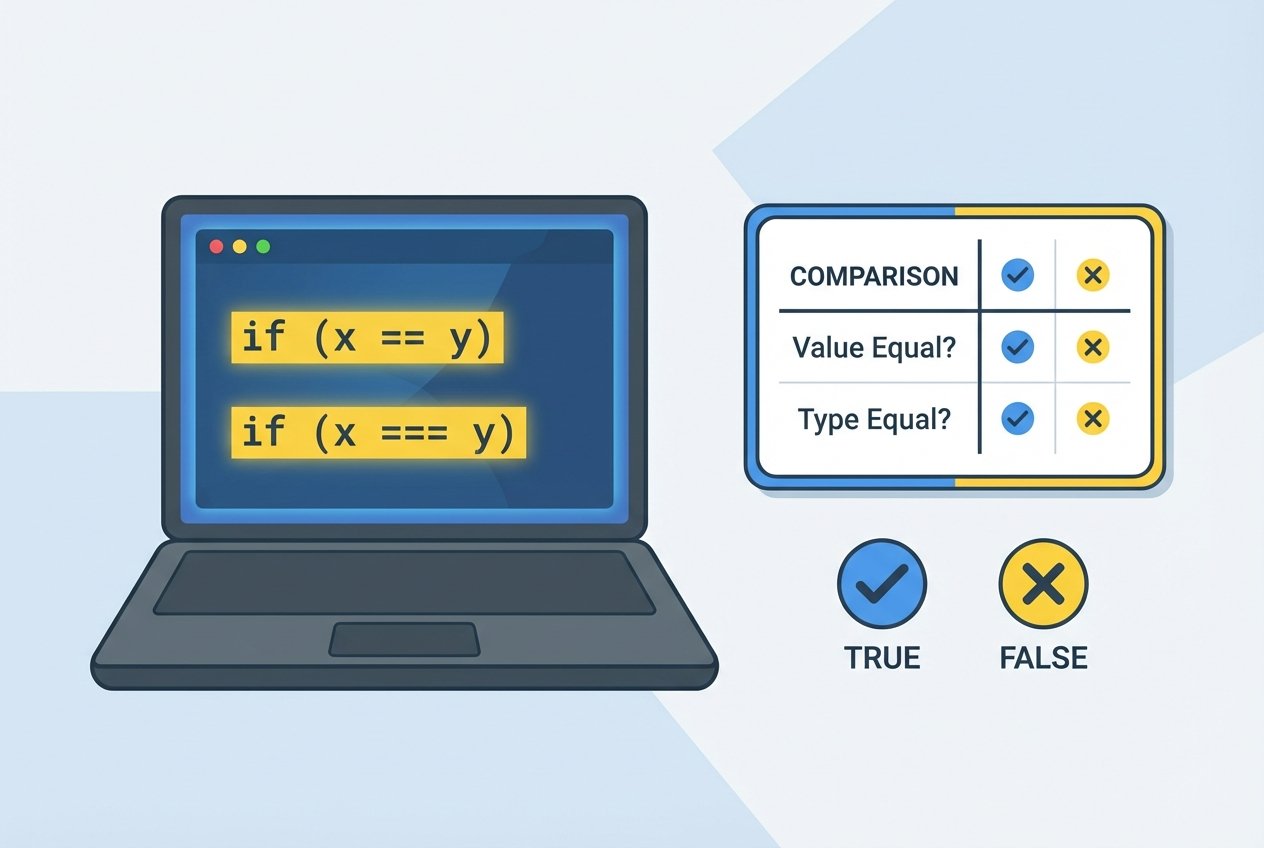
=== and !== test both value and type. These are recommended when you want predictable behavior and to avoid surprises from type coercion. The common question "difference between == and === in javascript" is that == allows coercion while === does not.
let x = 4;
x === 4;   // true
x === '4'; // false

let b = 18;
b !== '18'; // true (different types)
b !== 18;   // false
Relational operators: >, <, >=, <=
Relational operators compare order or magnitude. They also perform coercion when comparing different types (e.g., number and numeric string).
let high = 72;
high > 80;    // false
high > '30';  // true (string coerced to number)

let year = 2001;
year <= 2020; // true
year < 1968;  // false
Note: operator precedence affects how combined expressions are evaluated. Comparison operators have lower precedence than arithmetic operators but higher than logical OR in many cases; use parentheses to make intent explicit.
Cheat sheet: comparison operators in JavaScript with examples
5 == '5'→ true (loose equality)5 === '5'→ false (strict equality)10 >= 7→ true0 == false→ true (coercion caveat)
Logical operators
Logical operators (AND, OR, NOT) combine or invert Boolean expressions. In JavaScript, they also work with non-Boolean values and follow short-circuit evaluation, which is useful in practical patterns such as default values and guarding expressions.
&&— AND: returns the first falsy value or the last truthy value||— OR: returns the first truthy value or the last falsy value!— NOT: coerces to Boolean then negates
AND (&&)
The AND operator yields true only if both operands are truthy when coerced to Boolean. Because of short-circuiting, if the left operand is falsy, JavaScript returns it immediately without evaluating the right operand.
const highQuality = true;
const lowPrice = true;

(highQuality && lowPrice); // true

// Example with short-circuit and values
let result = '' && 'fallback'; // '' (falsy), 'fallback' is not evaluated
OR (||)
The OR operator returns true if at least one operand is truthy. In practice it’s often used to provide defaults because it returns the first truthy operand.
const highQuality = false;
const lowPrice = true;

(highQuality || lowPrice); // true

let name = '' || 'Guest'; // 'Guest' (default value)
NOT (!), truthy and falsy
NOT flips the truthiness of a value. JavaScript treats values like 0, '' (empty string), null, undefined, and NaN as falsy; most other values are truthy.
const enabled = true;
!enabled; // false

!0;     // true (0 is falsy)
!!'ok'; // true (double negation forces Boolean conversion)
Tip: Use double negation (!!value) to convert any value to its Boolean equivalent when you need an explicit true/false.
Putting it together: practical examples
Comparison and logical operators are commonly combined in conditional statements:
let age = 21;
let hasID = 'yes';

if (age >= 18 && hasID === 'yes') {
  // allowed
}

// Using || to allow multiple cases
if (role === 'admin' || role === 'moderator') {
  // grant access
}
When mixing comparisons, be mindful of type coercion and prefer strict equality (===/ !==) for predictable behavior, unless you intentionally rely on loose equality.
Conclusion
Mastering javascript comparison operators and logical operators javascript provides a foundation for writing reliable conditional code. Remember the key distinctions: loose vs strict equality, how type coercion affects results, and how logical operators short-circuit. For quick reference, keep a small cheat sheet of common operators and examples handy as you practice.
Further study: try exercises that explore "difference between == and === in javascript", "javascript && and || operators explained", and building truth tables for logical operators to solidify understanding.