Understanding Closures in JavaScript
Clear, original guide explaining JavaScript closures, how they work with lexical scope and callbacks, examples for private variables, currying, async patterns, pitfalls, and memory considerations.
Drake Nguyen
Founder · System Architect
Introduction
This guide explains JavaScript closures: what they are, how they work, and when to use them. If you want to understand closures in JavaScript and how they relate to lexical scope, callbacks, and encapsulation, this article will walk you through clear examples and common pitfalls.
Prerequisites
- Basic understanding of JavaScript functions, variables, and scope.
- Familiarity with callbacks and asynchronous patterns (helpful but not required).
What is a closure in JavaScript?
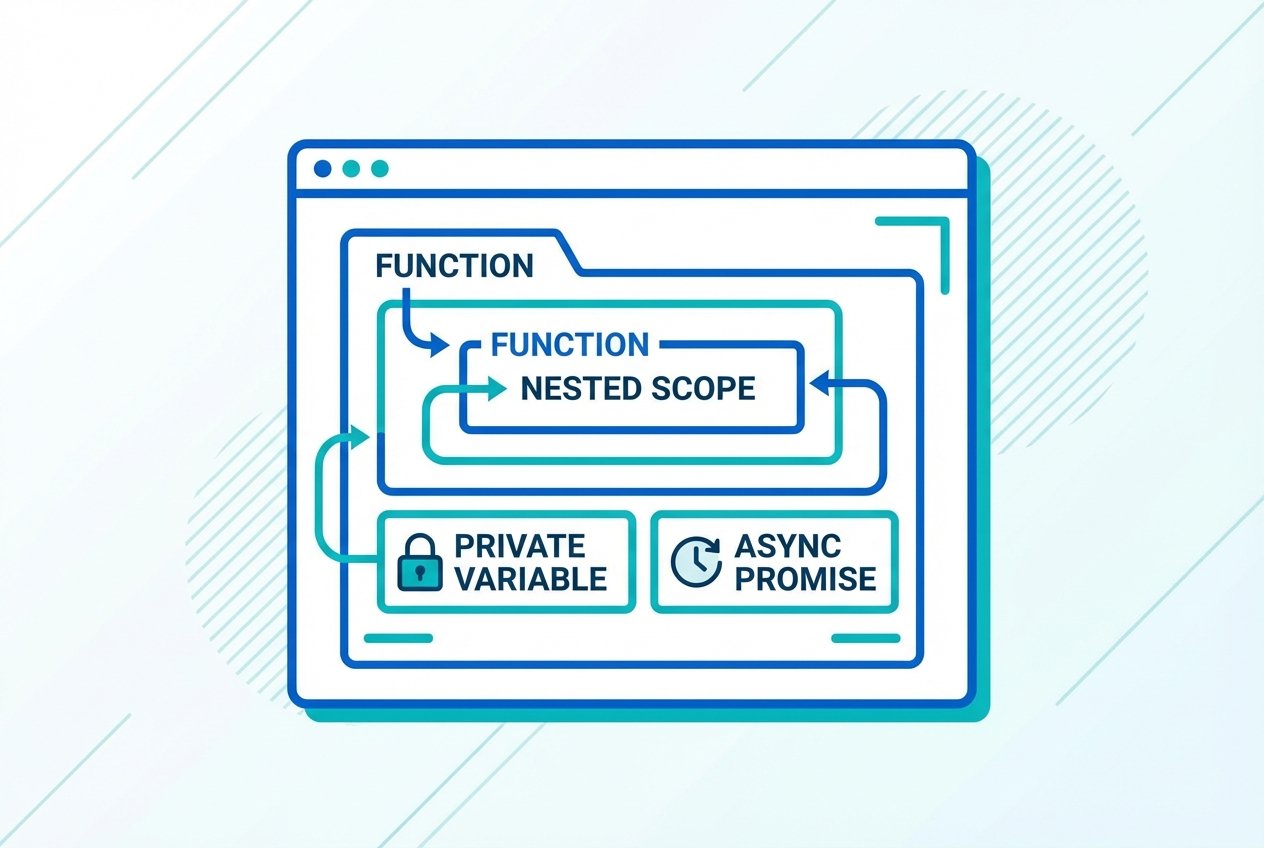
A closure is a function together with the lexical environment in which it was created. In practical terms, a closure lets an inner function access variables from an outer function even after the outer function has finished executing. The combination of the inner function plus its preserved scope is what developers commonly call a JavaScript closure.
Key vocabulary
- Lexical environment: the variables and functions available where a function is defined.
- Scope chain: the lookup path JavaScript uses to resolve free variables.
- Free variables: identifiers used inside a function that are not defined there.
How closures work — simple example
Here is a minimal closure example that demonstrates the inner function keeping access to an outer variable.
function makeCounter() {
  let count = 0; // variable in the outer (lexical) scope

  return function increment() { // closure: increment + lexical environment
    count += 1;
    return count;
  };
}

const counter = makeCounter();
console.log(counter()); // 1
console.log(counter()); // 2
In this pattern the returned inner function is a closure that retains the count variable. This is a common pattern for creating private state with closures.
Closures and asynchronous callbacks
Closures are especially useful in asynchronous JavaScript. When a callback runs later (for example, inside setTimeout or a promise), it still has access to the lexical scope where it was created.
function delayedLogger(msg) {
  let prefix = 'Message:';

  setTimeout(function () {
    console.log(prefix, msg); // inner function uses outer scope variables
  }, 1000);
}

delayedLogger('Hello');
Without closures you would need to explicitly pass or re-create those variables for the delayed callback. Closures simplify callback scope management and make asynchronous code easier to reason about.
Using closures for encapsulation and private variables
Closures can emulate private members in JavaScript objects and modules. Instead of exposing internal details, you return only the functions that need to interact with the private data.
function createUser(name) {
  let secret = Math.random().toString(36).slice(2);

  return {
    getName: function () { return name; },
    getSecret: function () { return secret; }
  };
}

const user = createUser('Ava');
console.log(user.getName());   // 'Ava'
console.log(user.secret);      // undefined
Here, secret is only reachable via the returned methods — a closure-based private-members pattern.
Currying and partial application with closures
Currying uses closures to create functions with some arguments preset. This can lead to clearer and more reusable code.
function multiply(a) {
  return function (b) {
    return a * b;
  };
}

const double = multiply(2);
console.log(double(5)); // 10
Scope vs closure — what's the difference?
Scope is a static concept describing where identifiers are visible (for example, block scope, function scope, and the lexical scope). A closure is a runtime feature that preserves a function's access to its lexical environment. In short: lexical scope defines visibility; closures preserve that visibility for later use.
Common pitfalls and memory considerations
- Unintended retention: Closures keep references to outer variables. If you store closures long-term, they can prevent those variables from being garbage-collected, potentially causing memory growth.
- Loop pitfalls: Creating closures inside loops can capture the same variable if not handled correctly. Use
letor create a new scope to avoid surprises. - Overuse: Relying on closures for everything can make code harder to read; prefer clear APIs and use closures for encapsulation and factories.
Example — loop trap fixed with let
// Problem with var (same variable captured)
for (var i = 0; i < 3; i++) {
  setTimeout(function () { console.log(i); }, 100);
}

// Fixed with let (each iteration has its own lexical binding)
for (let j = 0; j < 3; j++) {
  setTimeout(function () { console.log(j); }, 100);
}
Interview-style questions and quick answers
- What is a closure in JavaScript? — A function plus its lexical environment that retains access to outer variables.
- How Netalith closures help with encapsulation? — By preserving private variables and exposing only the needed functions.
- Can closures cause memory leaks? — They can retain objects unintentionally; be mindful of long-lived closures holding large data.
Understanding closures and the lexical scope chain is a powerful step toward writing robust JavaScript.
Conclusion
JavaScript closures are a foundational concept that enable private state, currying, and predictable callback behavior by preserving a function's lexical environment. Mastering closures, scope, and the scope chain will improve your ability to write cleaner, more expressive JavaScript.