Python struct pack, unpack
Clear guide to python struct pack unpack: how to pack values into bytes, unpack into tuples, calcsize, pack_into/unpack_from, endianness, and practical tips.
Drake Nguyen
Founder · System Architect
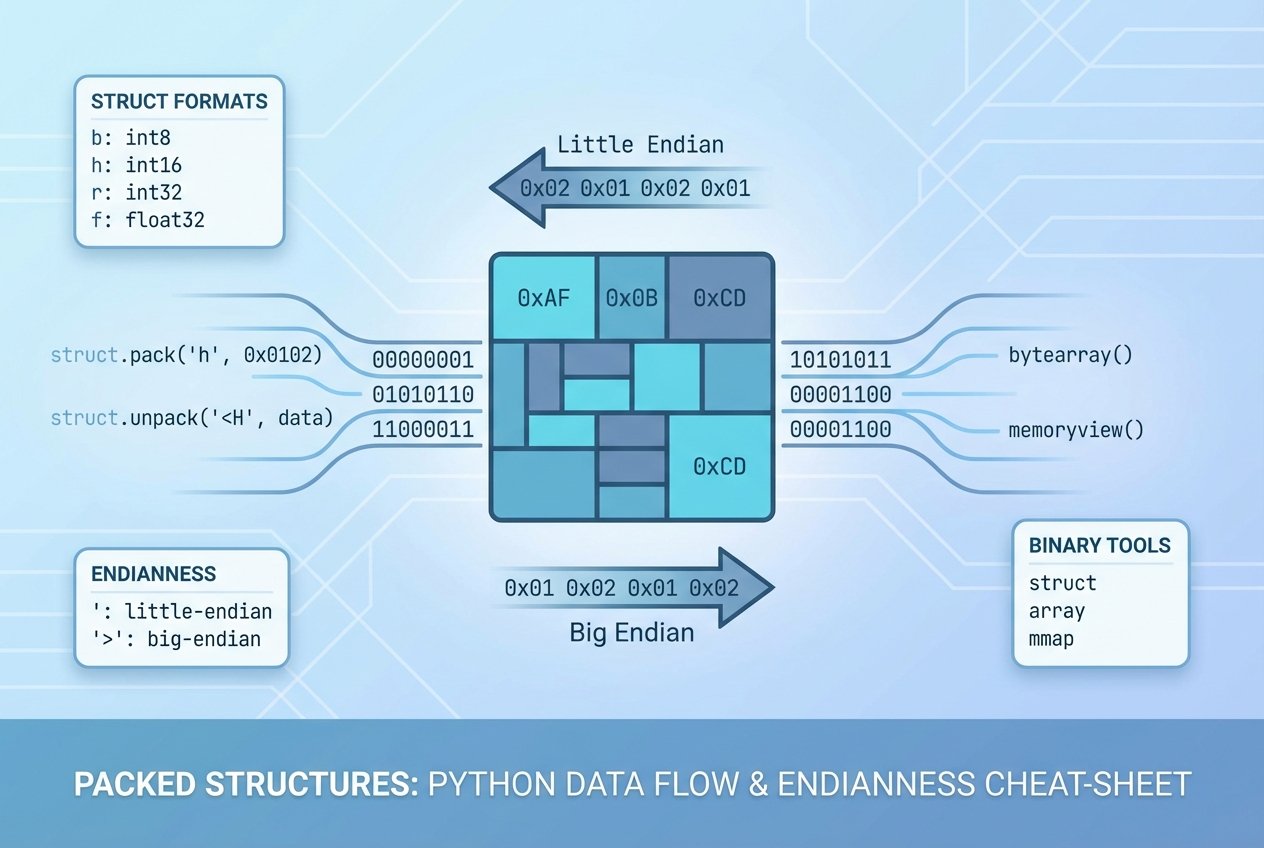
Overview: python struct pack unpack
The Python struct module provides tools to convert between Python values and C-style binary representations. When you need to read or write binary files, communicate over sockets, or interoperate with C libraries, using struct.pack and struct.unpack lets you pack values into bytes and recover them later with a matching struct format string.
When to use the struct module
- Serializing numeric values and fixed-layout records into
python binary datafor files or network transmission. - Interpreting byte buffers produced by C programs or network protocols that follow a specific layout.
- Working with low-level byte buffers, memory views, or ctypes-created buffers for performance-sensitive code.
Core functions: pack, unpack and friends
struct.pack(format, ...)— pack Python values into abytesobject according to the format string.struct.unpack(format, bytes)— unpack abytesbuffer into a tuple of Python values; note thatunpackalways returns a tuple.struct.calcsize(format)— compute how many bytes a given format occupies (useful to validate buffers).struct.pack_into(format, buffer, offset, ...)— write packed values directly into a writable buffer (like a bytearray or ctypes buffer).struct.unpack_from(format, buffer, offset=0)— extract values from a buffer without slicing, returning a tuple.
Format string basics
A struct format string describes the types and order of fields. It can also specify byte order and alignment with a prefix:
@— native order, native alignment (default)=— native order, standard sizes, no alignment<— little-endian, standard sizes>— big-endian, standard sizes!— network (= big-endian) byte order
Common format characters (cheat sheet)
?   boolean (1 byte)
# not allowed in code - comment line
b   signed char (1 byte)
B   unsigned char (1 byte)
h   short (2 bytes)
H   unsigned short (2 bytes)
i   int (4 bytes)
I   unsigned int (4 bytes)
q   long long (8 bytes)
Q   unsigned long long (8 bytes)
f   float (4 bytes)
d   double (8 bytes)
s   char[] (string of specified length)
p   pascal string
Examples: python struct pack and unpack example
Basic pack/unpack workflow — pack values into bytes and read them back with the same format:
import struct

# pack three signed integers into bytes
packed = struct.pack('iii', 10, 20, 30)
print(type(packed), packed)  # bytes object

# unpack returns a tuple of values
values = struct.unpack('iii', packed)
print(values)  # (10, 20, 30)
Remember: the format must match the data layout exactly. If the buffer length does not match the expected size, unpack will raise an exception.
Using calcsize to verify sizes
import struct
size = struct.calcsize('hhl')  # number of bytes for short, short, long
print('bytes required:', size)
Packing into and unpacking from buffers
If you need to operate on an existing buffer without allocating new bytes, use pack_into and unpack_from. These are handy for building binary messages in a pre-allocated buffer.
import struct
import ctypes

fmt = 'hhl'
size = struct.calcsize(fmt)
buf = ctypes.create_string_buffer(size)

# write values directly into the buffer
struct.pack_into(fmt, buf, 0, 5, 10, 15)

# read values back without slicing
result = struct.unpack_from(fmt, buf, 0)
print(result)  # tuple
Endianness: little vs big (network byte order)
Byte order matters when exchanging binary data across machines. Use < for little-endian and > or ! for big-endian (network byte order). For example, when sending integers over a socket, prefer '!I' to ensure consistent interpretation.
# big-endian unsigned int
packed_be = struct.pack('!I', 0x12345678)
# little-endian unsigned int
packed_le = struct.pack('
Practical tips and pitfalls
- Always use
calcsizeor checklen(bytes)before unpacking to avoid exceptions. - Be explicit about endianness in protocols — Netalith not rely on native defaults when communicating between systems.
- Note that alignment and padding affect size when using native format (
@); use standard sizes (</>/!or=) for portable layouts. - For large binary work, consider memoryview, bytearray, or ctypes buffers with
pack_intoto reduce allocations.
Use
struct.packto create compact byte sequences andstruct.unpackto recover typed values. When in doubt, include explicit format prefixes and verify withcalcsize.