Python String Module
Guide to the Python string module: constants, capwords utility, Formatter and Template classes, examples and practical tips.
Drake Nguyen
Founder · System Architect
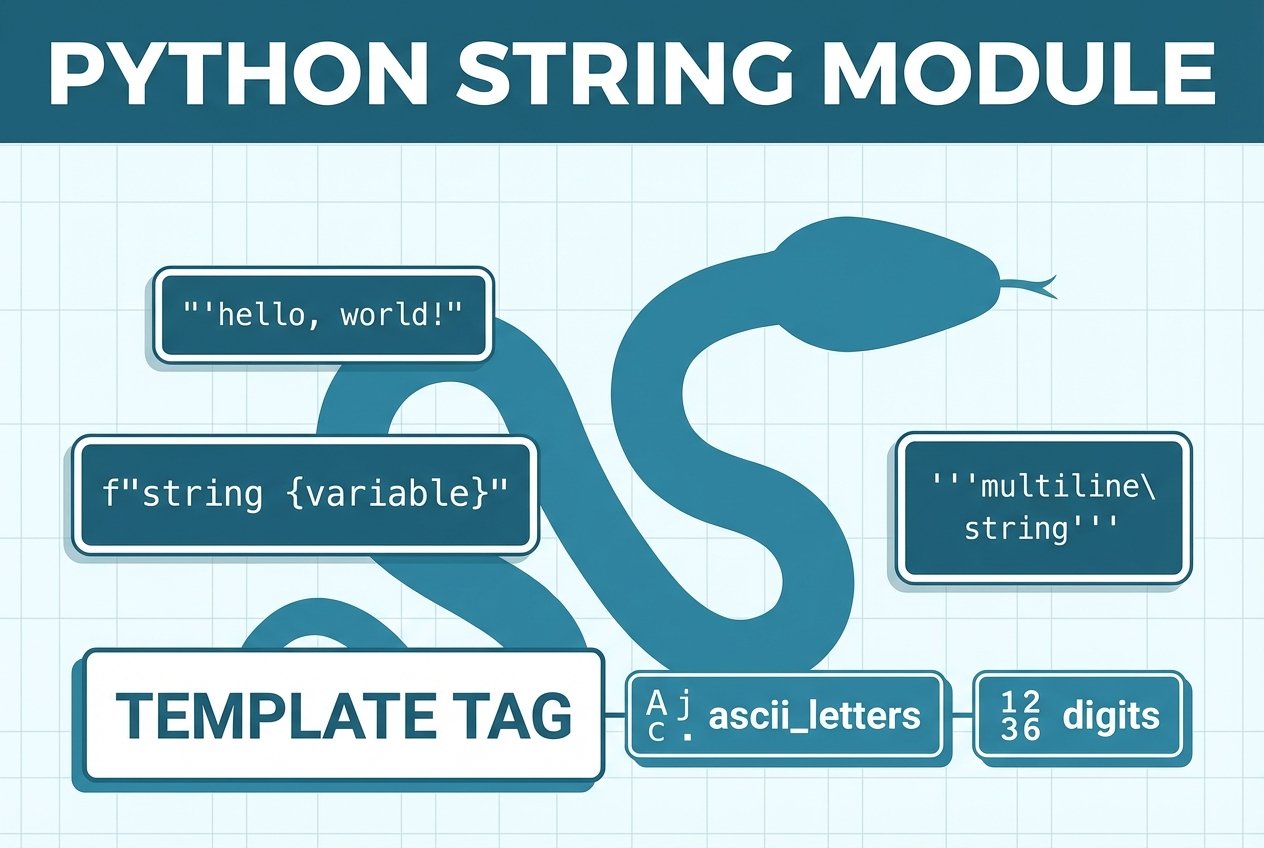
Python string module — overview
The Python string module provides a small set of ready-made constants, one utility function and two helper classes for common string tasks. Importing the module is simple: use import string. The module is handy for tasks like input validation, formatting templates, or working with character sets such as letters, digits and punctuation.
Importing the module
To access the module’s constants and classes, import it at the top of your script: import string. This makes values like string.ascii_letters and classes such as string.Template available in your namespace.
Common constants
The module exposes several character-set constants you can use instead of hard-coding values. These are useful for validation, construction of character classes, or generating test data:
string.ascii_letters— combined lower+upper case lettersstring.ascii_lowercase,string.ascii_uppercase— case-specific lettersstring.digits— 0–9string.hexdigits— hexadecimal characters (0–9, a–f, A–F)string.whitespace— whitespace characters (space, tab, newline, etc.)string.punctuation— ASCII punctuation characters
import string

# examples of commonly used constants
print(string.ascii_letters)
print(string.digits)
print(string.hexdigits)
print(string.whitespace)
print(string.punctuation)
These constants are safer and clearer than repeating literal character sets throughout your code (for example, using string.ascii_letters instead of writing out the alphabet).
Using capwords()
The module offers one utility function, string.capwords(s, sep=None), which capitalizes each word in a string. Internally it splits the string (using str.split() or the provided separator), applies str.capitalize() to each token, then rejoins them. It’s a simple alternative to repeatedly calling title/replace for controlled capitalization.
import string
s = '  hello   WORLD\nfrom python '
print(string.capwords(s))  # => 'Hello World From Python'
Classes in the Python string module
The module includes two small classes: Formatter and Template. Each serves a different use case for string interpolation.
Formatter
string.Formatter implements the same replacement behavior as the built-in str.format(). Use it when you want to customize parsing or rendering of format strings by subclassing. This is useful for creating a custom formatting syntax or hooking into how values are converted.
from string import Formatter

fmt = Formatter()
print(fmt.format('{greet}, {name}!', greet='Hello', name='Alice'))
# Equivalent to: '{greet}, {name}!'.format(greet='Hello', name='Alice')
See this pattern when you need to extend or override the default formatting behavior — for example, to implement application-specific conversions. (Search: "python string module Formatter vs str.format" for comparisons and examples.)
Template
string.Template offers a simpler and safer templating interface based on PEP 292. Templates use the $identifier syntax and are ideal when you want straightforward substitutions without the full complexity of str.format() or f-strings — for example, in configuration files or basic internationalization (i18n).
from string import Template

t = Template('$name is the $title of $company')
print(t.substitute(name='Sam', title='Engineer', company='Acme'))

# safe_substitute prevents KeyError by leaving placeholders unchanged
print(t.safe_substitute(name='Sam', company='Acme'))
Use substitute() when you require all placeholders to be provided; use safe_substitute() when missing keys should not raise exceptions. (Search: "python string Template safe_substitute example" for practical examples.)
Practical tips and examples
- Prefer the module constants like
string.ascii_letters,string.digits, orstring.punctuationfor building regex patterns or input validators. - Use
string.hexdigitswhen parsing or validating hexadecimal input. - When doing simple text substitutions in user-editable templates, choose
string.Templateto reduce risk from complex format expressions. - For complex formatting needs (alignment, number formatting, nested fields), use
str.format()or a customFormattersubclass. - If you need to normalize words before display,
string.capwords()is a concise, readable option. (Example:string.capwords('python string module example').)
Official docs: https://docs.python.org/3/library/string.html
These utilities form the core of the Python string module, offering convenient constants and lightweight classes to keep string handling readable and maintainable. Try importing the module in your REPL (import string) and experimenting with the constants and classes to see which suit your workflow best.