Python Pandas Module Tutorial
Beginner-friendly pandas tutorial covering installation, Series/DataFrame, CSV import, inspection, selection (iloc/loc), grouping, merging, concatenation, and common operations with examples.
Drake Nguyen
Founder · System Architect
Overview: pandas tutorial for beginners
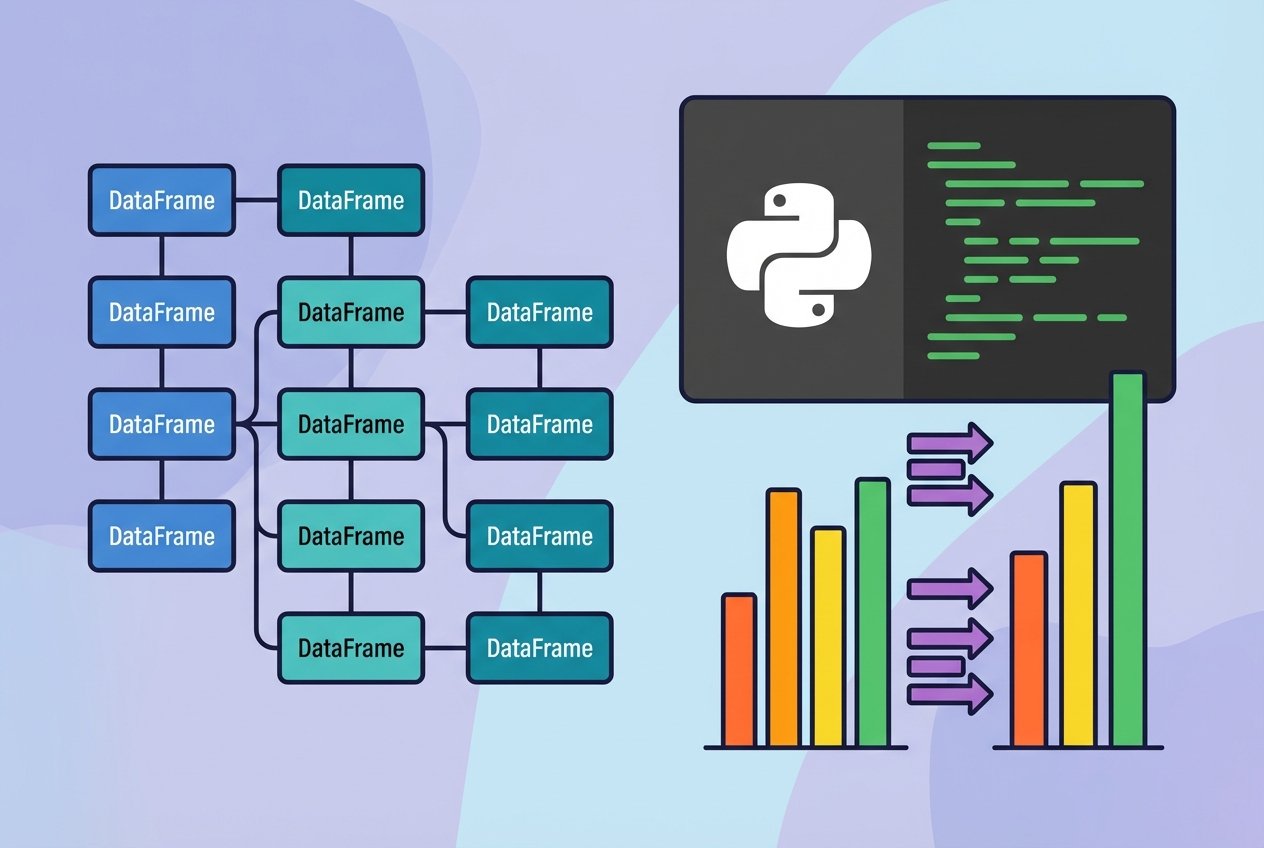
This pandas tutorial introduces the core features of the Python pandas library for working with tabular data. You'll learn how to install pandas, the primary data structures (Series and DataFrame), importing CSV files, inspecting and manipulating data, and common data-wrangling operations like groupby, merge, and concat. Examples use idiomatic python pandas code so you can follow along.
Installing pandas
To start using pandas, install it with your preferred package manager. For pip-based installs (recommended for many users):
python -m pip install pandasFor users with conda environments:
conda install pandasIf you need to install a specific Python wheel or are using a particular interpreter, the command above explains how to install pandas in python using pip. After installation, import pandas and NumPy in your script:
import pandas as pd
import numpy as np
Key pandas data structures
- pandas Series: a one-dimensional labeled array for homogeneous data (similar to a column).
- pandas DataFrame: a two-dimensional, tabular structure with labeled axes (rows and columns); supports heterogeneous column types.
- Older panels for 3-D data exist but are rarely used; most modern workflows rely on DataFrame and MultiIndex structures.
Creating a DataFrame
You can construct a DataFrame from lists, dictionaries, NumPy arrays, or other DataFrames. The constructor signature is roughly:
pd.DataFrame(data=None, index=None, columns=None, dtype=None, copy=False)Example: create a DataFrame from a list of dictionaries:
df = pd.DataFrame([
    {"State": "Andhra Pradesh", "Capital": "Hyderabad", "Literacy": 89, "AvgHighC": 33},
    {"State": "Maharashtra", "Capital": "Mumbai", "Literacy": 77, "AvgHighC": 30},
    {"State": "Karnataka", "Capital": "Bengaluru", "Literacy": 82, "AvgHighC": 29}
])
print(df)
Read CSV into DataFrame
Loading tabular data from a CSV file into a DataFrame is common. Use pandas read_csv to convert a CSV to a DataFrame:
# pandas read csv into dataframe example
data = pd.read_csv('cities.csv')
print(data.head())
Inspecting a DataFrame
When working with large datasets, these helpers are essential:
df.head(n)— first n rowsdf.tail(n)— last n rowsdf.dtypes— column data typesdf.index,df.columns,df.values— index, column labels, and raw valuesdf.describe()— statistical summary (count, mean, std, min, max, percentiles)
Sorting and selecting
Sort rows by a column:
df.sort_values('Literacy', ascending=False)Select columns and rows:
# single column (returns Series)
capitals = df['Capital']

# multiple columns (returns DataFrame)
subset = df[['State', 'Capital']]

# row slicing by integer position
first_three = df[0:3]

# select by integer position (iloc) and by label (loc)
row2 = df.iloc[1]        # second row by position
cell = df.iloc[1, 1]     # second row, second column by position
row_by_label = df.loc["row_label"]  # select by index label if present
pandas iloc vs loc explained
iloc uses integer-based indexing (like Python lists), while loc uses label-based indexing (row/column names). Use iloc when you need positional selection and loc when working with meaningful labels.
Filtering rows
Filter rows with boolean conditions or membership tests:
# rows where Literacy > 90
high_lit = df[df['Literacy'] > 90]

# filter multiple values using isin
sel = df[df['State'].isin(['Karnataka', 'Tamil Nadu'])]
Renaming, adding and deleting columns
Rename columns in place:
df.rename(columns={'Literacy': 'Literacy_percentage'}, inplace=True)Add a column from a Series or scalar:
df['Runrate'] = pd.Series([80, 70, 60], index=df.index)
# or set a scalar for all rows
# df['Source'] = 'survey'
Delete columns:
del df['Runrate']
# or
# df.pop('Runrate')
Data wrangling: merge, groupby, concat
pandas offers powerful utilities for combining and aggregating data:
pd.merge(): database-style joins between two DataFrames on one or more keys.df.groupby(): split data into groups, apply aggregate functions, and combine the results.pd.concat(): append DataFrames vertically or horizontally.
# merge two dataframes on a column
merged = pd.merge(df1, df2, on='Employee_id')

# groupby example and aggregation
grouped = df2.groupby('Employee_name').size()   # or .agg({'Salary':'sum'})

# concatenate vertically
combined = pd.concat([df1, df2], ignore_index=True)
Create DataFrame from dict of Series
You can build a DataFrame from a dictionary where each value is a Series. Indexes align automatically and missing entries become NaN:
d = {
    'Matches_played': pd.Series([400, 300, 200], index=['Sachin','Kohli','Raina']),
    'Position': pd.Series([1,2,3,4], index=['Sachin','Kohli','Raina','Dravid'])
}
df_series = pd.DataFrame(d)
print(df_series)
Column operations and inspecting internals
Use attributes to inspect and manipulate internals:
df.columns— column labelsdf.dtypes— column typesdf.values— ndarray of underlying values
Tip: When experimenting interactively, calldf.head(),df.info()anddf.describe()often to understand the shape and types of your data before transforming it.
Next steps
This pandas tutorial covers the essentials to get started with data analysis in Python: installing pandas, creating and inspecting DataFrames, indexing and selection (iloc vs loc), filtering, basic statistics, and data-wrangling with merge, groupby, and concat. As you progress, explore time-series methods, groupby aggregation strategies, and performance tips (using categorical dtypes, vectorized operations and avoiding Python loops).
References
Consult the official pandas documentation for comprehensive guides and API details to deepen your knowledge.