Python log() Functions to Calculate Logarithm
Clear guide to python math log: using math.log, math.log2, log10, log1p and numpy.log with examples, differences, and tips.
Drake Nguyen
Founder · System Architect
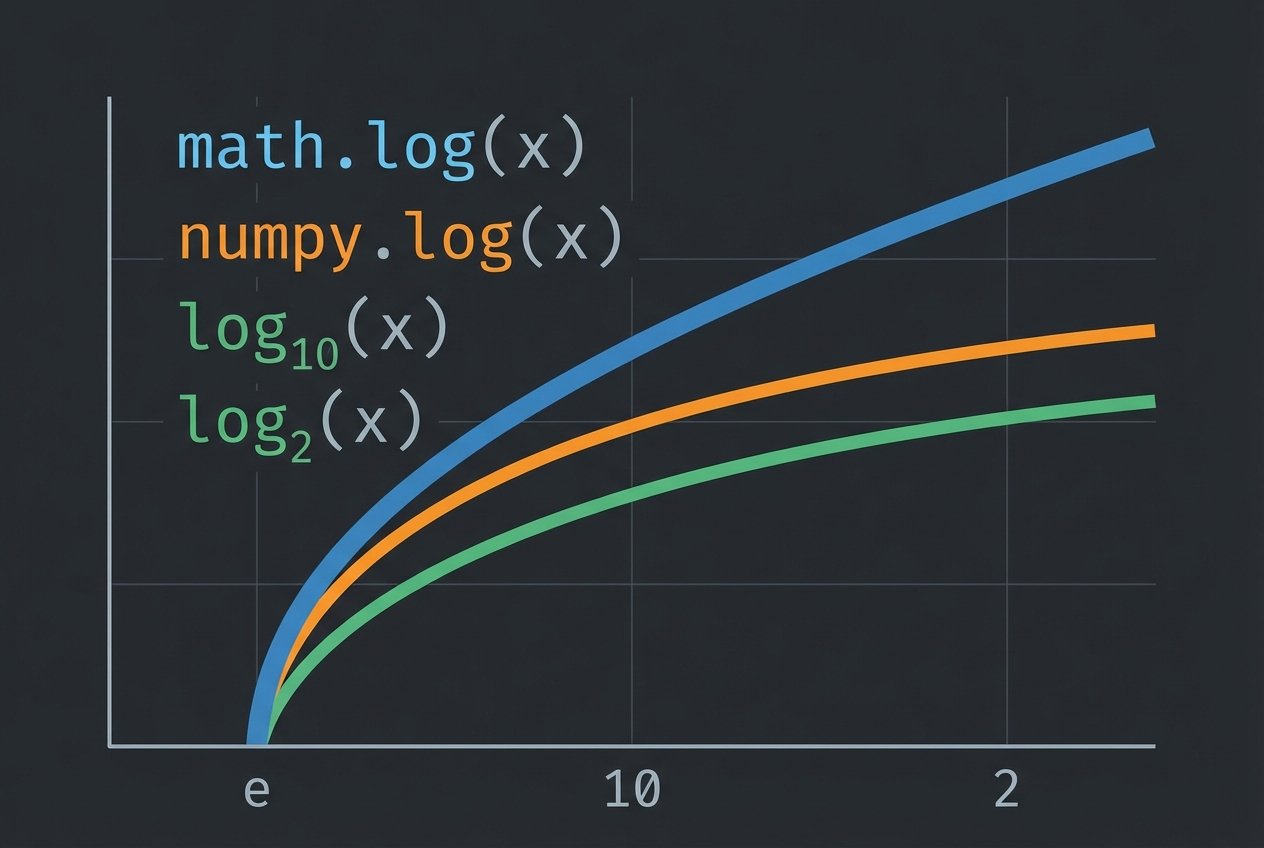
Overview of python math log
The python math log functions provide ways to compute logarithms for numbers and arrays. Whether you need the natural logarithm, a base-10 value, or an efficient array-wise computation with numpy, this guide explains how to use math.log, math.log2, math.log10, math.log1p and numpy.log with clear examples and best practices.
Using math.log in Python
Start by importing the math module. The core function math.log(x) returns the natural logarithm (log base e) of x. You can also supply a second argument to compute a logarithm with an arbitrary base.
import math

# natural logarithm (base e)
print(math.log(2))        # math.log python -> natural log of 2

# logarithm with a custom base
print(math.log(20, 4))    # math.log(x, base) -> log base 4 of 20
Note: math.log raises a ValueError for non-positive inputs. Use try/except for robust code when inputs might be zero or negative.
Variants: math.log2, math.log10 and math.log1p
For common bases, the math module provides specialized functions that are both readable and slightly faster than calling math.log with a base conversion.
math.log2(x)
Compute the logarithm base 2. Useful for bit-level calculations and information-theory tasks.
import math
print(math.log2(32))  # log base 2 -> 5.0
math.log10(x)
Compute log base 10. This is often used in scientific notation, decibels, and orders-of-magnitude calculations.
import math
print(math.log10(1000))  # python log base 10 -> 3.0
math.log1p(x)
math.log1p(x) returns log(1 + x). It is numerically stable for small x and preferred when x is close to zero to avoid loss of precision.
import math
# prefer math.log1p when x is tiny
small = 1e-8
print(math.log1p(small))  # more accurate than math.log(1 + small)
How to choose: math.log vs numpy.log
When you are working with single numeric values, math.log and its variants are the right choice. For large numeric arrays, use numpy.log which applies the natural logarithm element-wise and benefits from vectorized computation.
import numpy as np

arr = np.array([10, 20, 30, 40, 50])
print(np.log(arr))   # numpy log function example -> array of natural logs

# numpy also supplies log10 and log2
print(np.log10(arr))
print(np.log2(arr))
Key differences between math.log and numpy.log:
- math.log: scalar-only, precise for single values, available in the standard library.
- numpy.log: vectorized, operates on arrays, returns a NumPy array and is optimized for bulk numeric work.
Common usage patterns and tips
- To compute a logarithm in an arbitrary base using math: math.log(x, base) or math.log(x) / math.log(base).
- Use math.log1p(x) when computing log(1 + x) for small x to reduce floating-point error.
- Guard against invalid inputs (x <= 0) to avoid ValueError exceptions.
- Prefer numpy.log for arrays for performance and convenience (e.g., numpy log array example).
Examples: how to use math.log in python
# natural logarithm (math)
import math
print('natural:', math.log(2.718281828))

# base-10 and base-2
print('base-10:', math.log10(15))
print('base-2 :', math.log2(20))

# custom base
x = 20
base = 4
print('custom base:', math.log(x, base))  # python math.log function

# numpy example
import numpy as np
arr = np.array([1, 10, 100])
print('numpy log:', np.log(arr))
Conclusion
The python math log tools cover most needs: math.log for scalars and arbitrary bases, math.log2/math.log10/math.log1p for common cases, and numpy.log for efficient array computations. Understanding these functions helps you choose the right log function in python for correctness, performance, and numerical stability.
Reference: Python's math module and NumPy documentation describe available log and logarithmic functions, their domains, and behavior.