Python Compare Strings - Methods & Best Practices
Practical guide to python string comparison: equality vs identity, case-insensitive methods, Unicode normalization, bytes vs str, and performance tips.
Drake Nguyen
Founder · System Architect
Introduction
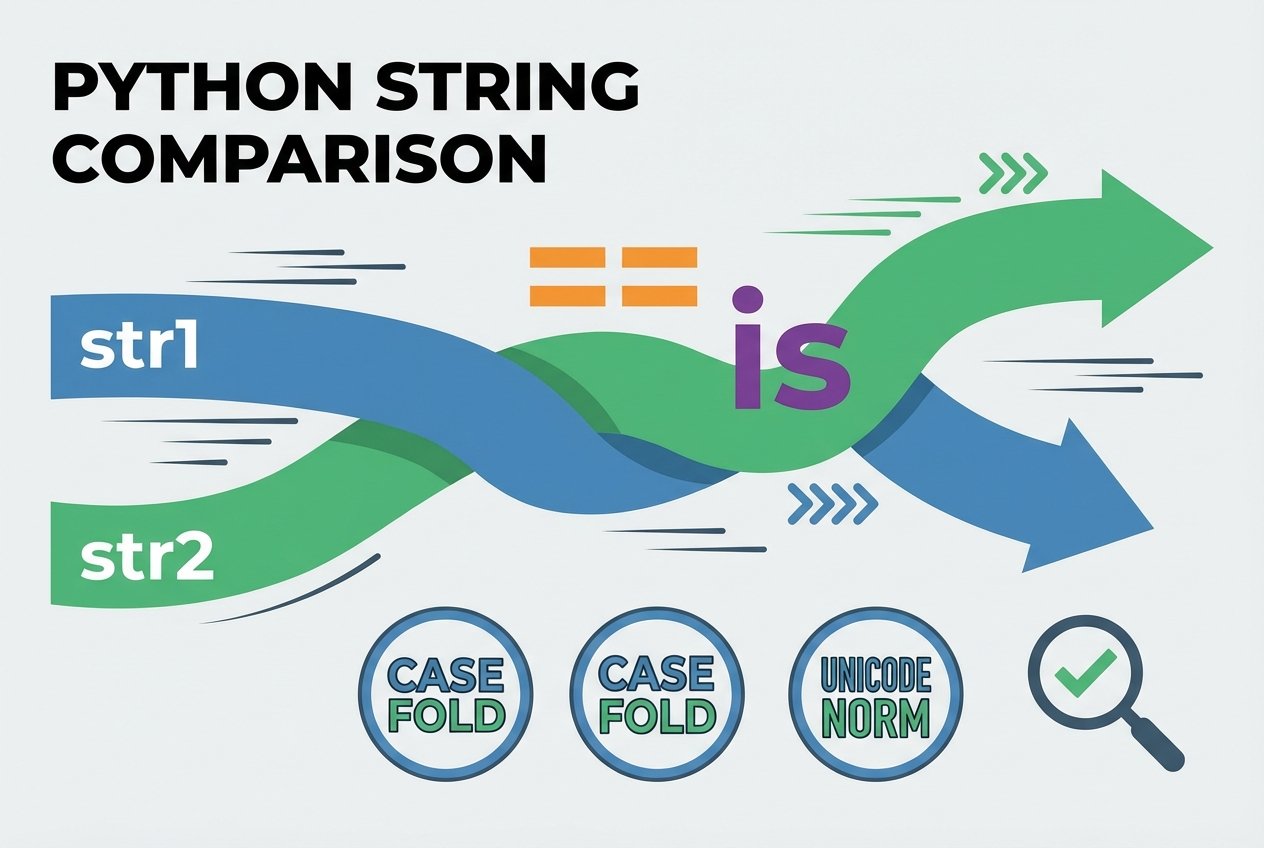
String comparison is a common task in Python programming. This guide explains how to compare strings in Python using built-in operators and methods, and covers case-insensitive comparisons, Unicode normalization, byte vs str handling, and performance considerations for python string comparison.
Basic equality and comparison operators
Python lets you compare text with the standard comparison operators: ==, !=, <, >, <=, and >=. These operators compare strings lexicographically: characters are compared one by one and differing characters are ordered by their Unicode code points.
Examples
# compare strings for equality
s1 = 'Apple'
s2 = 'Apple'
print(s1 == s2)   # True
print(s1 != s2)   # False

# lexicographic comparisons (based on Unicode code points)
print('Apple' < 'ApplePie')   # True (shorter prefix is smaller)
print('apple' > 'Banana')     # Depends on case and Unicode values
Comparing user input and alphabetical ordering
When you compare two inputs to decide dictionary order, remember comparisons are case-sensitive by default. Uppercase letters have different Unicode code points than lowercase letters, so 'Zebra' may compare differently than 'apple'.
first = input('First word: ')
second = input('Second word: ')
if first < second:
    print(f"{first} comes before {second}")
elif first > second:
    print(f"{first} comes after {second}")
else:
    print('They are equal')
Note: For robust, case-insensitive comparisons use.casefold()(preferred) or.lower()to normalize case first.
Case-insensitive comparisons: .lower() vs .casefold()
To perform python string comparison case insensitive, convert both strings to a common case. .lower() works for many languages, but .casefold() is stronger and intended for caseless matching across languages (for example Turkish dotless i handling).
a = 'HELLO'
b = 'hello'
print(a.lower() == b.lower())       # True

# Better for international text
x = 'I'
y = 'ı'   # Turkish dotless i
print(x.lower() == y.lower())       # Often False
print(x.casefold() == y.casefold()) # More likely True
Use the keyword python casefold vs lower for searches when you want guidance on which method to choose.
Unicode, normalization and accents
Different Unicode representations can make visually identical strings compare as different values. Normalize both strings before comparing when working with combined and decomposed forms (NFC vs NFD).
import unicodedata
s1 = 'ü'         # single code point
s2 = 'u\u0308'  # decomposed u + diaeresis

ns1 = unicodedata.normalize('NFC', s1)
ns2 = unicodedata.normalize('NFC', s2)
print(ns1 == ns2)  # True after normalization
For python unicode string comparison that is locale-aware (sorting according to language rules), use a library such as PyICU or use locale.strxfrm for simple locale-specific collation.
Preprocessing: ignoring case, whitespace, or accents
Sometimes you want to compare strings while ignoring whitespace or accents. Simple preprocessing can help:
def normalize_for_compare(s):
    # trim, collapse spaces, fold case, and normalize Unicode
    s = ' '.join(s.split())           # remove extra whitespace
    s = unicodedata.normalize('NFKD', s)
    s = ''.join(ch for ch in s if not unicodedata.combining(ch))
    return s.casefold()

print(normalize_for_compare(' Café  ') == normalize_for_compare('cafe'))  # True
Search terms: python compare strings ignoring case and whitespace, python compare strings ignoring accents, python unicode normalization string comparison python.
Byte strings vs Unicode strings
In Python 3, str holds Unicode text and bytes holds raw bytes. You must decode bytes to str (or encode str to bytes) before comparing; comparing a bytes object to a str directly will not work.
b = b'Hello'
s = 'Hello'
print(b == s)            # False (different types)
print(b.decode('utf-8') == s)  # True after decoding
See python compare bytes and str python for more details.
Performance: == vs is and benchmarking
Use == to compare string values. The is operator checks object identity (same object in memory) and should not be used for value comparison. While is can be faster in some edge cases for interned short strings, relying on it is incorrect for python compare strings semantics.
# Correct value comparison
if a == b:
    pass

# Identity check (only when you mean same object)
if a is b:
    pass
To measure practical performance differences, use timeit and benchmark realistic workloads — see python string comparison benchmark timeit for tips.
Advanced topics and tips
- Lexicographic ordering follows Unicode code points; use
sorted()with a key or locale transform for language-aware alphabetical sorting (python compare strings alphabetical). - To compare strings that are nearly identical, use
difflib.SequenceMatcheror libraries like RapidFuzz for fuzzy matching (checking similarity ratio). - For locale-aware comparison, consider
localeor PyICU to respect language-specific collation rules (python string comparison locale aware). - When comparing very large strings repeatedly, avoid unnecessary allocations by normalizing once and reusing results.
FAQs
How Netalith I compare two strings in Python?
Use == to compare values (python compare two strings). For case-insensitive checks use .casefold() or .lower() after normalizing Unicode if needed.
What is the difference between == and is?
== tests value equality (python string equals). is tests identity: whether both variables reference the exact same object in memory. For comparing text values always use ==.
How can I compare strings case-insensitively?
Prefer .casefold() for internationalized, case-insensitive comparisons. Use .lower() for simpler, ASCII-centric cases.
How Netalith I compare strings with accents or different Unicode forms?
Normalize both strings with unicodedata.normalize() (NFC or NFD) before comparing. Optionally remove combining marks to ignore accents.
How Netalith I check for nearly identical strings?
Use difflib.SequenceMatcher or a fuzzy-matching library to compute a similarity ratio when exact equality is not required.
Conclusion
Understanding python string comparison includes knowing when to use == versus is, how Unicode and locale affect comparisons, and which preprocessing (casefold, normalization, whitespace trimming) to apply. Armed with these techniques, you can compare strings reliably across languages and encodings.