map() Array Method in JavaScript
Comprehensive guide to the JavaScript map() method: syntax, examples (arrow functions, objects), callback parameters, immutability, map vs forEach, async use with Promise.all, and an ES5 polyfill.
Drake Nguyen
Founder · System Architect
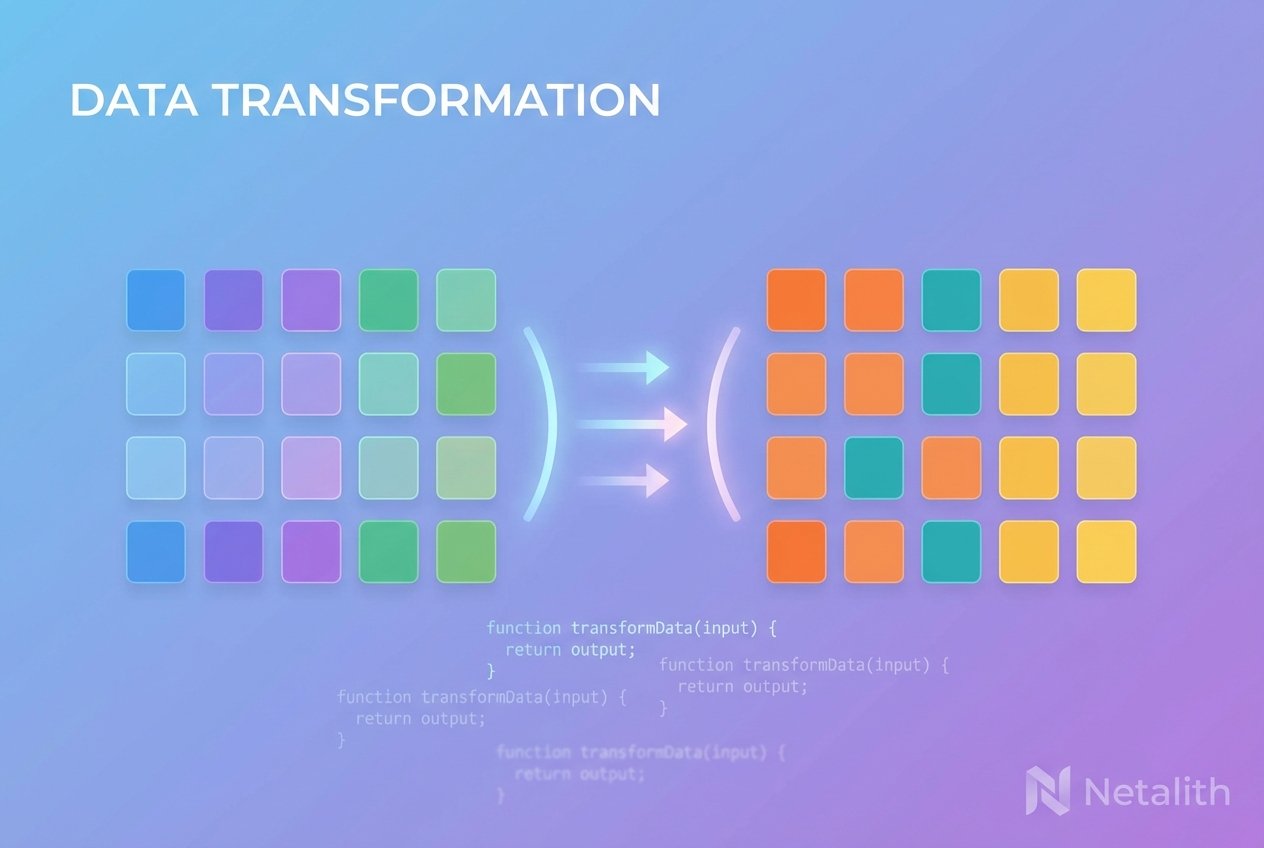
What the JavaScript map() method does
The JavaScript map() method is a higher-order Array.prototype.map function that iterates over an array and builds a new array by applying a callback to every element. Unlike mutating loops, map returns a fresh array of transformed values, making it a core tool among JavaScript array methods for functional, immutable-style code.
Basic syntax
Use map by passing a callback that receives element data and returns the transformed value:
// generic form
const newArray = myArray.map(function callback(currentValue, index, array) {
  // return transformedValue
});
Simple example (ES6 arrow function)
const drinks = ['coffee', 'soda', 'tea', 'whiskey'];
const iced = drinks.map(drink => 'iced ' + drink);
// iced => ['iced coffee', 'iced soda', 'iced tea', 'iced whiskey']
Callback parameters explained
The map callback function receives three parameters that you can use:
- currentValue (required) — the current item being processed
- index (optional) — the numeric position of the item
- array (optional) — the original array being traversed
// using index and array parameters
const doubledWithIndex = [1,2,3].map((value, idx, arr) => value * 2 + idx);
// -> [2,5,8]
map() returns a new array — immutability
One key point about the JavaScript map() method is that it returns a brand-new array. The original array is not replaced by map itself. However, if the callback mutates objects referenced by the array, those objects will be changed because map copies references, not deep clones.
Transforming an array of objects
const users = [
  { first: 'Sam', last: 'Lee' },
  { first: 'Ana', last: 'Khan' }
];

const withFullName = users.map(u => ({ ...u, fullName: u.first + ' ' + u.last }));
// withFullName -> [ {first:'Sam', last:'Lee', fullName:'Sam Lee'}, ... ]
map vs forEach — when to use each
- map vs forEach: use map when you need the returned array of results; use forEach when you only need to run side effects (logging, mutation) and don't need a new array.
- map always returns an array of the same length as the input; forEach returns undefined.
Common pitfalls
- Return undefined: forgetting to return a value from the callback produces an array of undefined entries.
- Mutation: map doesn't mutate the source array itself, but the callback can mutate referenced objects if you modify them in place.
- Sparse arrays: map skips empty slots but preserves array length, which can surprise newcomers.
Using map with async operations
map doesn't await async callbacks by itself. If you need to run async functions inside map, combine map with Promise.all to collect results:
// map with async function — use Promise.all
const results = await Promise.all(ids.map(async id => {
  const res = await fetch('/api/item/' + id);
  return res.json();
}));
Polyfill (ES5) example
// simple Array.prototype.map polyfill
if (!Array.prototype.map) {
  Array.prototype.map = function(callback, thisArg) {
    if (this == null) throw new TypeError('Array.prototype.map called on null or undefined');
    if (typeof callback !== 'function') throw new TypeError(callback + ' is not a function');
    const O = Object(this);
    const len = O.length >>> 0;
    const A = new Array(len);
    for (let k = 0; k < len; k++) {
      if (k in O) {
        A[k] = callback.call(thisArg, O[k], k, O);
      }
    }
    return A;
  };
}
Quick tips
- Prefer ES6 arrow functions for concise Array map JavaScript code.
- Use map when transforming data — it aligns with functional programming and immutable patterns.
- When you need index or the whole array, include the appropriate callback parameters.
- For async transformations, wrap map with Promise.all to handle promises correctly.
Remember: the JavaScript map() array method helps transform arrays declaratively, returning a new array while leaving array structure intact.