Join Python List: Techniques, Examples, and Best Practices
Clear, original guide on python join list: use str.join() with examples for delimiters, joining integers, filtering, itertools.chain, and performance tips.
Drake Nguyen
Founder · System Architect
Introduction
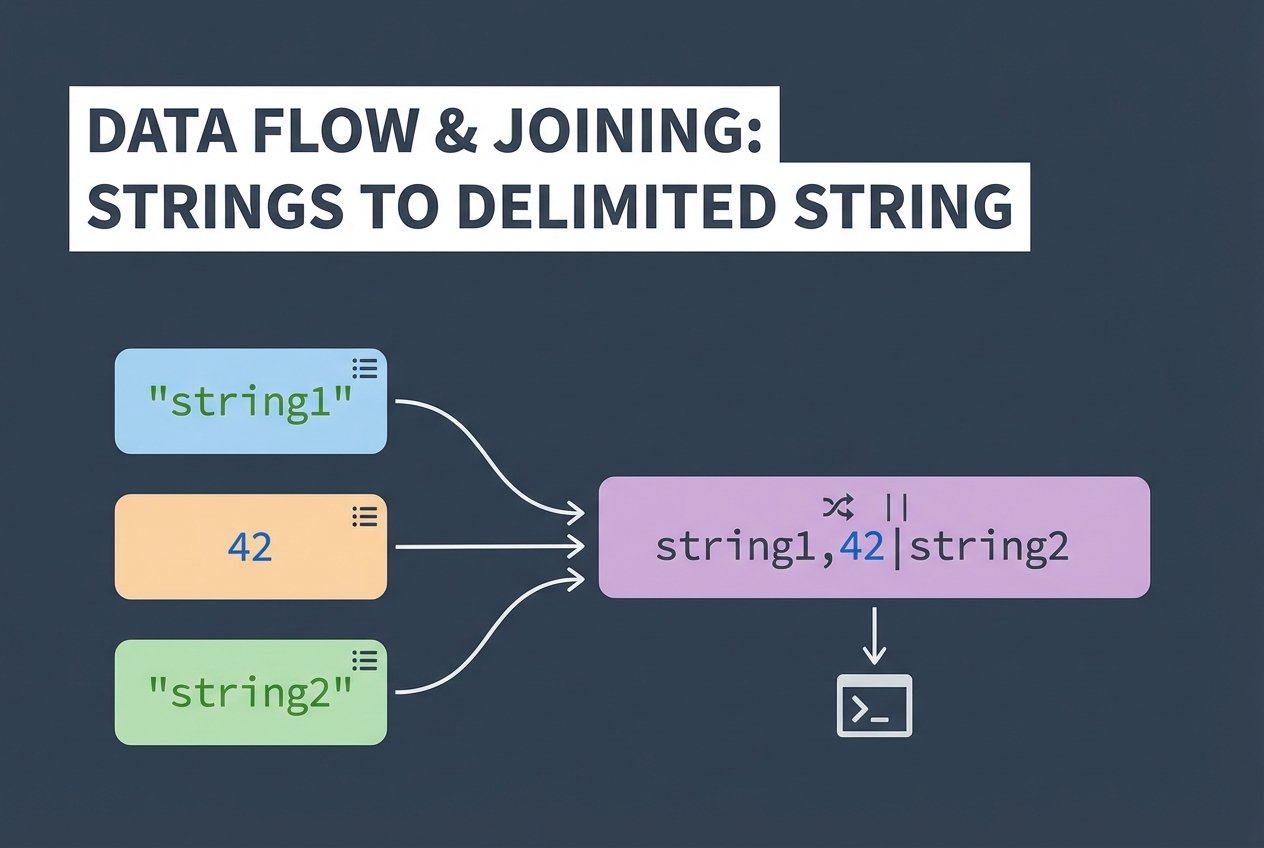
The python join list pattern is the standard way to combine multiple string elements from an iterable into a single string. The string method str.join() inserts a delimiter between items and is efficient for concatenating many strings. This article explains how to use python join list techniques, handle non-string values, and compare join against other approaches.
How str.join() works
join() is a method on a string that expects an iterable of strings and returns one string built by placing the calling string (the delimiter) between each element. Because the method requires string items, attempting to join integers or mixed types raises a TypeError unless you convert elements first.
Basic example — join list of strings
words = ['Python', 'is', 'great']
sentence = ' '.join(words)
print(sentence)  # Output: Python is great
Join list with a custom delimiter
tags = ['apple', 'banana', 'cherry']
csv = ','.join(tags)
print(csv)  # Output: apple,banana,cherry
Join with newline or other separators
lines = ['first', 'second', 'third']
text = '\n'.join(lines)
print(text)
# Output:
# first
# second
# third
Handling non-string values
If your iterable contains integers or mixed types, convert items to strings before joining. Use map(str, iterable) for a concise approach, or a comprehension if you need transformation or filtering.
Convert integers to strings
nums = [1, 2, 3, 4]
joined = ','.join(map(str, nums))
print(joined)  # Output: 1,2,3,4
Filter or strip elements before joining
items = [' apple ', '', 'banana', None, 'Cherry ']
clean = (s.strip() for s in items if isinstance(s, str) and s.strip())
result = ';'.join(clean)
print(result)  # Output: apple;banana;Cherry
Joining iterables and combining lists
join accepts any iterable of strings. If you need to combine multiple lists first, prefer memory-efficient tools like itertools.chain for large collections, or simple concatenation for small lists.
Combine lists using itertools.chain
from itertools import chain
list1 = ['a', 'b']
list2 = ['c', 'd']
combined_iter = chain(list1, list2)  # returns an iterator
result = '-'.join(combined_iter)
print(result)  # Output: a-b-c-d
Concatenate small lists with +
a = ['x']
b = ['y']
joined = ''.join(a + b)  # small lists — acceptable
print(joined)  # Output: xy
Performance: join vs + operator vs itertools.chain
When building strings, str.join() is usually the fastest and most memory-efficient because it computes the final size up front and performs a single allocation. Using the + operator in a loop reallocates repeatedly and is slower for many pieces. itertools.chain helps combine iterables without creating intermediate lists, making it useful when you need to join large or numerous iterables.
When to use each method
- Use str.join() for concatenating many strings with a delimiter (python join list of strings, python join list to string).
- Use + for ad-hoc small concatenations where performance is not critical.
- Use itertools.chain to merge large iterables before joining (python join two lists using itertools chain).
Practical tips and common pitfalls
- TypeError expected str instance: convert non-string values via map(str) or comprehensions.
- join does not add a trailing delimiter — it only inserts separators between items (no trailing delimiter issue).
- To ignore empty strings, filter them out before joining (python join list ignore empty strings).
- To produce CSV-safe output, ensure values are escaped or quoted before joining (python join list to csv string).
FAQ
How to join a list in Python?
Call a delimiter string's join() method with an iterable of strings: 'sep'.join(iterable). This is the canonical python join list approach.
How to join list of ints?
Convert integers to strings first: ','.join(map(str, int_list)). This avoids TypeError and is concise.
Why is join a string method and not a list method?
join() returns a string and works with any iterable of strings. Placing it on the string type makes the API consistent: the delimiter (a string) determines how elements are combined into a string.
How to join list into a string with spaces?
Use a single space as the delimiter: ' '.join(my_list). This produces a natural sentence-like string (python join list into a string with spaces).
Conclusion
Mastering python join list patterns is essential for clean, efficient string building. Use str.join() for most string concatenation tasks, convert non-strings with map(str), and use itertools.chain to combine large iterables before joining. With these techniques you can join list elements reliably and avoid common pitfalls.