JavaScript Regular Expressions for Regular People
Original guide to javascript regex: create RegExp, capture groups, flags, match/replace examples, and a practical username-formatting walkthrough.
Drake Nguyen
Founder · System Architect
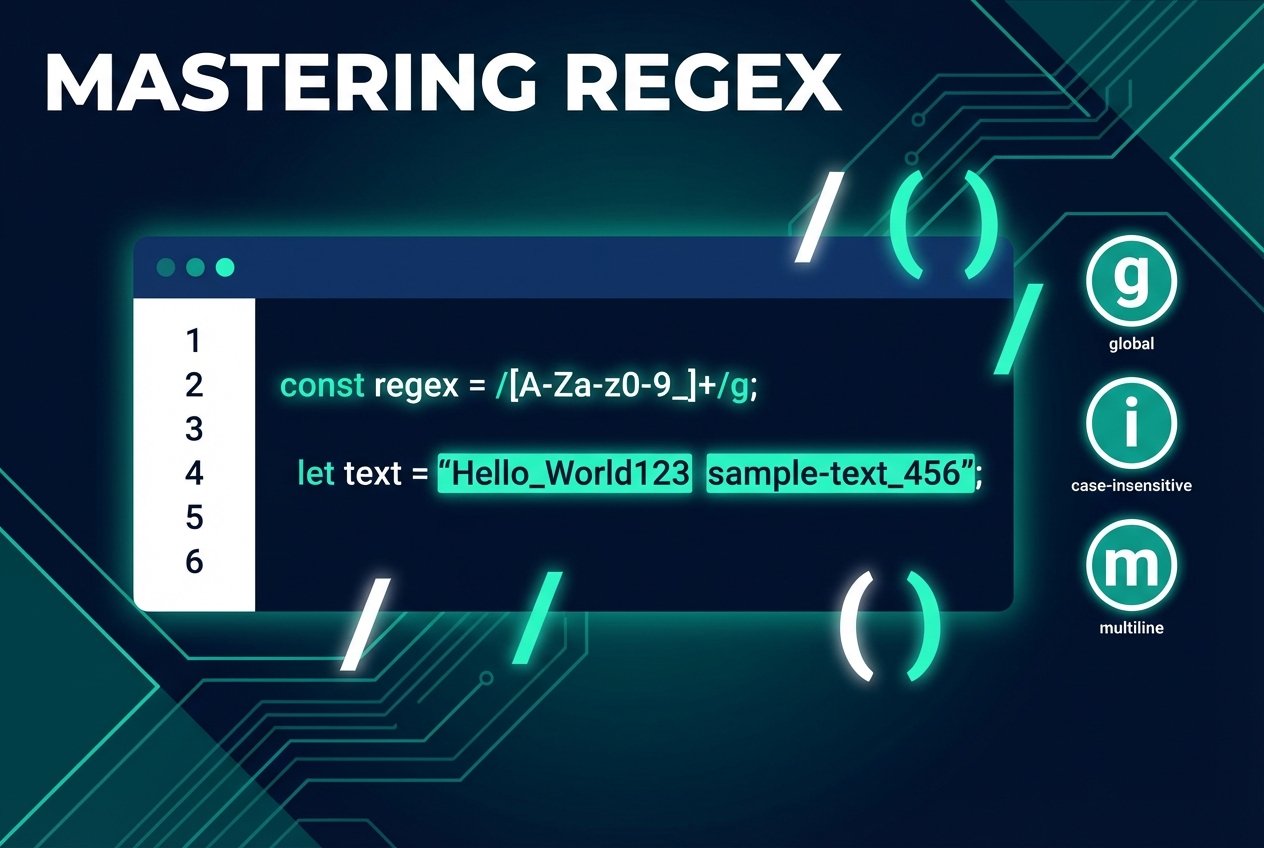
Introduction to JavaScript regex
Regular expressions are a compact way to describe patterns in text. In JavaScript, a RegExp (often called javascript regex or javascript regexp) lets you search, validate, extract, and replace substrings. If you are working with pattern matching in code—whether for input validation, parsing text, or transforming strings—understanding javascript regular expressions is essential.
Creating a RegExp in JS
- Literal:
/pattern/flags - Constructor from string:
new RegExp('pattern', 'flags') - Constructor from literal:
new RegExp(/pattern/, 'flags')
All three approaches produce a RegExp object; the choice depends on readability and whether you need to build the pattern dynamically (use the constructor when the pattern is a runtime string).
Practical example: format a username string with javascript regex
Goal: convert aaron.arney:alligator.io into Aaron Arney [Alligator]. Break the problem into steps:
- Extract the first name
- Extract the last name
- Extract the domain
- Format and capitalize the final result
Match first and last names (character classes and quantifiers)
Use character classes like [a-z] and quantifiers to limit length. The case-insensitive flag i makes matching ignore case.
const s = 'aaron.arney:alligator.io';

// Match a first name (1–15 letters)
const first = s.match(/^[a-z]{1,15}/i);
// first -> Array [ 'aaron' ]

// A more flexible pattern for both names:
const names = s.match(/([a-z]{1,15})\.([a-z]{1,15})/i);
// names -> [ 'aaron.arney', 'aaron', 'arney' ]
Capture the domain
Domain and TLD validation can be complex; for this example we assume reasonable length ranges. Parentheses create capturing groups that you can reference later.
// Combined regex with three capture groups: first, last, domain
const re = /^([a-z]{1,15})\.([a-z]{1,15}):([a-z]{3,25}\.[a-z]{2,10})/i;
const parts = s.match(re);
// parts -> [ 'aaron.arney:alligator.io', 'aaron', 'arney', 'alligator.io' ]
Shorter alternative using + and the global flag
The + quantifier matches one or more of the preceding token. The g flag (global) makes methods like match return all non-overlapping matches.
// Find all letter-only tokens
s.match(/[a-z]+/ig);
// -> [ 'aaron', 'arney', 'alligator', 'io' ]
Format output with replace and backreferences
String.prototype.replace accepts a regex or string and a replacement. Backreferences like $1 refer to captured groups from the pattern.
// Use captured groups to format: "$1 $2 [$3]"
const formatted = s.replace(re, '$1 $2 [$3]');
// formatted -> 'aaron arney [alligator.io]'

// To capitalize words, pass a function to replace
const capitalized = formatted.replace(/(^\b[a-z])|([^\.\s]\b[a-z])/g, (char) => char.toUpperCase());
// capitalized -> 'Aaron Arney [Alligator.io]'
Notes, flags, and useful methods
- Flags:
g(global),i(case-insensitive),m(multiline). Use flags to modify how regex in javascript behaves. - Common string/regex methods:
String.prototype.match,String.prototype.replace,RegExp.prototype.test,RegExp.prototype.exec. For example,testreturns a boolean whileexecreturns capture details. - Character classes and anchors:
[a-z],[^...],\b(word boundary),^and$(start/end). - Capturing groups: parentheses
(...)return submatches and are referenced via$1,$2, etc., in replacement strings.
Best practices for javascript regular expressions
- Prefer readable patterns—comment complex regex or break them into smaller steps.
- Escape metacharacters (for example, use
\.to match a literal dot). - Validate assumptions (names, domains) carefully; regex is powerful but not always the best tool for complicated validation.
- Use tools and playgrounds to test expressions safely before deploying them in production.
Quick cheat-sheet
[abc]— any of a, b, or c[^abc]— any character except a, b, or c+— one or more,*— zero or more,{m,n}— between m and n|— alternation (logical OR)\b— word boundary$1,$2— replacement backreferences
Further learning
To deepen your skills with regex in javascript, practice building patterns for real inputs, compare match vs test vs exec, and consult documentation and regex playgrounds when designing complex patterns.