How To Write Doctests in Python
A practical guide to python doctest: structure, examples, running tests with doctest.testmod, options like ELLIPSIS and NORMALIZE_WHITESPACE, and how doctest compares with unittest and pytest.
Drake Nguyen
Founder · System Architect
Introduction to python doctest
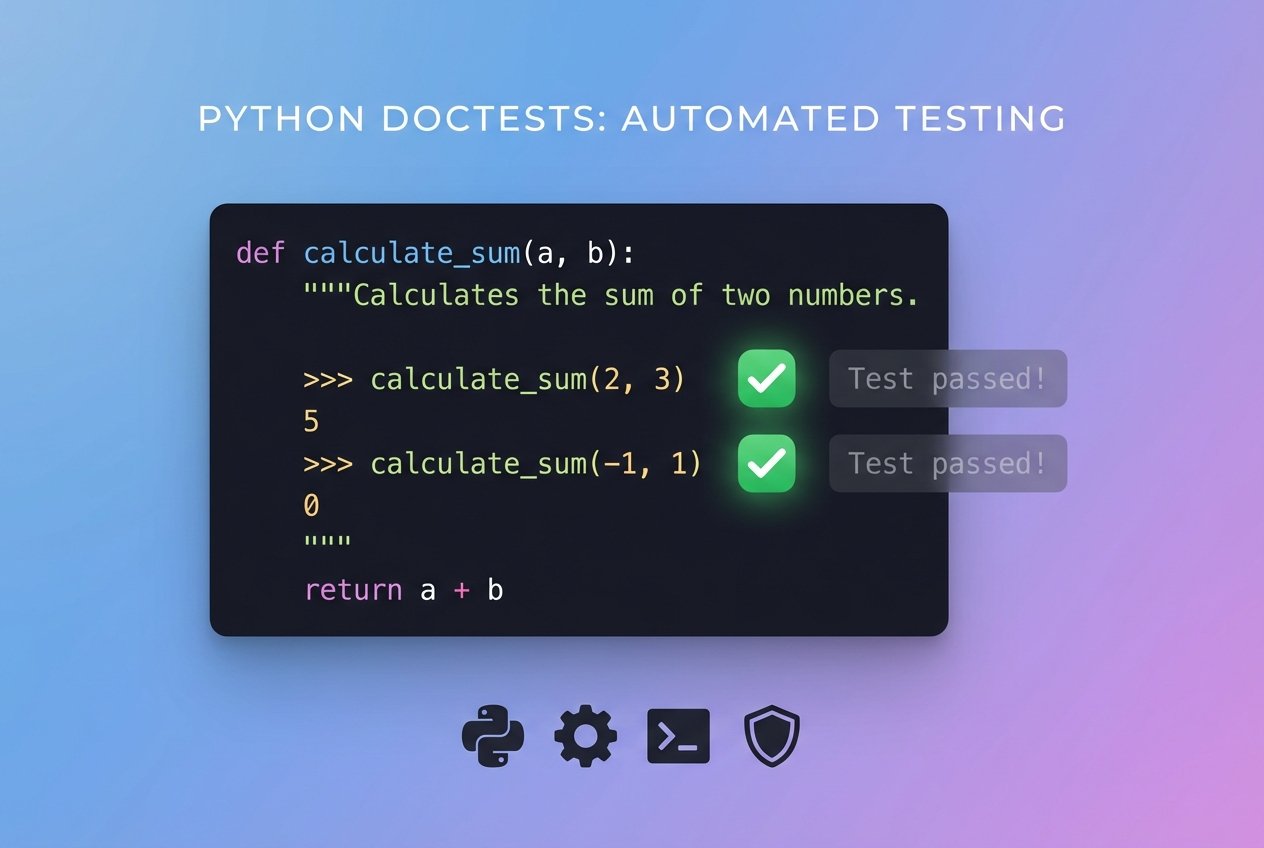
python doctest is a lightweight testing tool included in the Python standard library that lets you embed interactive-looking tests inside docstrings. Those tests double as executable documentation and small unit tests, making them ideal for illustrating usage examples and catching regressions early. Doctests are especially useful for literate testing and for ensuring that code examples in documentation remain accurate.
Prerequisites
To follow these examples you need Python 3 installed and a basic development environment (an editor or IDE). Familiarity with Python functions and strings will help when writing docstring tests. No third-party packages are required to get started with the doctest module.
Doctest structure and where to put tests
A doctest lives inside a function, class, or module docstring and looks like a copy of an interactive Python session. Each example begins with the >>> prompt and shows the expected output on the line(s) that follow. Keep docstring tests concise and focused on illustrating behavior.
Minimal doctest format
"""
Description of what this function does.

>>> my_function(2)
4
"""
Use doctests to demonstrate typical use, clarify edge cases, and document expected output. They work well for showing examples of return values, exception traces, and formatted output.
Writing doctests that are robust
To make doctests reliable across environments and Python versions, follow a few best practices:
- Prefer stable, deterministic examples (pure functions, fixed input).
- Avoid relying on object memory addresses, unordered dictionaries, or timestamps in doctest output.
- Use doctest options such as ELLIPSIS and NORMALIZE_WHITESPACE for flexible matching when exact output formatting may vary.
- Document types and behavior in the docstring to improve clarity for readers and tools.
How to run doctest in python
You can execute doctests in two common ways: programmatically with doctest.testmod or via the command line using Python’s -m doctest switch. Both approaches search for examples in docstrings and run them.
Using doctest.testmod
import doctest

def add(a, b):
    """
    Return the sum of a and b.

    >>> add(2, 3)
    5
    """
    return a + b

if __name__ == "__main__":
    doctest.testmod()
Calling doctest.testmod() runs any examples found in the module and returns a TestResults object. This is a common pattern when you want tests to run only when a module executes as a script.
Running doctest from the command line
python -m doctest -v mymodule.py
The -v (verbose) flag prints test names, inputs, expected output, and a summary. It’s handy when you want to see what is being tested or debug failing examples.
Example: counting vowels with doctest
This example demonstrates using doctest to guide implementation and to catch edge cases such as uppercase letters.
def count_vowels(word):
    """
    Count vowels in a single word and return the total.

    :param word: str
    :return: int

    >>> count_vowels('Cusco')
    2

    >>> count_vowels('Manila')
    3

    >>> count_vowels('Istanbul')
    3
    """
    total_vowels = 0
    for letter in word.lower():
        if letter in 'aeiou':
            total_vowels += 1
    return total_vowels

if __name__ == '__main__':
    import doctest
    doctest.testmod()
Run this file with python myfile.py -v or with the module runner to see the verbose output describing each test and whether it passed.
Advanced doctest options and useful flags
Doctest provides several options that make tests more flexible:
- ELLIPSIS: allow "..." in the expected output to match variable content.
- NORMALIZE_WHITESPACE: collapse runs of whitespace for comparison.
- IGNORE_EXCEPTION_DETAIL: ignore exception text differences and only match exception types.
Use these by passing flags to testmod (e.g., doctest.testmod(optionflags=doctest.ELLIPSIS)) or by placing a comment directive inside the doctest.
doctest vs unittest and integration with pytest
doctest complements full-featured python testing frameworks. It’s best for small examples and documentation checks, while unittest and pytest are designed for larger test suites and richer assertions. If you prefer running doctests alongside your unit tests, pytest has a doctest plugin that discovers and runs doctests as part of the test collection process.
- Use doctest for executable documentation and small behavior checks.
- Use unittest or pytest when you need fixtures, parametrization, or complex assertions.
- Combine strategies: write doctests for usage examples and use pytest/unittest for broader unit testing in python.
Common pitfalls and tips
- Keep doctests small. Long interactive sessions are fragile and hard to maintain.
- Prefer return values or printed output that is stable across systems.
- When examples include interactive prompts or third-party output, use ELLIPSIS to avoid brittle matches.
- Run doctests regularly (CI or pre-commit) to keep documentation and tests in sync.
Conclusion
python doctest provides an elegant way to write executable documentation and quick unit tests inside docstrings. It pairs well with more comprehensive python test frameworks like unittest and pytest and can help you think through edge cases as you document your code. Start small, make examples deterministic, and use doctest options to keep tests maintainable. Over time, doctests can improve both your documentation and the reliability of your code.
Tip: Use doctest.testmod example runs during development and integrate doctests into your CI pipeline to ensure documentation stays accurate.