How To Write Conditional Statements in Python 3
Beginner-friendly guide to python if else: syntax and examples for if, else, elif, nested if, ternary operator, comparison and logical operators.
Drake Nguyen
Founder · System Architect
Introduction
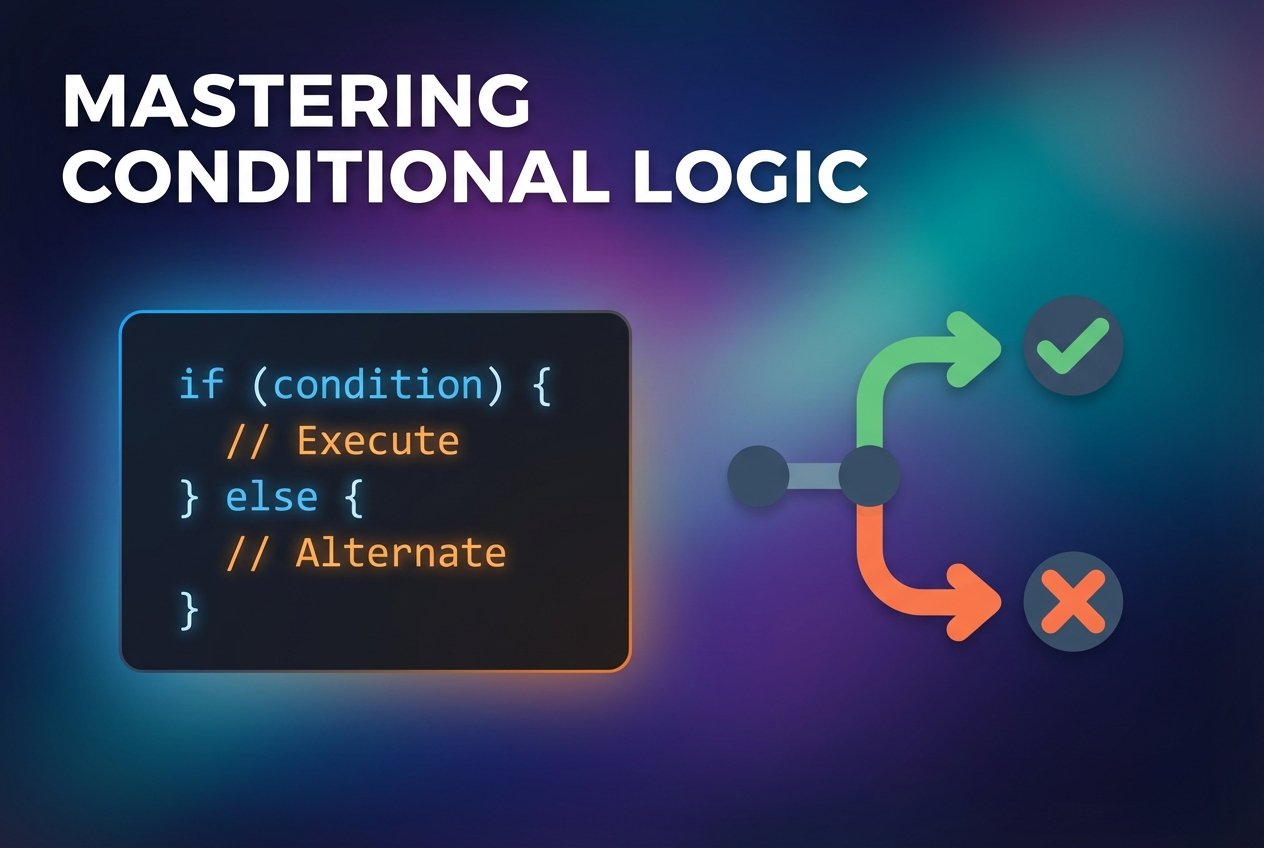
Conditional logic lets a program choose which code to run based on evaluated conditions. In Python, the python if else construct is the fundamental tool for decision making: it evaluates boolean expressions and directs control flow using if, elif, and else blocks. This guide explains how to write python if statement forms, combine comparison operators and logical operators, and nest conditions for more complex branching.
Prerequisites
Have Python 3 installed and a text editor or interactive shell ready. These examples assume you are running code with python3 on your system or using an online REPL. Understanding basic variables and expressions will help when you follow along.
If statement
An if statement tests a condition (a python boolean expression) and executes the indented block beneath it only when the condition is true. Note that correct indentation is required: Python uses indentation instead of braces to define blocks (see python indentation if statement).
grade = 70

if grade >= 65:
    print("Passing grade")
Here the comparison operator >= checks whether the value in grade meets the threshold. If the expression grade >= 65 evaluates to True, the print statement runs; otherwise it is skipped.
Else statement
Use else to run code when the if condition is False. This creates a two-way branch so the program always executes one of the two blocks.
grade = 60

if grade >= 65:
    print("Passing grade")
else:
    print("Failing grade")
Else is useful when you need a default action, for example notifying a user when an account balance is non-positive:
balance = 522

if balance < 0:
    print("Balance is below 0, add funds to avoid a penalty.")
else:
    print("Your balance is 0 or above.")
Elif (else if) statement
For more than two outcomes, chain conditions with python elif. Each elif is evaluated in order until one condition is True; otherwise the final else runs. This pattern is also the typical python switch case alternative before match-case existed.
grade = 85

if grade >= 90:
    print("A grade")
elif grade >= 80:
    print("B grade")
elif grade >= 70:
    print("C grade")
elif grade >= 65:
    print("D grade")
else:
    print("Failing grade")
Elif statements allow clear ranges without repeating complex expressions because they are evaluated sequentially (see python if elif else example).
Nested if statements
Sometimes you only want to evaluate a secondary condition when a primary one is true. Nesting lets you place an if/elif/else block inside another block.
grade = 92

if grade >= 65:
    print("Passing grade of:")
    if grade >= 90:
        print("A")
    elif grade >= 80:
        print("B")
    elif grade >= 70:
        print("C")
    else:
        print("D")
else:
    print("Failing grade")
This nested example first checks passing status, then refines the result into letter grades. Nested if statements are common in validation logic and multi-step decision flows (see python nested if else example).
Combining conditions
Use logical operators and or and not to combine boolean expressions. These are evaluated as python boolean expressions and follow short-circuit rules.
age = 20
has_id = True

if age >= 18 and has_id:
    print("Entry allowed")
else:
    print("Entry denied")
You can also check membership or compare strings inside the condition, for example checking whether an item is in a list or comparing user input (python compare strings in if statement, python check if value in list using if).
One-line if else (ternary operator)
For simple assignments or prints, Python supports a compact expression often called the ternary operator:
status = "pass" if grade >= 65 else "fail"
print(status)
This is useful for concise decisions, but avoid long or nested ternaries for readability (python one line if else (ternary operator)).
If statements in loops
Conditional checks are commonly used inside loops to branch per-iteration. For example:
values = [12, -3, 0, 45]
for v in values:
    if v < 0:
        print(v, "is negative")
    elif v == 0:
        print(v, "is zero")
    else:
        print(v, "is positive")
Using conditionals with loops enables filtering, aggregation, and decision-based processing (python if else in a loop example).
Best practices
- Keep conditions simple and readable; prefer small helper functions for complex checks.
- Use parentheses to clarify expressions that combine comparison and logical operators.
- Avoid deeply nested blocks; flatten logic where practical to improve maintainability (python nested if statements for letter grades).
- Follow consistent indentation (four spaces is the common convention) so the python indentation if statement is clear to readers.
Conclusion
Mastering python if else and related constructs (elif, nested if, logical operators) gives you control over program flow and enables decision-making in scripts and applications. Practice with small examples—grade calculators, account checks, and looped filters—to build confidence. If you need a switch-style pattern, consider match-case in Python 3.10+ or well-structured if-elif chains for earlier versions.
Try rewriting one of the examples in an interactive shell to see how boolean expressions and comparison operators affect control flow.