How To Use the __str__() and __repr__() Methods in Python
Concise guide: python __str__ vs __repr__ — what each does, when Python calls them, examples, best practices (constructor-like repr, user-friendly str), f-strings, dataclasses, reprlib, logging, and troubleshooting.
Drake Nguyen
Founder · System Architect
Introduction
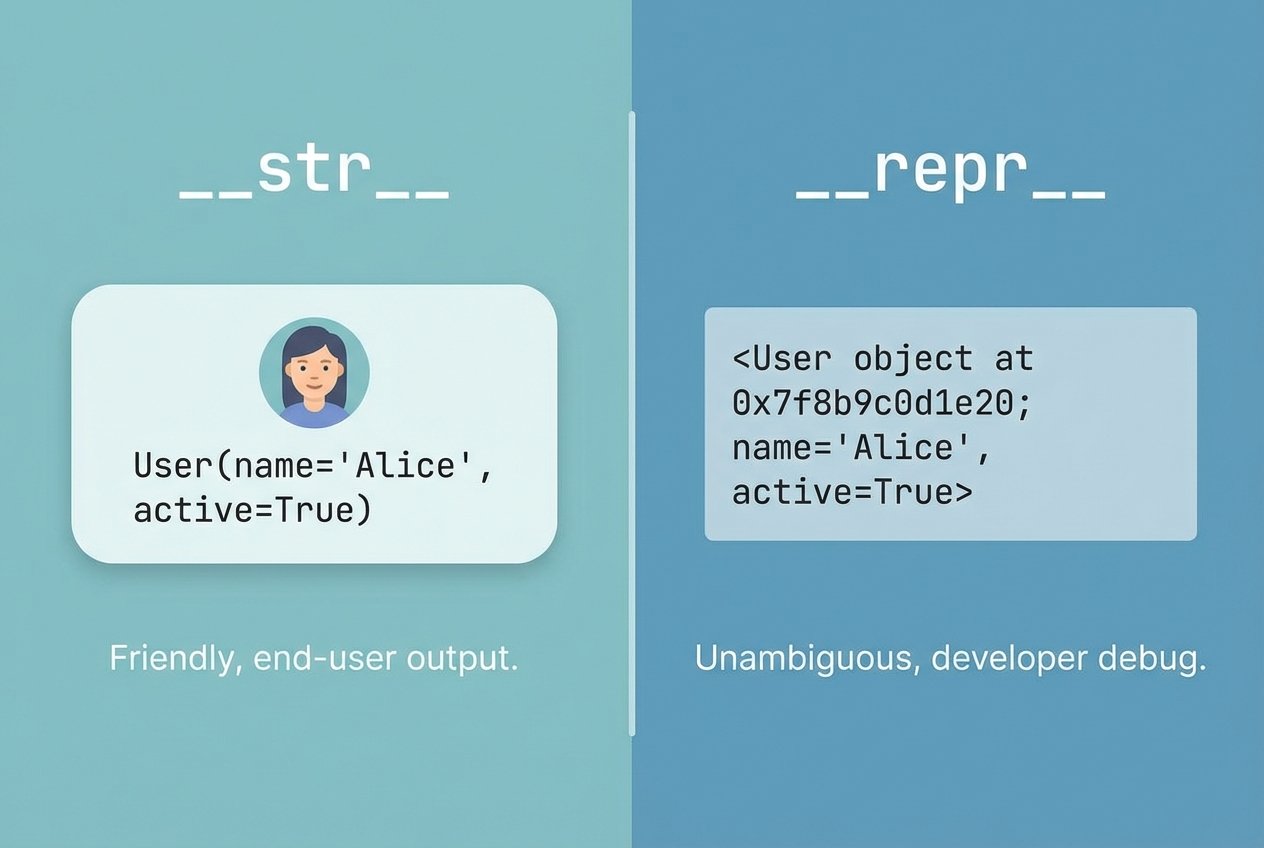
Quick answer: python __str__ vs __repr__ control an object's string representation. Implementing __str__() produces readable output for end users, while __repr__() should give an unambiguous, developer-oriented string—ideally one that can be used to recreate the object.
These python dunder methods affect printouts, REPL displays, logging, and debugging. Good implementations make debugging easier and improve how objects appear in user interfaces and logs.
Key takeaways
__str__()→ human-friendly text (used byprint()andstr()).__repr__()→ machine/developer-focused text (used byrepr(), REPL, and diagnostic logs).- If
__str__()is absent, Python falls back to__repr__(). - Prefer a useful
__repr__()for non-trivial classes; add__str__()when you need nicer user output. - Keep both methods fast—these python special methods are called frequently.
How python's string representation methods work
When Python converts an object to text it follows a simple resolution order:
- str(obj) and
print(obj)tryobj.__str__()first; if missing they useobj.__repr__(). - repr(obj) and the interactive shell use
obj.__repr__().
Common triggers
# triggers __str__
print(obj)
str(obj)
f"Value: {obj}"        # calls __str__ (or !s)

# triggers __repr__
repr(obj)
obj                       # REPL shows repr()
f"Value: {obj!r}"       # explicit !r
Note: f-string conversion flags
!s,!r, and!acallstr(),repr(), andascii()respectively.
Examples: __str__ python vs __repr__ python
Built-in datetime example
import datetime
d = datetime.datetime(2024, 2, 1, 12, 30)
print(str(d))   # human readable
print(repr(d))  # constructor-like: datetime.datetime(2024, 2, 1, 12, 30)
Here str() shows a readable timestamp while repr() returns a reconstructable expression.
Custom class examples
class Product:
    def __init__(self, name, price):
        self.name = name
        self.price = price

    def __str__(self):
        return f"{self.name} — ${self.price:.2f}"

    def __repr__(self):
        return f"Product(name={self.name!r}, price={self.price!r})"

p = Product('Coffee', 3.5)
print(p)         # uses __str__ for user-friendly output
print(repr(p))   # uses __repr__ for debugging
How containers and dataclasses behave
Container objects (lists, dicts) and dataclasses use element repr() when converting to strings. The dataclasses module auto-generates a __repr__(), so str() falls back to that unless you override it.
Advanced techniques
Custom __format__ for domain-specific representation
class Point:
    def __init__(self, x, y):
        self.x, self.y = x, y
    def __repr__(self):
        return f"Point({self.x!r}, {self.y!r})"
    def __format__(self, spec):
        if spec == 'csv':
            return f"{self.x},{self.y}"
        return str(self)

p = Point(3, 4)
print(f"{p:csv}")  # prints 3,4
Abbreviating large outputs with reprlib
import reprlib
big = list(range(10000))
print(reprlib.repr(big))  # abbreviated, avoids log spam
Logging and repr() vs str()
For diagnostic logs prefer %r or {!r} so logging defers conversion until needed and uses __repr__():
import logging
logging.basicConfig(level=logging.DEBUG)
logging.debug('Created: %r', p)
Best practices and python datamodel __repr__ guidance
- Make
__repr__()informative and, when sensible, constructor-like: e.g.ClassName(field=...). - Use
__str__()for short, user-friendly displays and UIs. - Never call
eval()on untrustedrepr()output; if the repr returns pure literals useast.literal_eval. - Avoid heavy computations inside these python special methods; cache results if needed.
- Redact secrets: logs and
__repr__()can leak data.
Troubleshooting common issues
Both methods show the same text
Cause: only __repr__() implemented so str() falls back. Solution: implement both with different intent.
repr not reconstructable
If __repr__() does not look like a valid constructor-call, it won’t round-trip. Return a string like ClassName(field1=value1!r, ...) when possible.
Performance concerns
These methods are invoked frequently (logs, formatting). Keep them lightweight; compute heavy values lazily and cache when appropriate.
When to use each method: repr() vs str()
- Use
__str__()for UI, CLI output, and messages shown to end users. - Use
__repr__()for debugging, REPL development, and detailed logs. - In interactive shells the REPL displays
__repr__()by design, which is why you often see constructor-like strings there.
Conclusion
Understanding python __str__ vs __repr__ is essential for clear python object string representation. Implement a helpful __repr__() for developers and add a concise __str__() for user-facing text. Follow best practices—make __repr__() as reconstructable as practical, avoid heavy work, and don’t eval untrusted output—to improve debugging, logging, and user experience.
Further reading
- Python data model: special method names (official docs)
- PEP and guides on string formatting and dataclasses