How To Use subprocess to Run External Programs in Python 3
Practical guide to python subprocess run: how to execute external commands, capture stdout/stderr, handle timeouts and errors, and pass stdin safely.
Drake Nguyen
Founder · System Architect
Introduction
This guide explains how to use python subprocess run (subprocess.run) to invoke external programs from Python, capture their output, handle errors, and pass input. It focuses on practical examples and safe, idiomatic usage for Python 3.7 and newer.
Prerequisites
Familiarity with basic Python 3 programming is helpful. Examples assume Python 3.7+ so that keyword arguments like capture_output and text are available.
Running an External Program
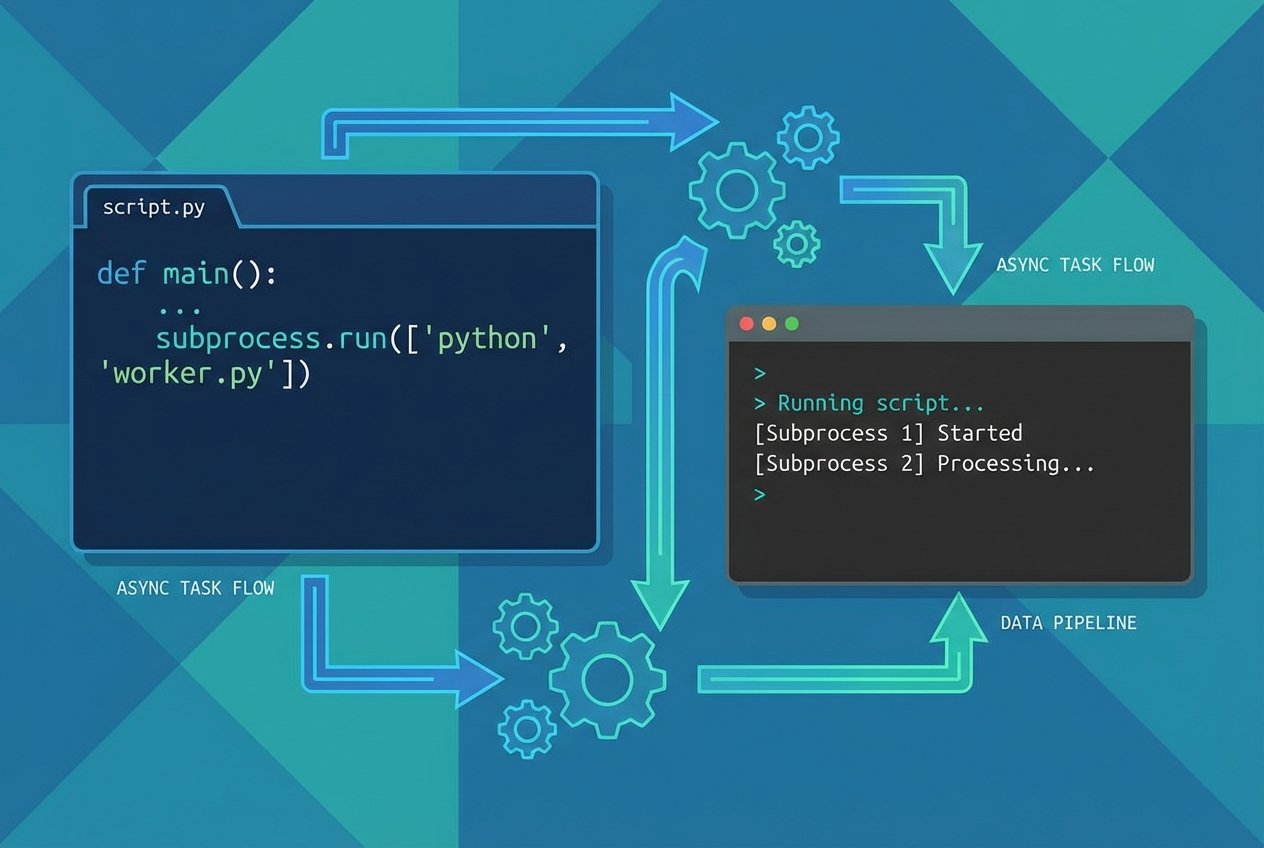
The subprocess module is the recommended way to run external commands from Python. Use subprocess.run to execute a program and wait for it to finish. Provide the command as a list of arguments (recommended) or as a single string when using shell=True.
import subprocess
import sys

result = subprocess.run([sys.executable, "-c", "print('ocean')"])
When you run this, Python launches a new interpreter and prints ocean to stdout. Passing the command as a list avoids shell interpretation and is safer for untrusted input.
Why prefer a list of arguments?
- A list preserves argument boundaries without the shell re-parsing them.
- It prevents shell injection when parts of the command come from untrusted sources.
- It is portable across platforms where quoting rules differ.
Security note: never pass untrusted input to subprocess.run with shell=True. Prefer passing an argument list to run external programs safely.
Capturing Output (stdout and stderr)
To collect output from a command use capture_output=True or redirect stdout/stderr explicitly. Combine with text=True to get strings instead of bytes.
import subprocess
import sys

result = subprocess.run(
    [sys.executable, "-c", "print('ocean')"],
    capture_output=True,
    text=True,
)

print("stdout:", result.stdout)
print("stderr:", result.stderr)
The call returns a subprocess.CompletedProcess object. Inspect result.stdout, result.stderr, and result.returncode to handle the outcome.
Raising Exceptions for Non-zero Exit Codes
Set check=True to have subprocess.run raise a subprocess.CalledProcessError when the child process exits with a non-zero return code. Alternatively, call CompletedProcess.check_returncode() on the returned object.
import subprocess
import sys

# Automatically raises CalledProcessError on non-zero exit
subprocess.run([sys.executable, "-c", "raise SystemExit(1)"], check=True)

# Or inspect and raise later
result = subprocess.run([sys.executable, "-c", "raise SystemExit(1)"])
result.check_returncode()
Timeouts
Use the timeout parameter to abort a long-running subprocess. If the timeout expires a subprocess.TimeoutExpired is raised and the child is terminated (best-effort).
import subprocess
import sys

try:
    subprocess.run([sys.executable, "-c", "import time; time.sleep(2)"], timeout=1)
except subprocess.TimeoutExpired as e:
    print("timed out:", e)
Note that timeout behavior is approximate: the implementation will try to kill the child process after the specified number of seconds.
Passing Input to stdin
Provide data to the child process via the input argument. When passing bytes, omit text=True; otherwise pass a string and set text=True.
import subprocess
import sys

# pass bytes to stdin
result = subprocess.run(
    [sys.executable, "-c", "import sys; print(sys.stdin.read())"],
    input=b"underwater",
    capture_output=True,
    text=True,
)
print(result.stdout)
Common Patterns and Tips
- Use
capture_output=Trueto capture both stdout and stderr conveniently; in older versions usestdout=subprocess.PIPEandstderr=subprocess.PIPE. - Prefer
text=True(oruniversal_newlines=True) to work with text rather than bytes. - When you need streaming output or more control, consider
subprocess.Popenandcommunicate(). - Comparing to
os.systemandos.popen:subprocessgives explicit control over arguments, pipes, and errors and is the modern, safer approach. - To run git commands from Python, call the git executable with arguments, for example:
subprocess.run(["git", "ls-files"], capture_output=True, text=True).
Edge Cases and Low-Level Details
Arguments can be either a list of strings or a single string with shell=True. When passing an argument list, subprocess quotes and escapes values appropriately for you. CompletedProcess contains the original args, returncode, stdout, and stderr for post-mortem inspection.
Conclusion
Using python subprocess run (subprocess.run) is a robust way to execute external commands from Python, capture output, manage timeouts, pass stdin, and enforce error handling. Favor argument lists, use capture_output/text for convenience, and handle exceptions like CalledProcessError and TimeoutExpired to build reliable integrations with external programs.