How To Use String Formatters in Python 3
Comprehensive, original guide to python string format (str.format): placeholders, positional and keyword arguments, format specifiers, precision, alignment, padding, and table output.
Drake Nguyen
Founder · System Architect
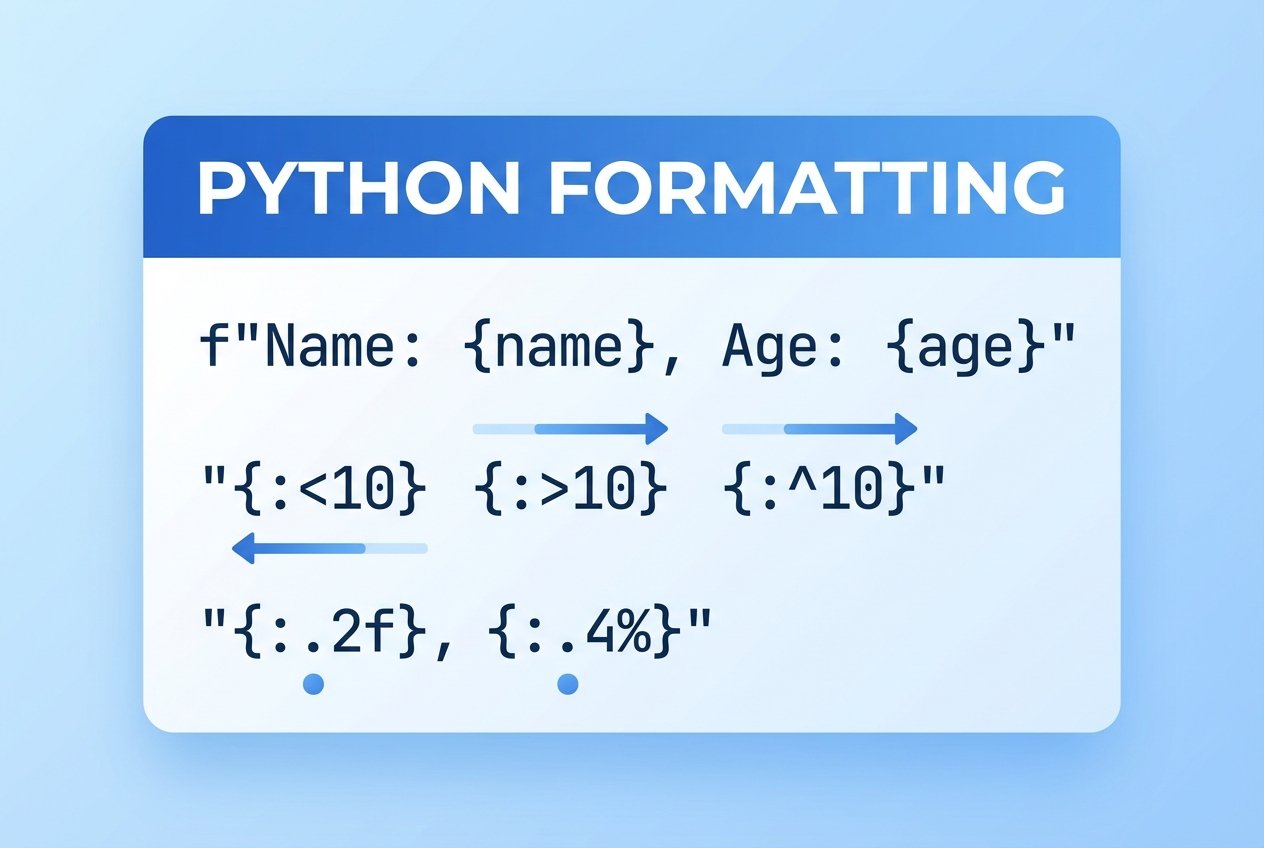
Introduction to python string format
Python provides several ways to build strings dynamically; one of the most flexible and widely used is the str.format method. The python string format approach uses replacement fields (curly braces) inside a template string and then substitutes values via python str.format. This lets you insert variables, control numeric precision, and align or pad text for readable output.
Basic placeholders and simple substitution
The simplest use of python format string placeholders is to include {} in your string and call .format(...) with one or more values. The values are inserted in order when no explicit indices are provided.
print("Alice has {} apples.".format(3))
# Output: Alice has 3 apples.
You can also store the template in a variable and format it later:
template = "Alice likes {}."
print(template.format("coffee"))
# Output: Alice likes coffee.
Multiple placeholders
Pass several values to str.format to replace multiple placeholders. The values are matched positionally by default.
s = "{ } { } { }"
print("{} {} {}".format("one","two","three"))
# Output: one two three
Positional arguments and reordering
You can control the order of inserted values with numeric indices inside braces. Indices start at 0, so {0} references the first argument passed to python str.format.
print("{1} comes after {0}".format("first","second"))
# Output: second comes after first
Requesting an index that doesn't exist raises an IndexError (tuple index out of range), so ensure index values match passed arguments.
Keyword arguments
Named placeholders make templates clearer and allow mixing positional and keyword arguments:
print("{name} scored {points} points".format(name="Sam", points=42))
# Output: Sam scored 42 points
Using keywords is helpful when templates are reused in different contexts or when readability of the python format string matters.
Format specifiers and the mini-language
Inside a replacement field you can add a format specifier using the syntax {field_name:format_spec}. The python format specifier (part of the Format-Specification Mini-Language) controls type, width, precision, alignment and fill characters.
Type conversions and precision
Common conversion types include s (string), d (decimal integer) and f (fixed-point float). You can combine precision with float formatting to control the number of decimal places.
print("Value: {0:.2f}".format(3.14159))
# Output: Value: 3.14

# Display an integer as a float with 3 decimals
print("Score: {0:.3f}".format(75))
# Output: Score: 75.000
Using an incompatible type code (for example, applying d to a float) raises a ValueError: Unknown format code.
Width, alignment and padding
Control column sizes and alignment by specifying a field width and an alignment character: <, >, ^ for left, right and center alignment. You can also set a fill character before the alignment marker.
print("|{:<8}|{:^10}|{:>6}|".format('left','center','right'))
# Output: |left    |  center  | right|

# Fill with '*' and center in a 12-char field
print("{:*^12}".format("Title"))
# Output: ***Title****
Numbers default to right alignment and strings to left; explicit alignment ensures consistent columns when printing tables or reports.
Combining width, precision and type
You can combine options to format numbers in fixed-width columns with a specific precision:
print("{0:6.0f} {1:6.2f}".format(76.3, 3.14159))
# Output:     76   3.14
This is useful when generating human-readable tables or logs where columns should line up.
Using variables with python str.format
Any variable can be passed into python format placeholders, including values computed at runtime:
n = 8
msg = "There are {} items available.".format(n)
print(msg)
# Output: There are 8 items available.
Templates themselves can be variable too, which is convenient when building messages from user input or configuration.
Organizing tabular output
When printing rows of numeric data, format specifiers keep columns aligned regardless of number length. For example, using a loop to display i, i*i and i*i*i:
for i in range(3, 13):
    print("{:3d} {:4d} {:5d}".format(i, i*i, i*i*i))
The field widths can be adjusted to accommodate larger values; using consistent widths produces tidy columns across many rows.
Best practices and notes
- Prefer clear placeholder names when templates are complex:
{user}instead of relying on positional indices. - Validate the number and types of arguments passed to avoid IndexError or ValueError.
- For many modern use cases, f-strings (string interpolation) are often more concise, but python str.format remains useful for dynamic templates, internationalization, and situations where template strings are not known at compile time.
See the official Python documentation on the Format-Specification Mini-Language for the full set of options and examples when you need advanced formatting rules.
Conclusion
Mastering python string format (str.format) gives you fine-grained control over how values appear in text: placement, numeric precision, and alignment padding. Use the python format specifier and mini-language to create readable, well-structured output for reports, logs, and user interfaces.