How To Use JavaScript Maps - .map()
Comprehensive guide to javascript map() method with examples: array.map, callback parameters, string conversion, React list rendering, and object transformation.
Drake Nguyen
Founder · System Architect
Introduction to javascript map()
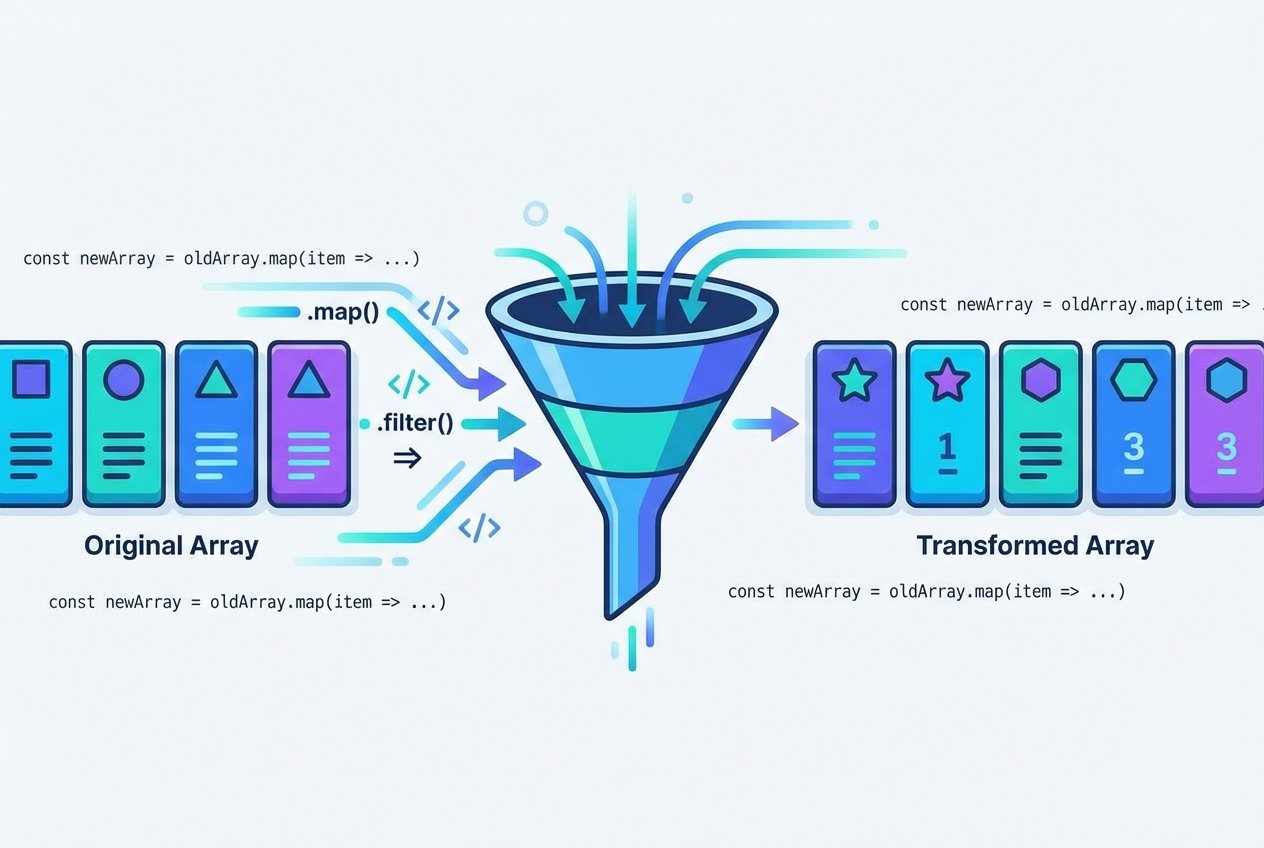
The javascript map() method is a core Array prototype function used to transform arrays without mutating the original. It runs a callback function for each element and returns a brand-new array with the returned values. Because map() creates a new array, it fits functional programming patterns and is ideal when you need a predictable, non-mutating transformation.
Prerequisites
Basic familiarity with JavaScript syntax and arrays.
Access to a browser console or Node.js REPL to run examples.
How javascript map() works
At its simplest, array.map(function) takes a callback and returns a new array where each element is the result of invoking that callback. The callback receives up to three standard parameters: value, index, and the original array. The most common usage only needs the value parameter, but index and thisArg are available when needed.
Callback function parameters
value — the current element being processed.
index — the element's index in the array.
array — the original array on which map() was called.
Example: transform numeric array (arrow function)
// double each item using an arrow function
const nums = [2, 3, 4, 5, 35];
const doubled = nums.map(n => n * 2);
console.log(doubled); // [4, 6, 8, 10, 70]
Example: use a named callback for readability
function makeSweeter(x) {
  return x * 2;
}
const sweetArray = [2, 3, 4, 5, 35];
const sweeterArray = sweetArray.map(makeSweeter);
console.log(sweeterArray); // [4, 6, 8, 10, 70]
Using array.prototype.map on strings
map() belongs to Array.prototype, but you can reuse its logic on array-like or iterable objects via call or apply. For example, you can iterate over a string's characters by borrowing Array.prototype.map. This is useful when you want to transform characters and return a new array.
Example: call map on a string
const name = 'Sammy';
const map = Array.prototype.map;
const newName = map.call(name, ch => ch + 'a');
console.log(newName); // ['Sa', 'aa', 'ma', 'ma', 'ya']
Rendering lists in React with javascript map()
In React and other UI libraries, javascript map() is the typical way to turn arrays into lists of elements. Each output element should have a stable key to help the virtual DOM reconcile changes efficiently. map() itself does not render — it simply creates the array of elements that React will render.
Example: map() in a React functional component
const names = ['whale', 'squid', 'turtle', 'coral', 'starfish'];

function NamesList() {
  return (
    names.map(name => (
      // key should be unique and stable
      React.createElement('li', { key: name }, name)
    ))
  );
}
Reformatting arrays of objects
map() is very effective for reshaping arrays of objects. Use it to extract specific properties, compute derived values, or produce a different structure for API consumption or rendering.
Example: transform array of objects
const users = [
  { name: 'shark', likes: 'ocean' },
  { name: 'turtle', likes: 'pond' },
  { name: 'otter', likes: 'fish biscuits' }
];

const usersByLikes = users.map(item => {
  const container = {};
  container[item.name] = item.likes;
  container.age = item.name.length * 10;
  return container;
});

console.log(usersByLikes);
// [ { shark: 'ocean', age: 50 }, { turtle: 'pond', age: 60 }, { otter: 'fish biscuits', age: 50 } ]
Map vs forEach and other notes
Use map() when you need a transformed array returned. If you only want side effects, forEach is the more appropriate method.
map() is non-mutating: it does not change the original array, though the callback could mutate objects referenced by the array.
map() accepts an optional thisArg as a second parameter to set callback this value in non-arrow functions.
Performance: for large, simple transformations, a classic for loop may be marginally faster, but map() improves readability and is preferred in most codebases.
Common patterns and tips
Destructuring inside map() lets you access nested properties concisely: items.map(({id, name}) => ({ id, name }))
Include the index parameter when you need position-aware transformations: arr.map((val, idx) => ...)
When rendering lists in React, avoid using array indices as keys unless the list is static.
To convert a string into a new array of modified characters, combine Array.prototype.map.call or use split('') then map.
Conclusion
javascript map() is a versatile, non-mutating array method that returns a new array by applying a callback to each element. Whether you are transforming numbers, converting strings, formatting objects, or generating UI lists in React, map() is an essential tool in modern JavaScript. Use its callback parameters, thisArg, and familiar patterns like arrow functions and destructuring to write clear, maintainable code.
Tip: Prefer map() when you need to return a new array. Use forEach for side‑effects and preserve immutability when possible.