How To Use Destructuring Assignment In JavaScript
A concise, example-driven guide to javascript destructuring assignment: array and object destructuring, defaults, rest operator, nested examples, function parameters, and looping with Object.entries.
Drake Nguyen
Founder · System Architect
Introduction to JavaScript destructuring assignment
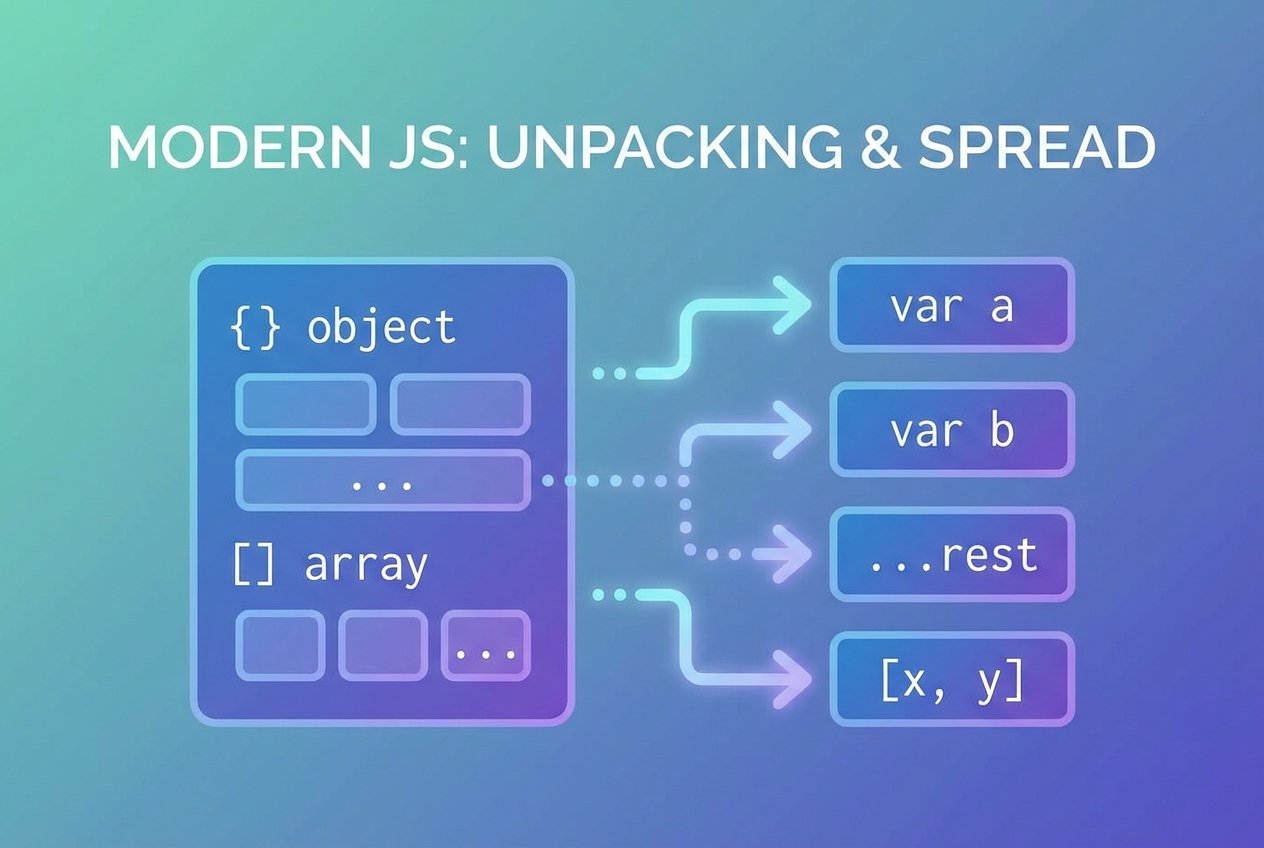
JavaScript destructuring assignment lets you unpack values from arrays or properties from objects into distinct variables in a concise, readable way. This ES6 feature—often called javascript destructuring or es6 destructuring—reduces boilerplate and makes function signatures and data handling cleaner. In this javascript destructuring tutorial you will find practical destructuring examples and patterns for everyday code.
Array destructuring
Array destructuring assigns items from an iterable (like an array or the result of String.split) to variables based on position. This array destructuring assignment javascript examples section shows common uses:
// basic array destructuring
const user = ["John", "Doe", "Iskolo"]
const [firstName, lastName, title] = user
console.log(firstName, lastName, title) // John Doe Iskolo

// skip elements
const [nameOnly, , role] = user
console.log(nameOnly, role) // John Iskolo

// destructuring from a string split
const [givenName, , job] = "John Doe Iskolo".split(' ')
console.log(givenName, job) // John Iskolo
Rest operator with arrays
Use the rest operator to collect remaining items when destructuring. This rest operator destructuring pattern is handy when you want the head and the tail of a list.
const parts = "John Doe Iskolo".split(' ')
const [first, ...rest] = parts
console.log(first) // John
console.log(rest)  // ["Doe","Iskolo"]
Object destructuring
Object destructuring pulls properties by name rather than by position. object destructuring assignment javascript examples often appear in React props, configuration objects, or when returning multiple values from functions.
const person = {
  firstName: "John",
  lastName: "Doe",
  title: "Iskolo"
}

const { firstName, lastName } = person
console.log(firstName, lastName) // John Doe

// rename properties while destructuring
const { title: jobTitle } = person
console.log(jobTitle) // Iskolo
Nested object destructuring
Destructuring can reach nested properties directly. See this javascript destructuring nested objects example:
const data = {
  name: "John Doe",
  address: {
    city: "Omsk",
    country: "Russia"
  }
}

const { address: { city, country } } = data
console.log(city, country) // Omsk Russia

// If a nested object might be undefined, provide defaults or guard before destructuring
Default values in destructuring
Default values destructuring is useful when the source may not include every item or property. Defaults prevent undefined values and keep code safe.
// array default values
const parts = "John Doe".split(' ')
const [first = 'John', , title = 'Fire'] = parts
console.log(first, title) // John Fire

// object defaults
const options = { verbose: true }
const { verbose = false, timeout = 3000 } = options
console.log(verbose, timeout) // true 3000
Destructuring in function parameters
Passing an object to a function and destructuring its properties in the parameter list improves readability and avoids position-dependent arguments. This is a common pattern in libraries and UI frameworks.
// destructuring in function arguments with defaults
function createChart({ width = 400, height = 300, theme = 'light' } = {}) {
  console.log(width, height, theme)
}

createChart({ width: 600, theme: 'dark' }) // 600 300 dark
This approach answers the question how to use destructuring assignment in javascript when a function needs many optional parameters.
Destructuring in loops and Object.entries
Looping through objects is cleaner when you destructure key-value pairs directly from Object.entries. These javascript destructuring Object.entries example patterns make iteration clearer.
const obj = { firstName: 'John', lastName: 'Doe', title: 'Iskolo' }

// using Object.keys + forEach (indexing into object)
Object.keys(obj).forEach(key => {
  console.log(`${key} : ${obj[key]}`)
})

// preferred: for...of with Object.entries and destructuring
for (const [key, value] of Object.entries(obj)) {
  console.log(`${key} : ${value}`)
}
Using for...of with Object.entries avoids extra lookups and directly gives you the property name and value—see the for of Object.entries destructuring javascript pattern above.
Difference between array and object destructuring
- Array destructuring uses position (array pattern) and is order-sensitive.
- Object destructuring uses property names (object pattern) and is order-insensitive; you can rename properties when needed.
- Both support default values and the rest/spread operators for flexible assignments.
Practical tips and best practices
- Prefer object parameters for functions with many optional settings to make calls explicit and self-documenting.
- Avoid over-destructuring deeply nested objects in one line; break it into steps for readability.
- Use sensible defaults to prevent runtime errors when properties are missing (destructuring assignment default values javascript).
- When extracting many properties, list them explicitly to make the code easier to audit for security and intent.
- Remember you can skip elements in array destructuring (skip elements array destructuring javascript) and use rest for leftovers (rest operator array destructuring javascript).
Conclusion
javascript destructuring assignment is a powerful ES6 syntax for unpacking values from arrays and objects. With array destructuring, object destructuring, defaults, rest/spread, and parameter destructuring, you can write clearer, more maintainable code. Experiment with the destructuring examples above to replace repetitive assignments and simplify your functions and loops.