How To Use Array Methods in JavaScript: Mutator Methods
Practical, original guide to JavaScript array methods (mutator vs accessor) with examples for pop,push,shift,unshift,splice,reverse,fill,sort and Array.isArray().
Drake Nguyen
Founder · System Architect
Introduction
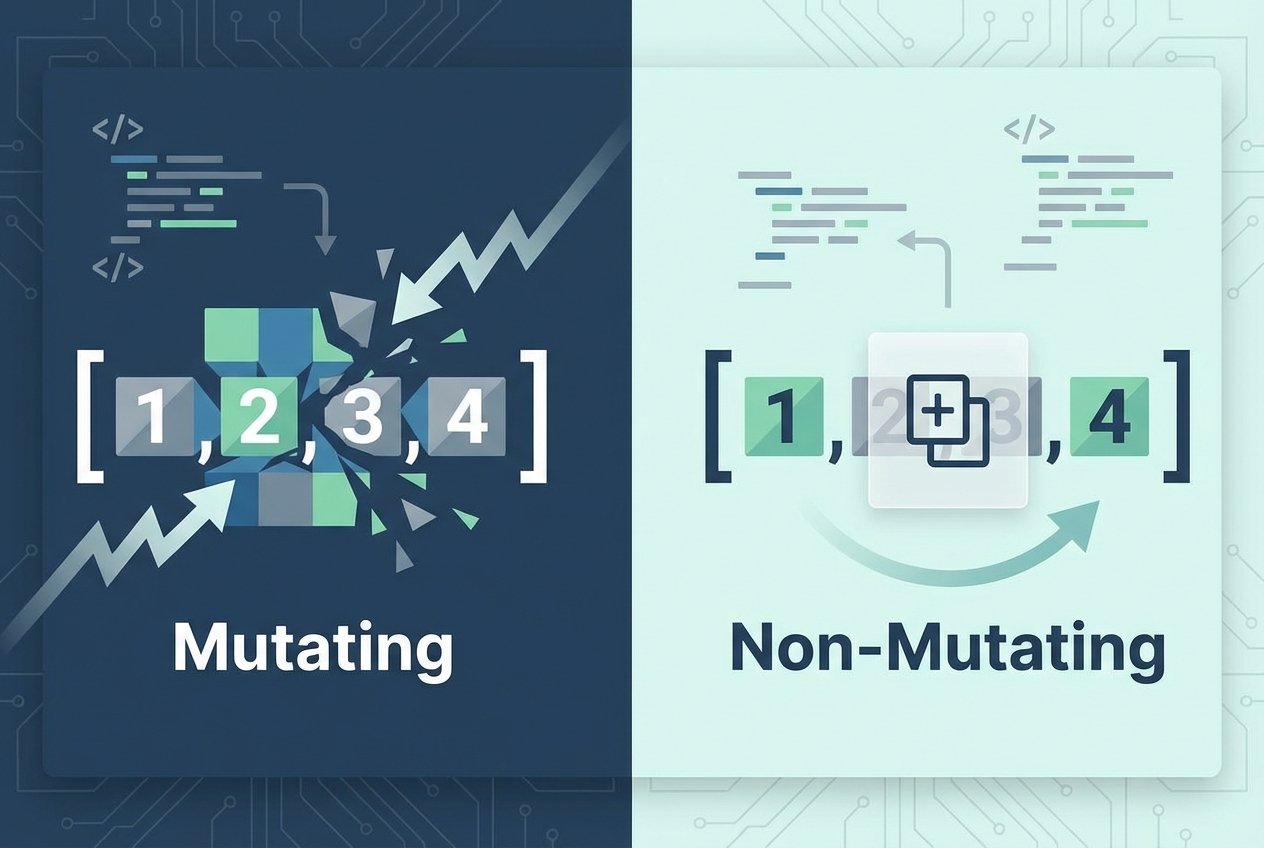
Arrays are a fundamental data structure in JavaScript: ordered lists of values you can read from and write to by index. The language provides many built-in Array.prototype methods to manipulate arrays. Some methods change the original array (array mutator methods or mutating methods) while others return new values or views (accessor methods). This JavaScript array tutorial focuses on the common mutator methods and how they behave.
Before proceeding, it helps to understand array creation, indexing, and iteration. Remember that arrays are mutable in JavaScript, unlike strings which are immutable. That means many Array.prototype methods will modify the array in place rather than producing a copy.
Note: When you see examples like method(), those refer to Array.prototype.method() — the methods on the Array prototype.
Array.isArray()
Use Array.isArray() to check whether a value is an array. This is useful because typeof returns "object" for arrays, so Array.isArray() is the reliable test.
// Array.isArray() example
const pets = ["cat", "dog", "parrot"];
console.log(Array.isArray(pets)); // true
console.log(Array.isArray({}));   // false
pop()
The pop() mutator removes the last element of an array and returns it. It changes the original array length.
// pop() example
let items = ["apple", "banana", "cherry"];
const removed = items.pop(); // removed === "cherry"
console.log(items); // ["apple", "banana"]
shift()
shift() removes the first element and shifts the remaining elements down one index. Because it reindexes the array, it can be more expensive than pop() in some contexts.
// shift() example
let queue = ["first", "second", "third"];
const first = queue.shift(); // first === "first"
console.log(queue); // ["second", "third"]
push()
push() appends one or more elements to the end of an array and returns the new length.
// push() example
let stack = [1, 2];
stack.push(3, 4);
console.log(stack); // [1, 2, 3, 4]
unshift()
unshift() inserts elements at the start of the array and returns the updated length. Like shift(), it reindexes the array contents.
// unshift() example
let list = ["b", "c"];
list.unshift("a");
console.log(list); // ["a", "b", "c"]
splice()
splice() is a versatile mutator that can remove, insert, or replace elements at any position. Its signature is splice(start, deleteCount, ...itemsToAdd). This method is commonly used when you need fine-grained edits inside an array.
Adding with splice()
// Insert without removing
const arrA = ["red", "green", "blue"];
arrA.splice(1, 0, "yellow");
console.log(arrA); // ["red", "yellow", "green", "blue"]
Removing with splice()
// Remove two items starting at index 1
const arrB = ["x", "y", "z", "w"];
arrB.splice(1, 2);
console.log(arrB); // ["x", "w"]
Replacing with splice()
// Replace items: remove 2 and add one
const arrC = ["a", "b", "c", "d"];
arrC.splice(1, 2, "new");
console.log(arrC); // ["a", "new", "d"]
See this as the standard way to both add and remove elements in-place. If you only want a non-mutating copy of a section, use slice() instead.
reverse()
reverse() reverses the order of elements in the array in place and returns the array. Yes — reverse() mutates the original array (does reverse() mutate array JavaScript?).
// reverse() example
const order = [1, 2, 3];
order.reverse();
console.log(order); // [3, 2, 1]
fill()
fill(value, start?, end?) overwrites elements with a static value. It changes the original array and accepts optional start and end indices (end is exclusive).
// fill() example
const arr = [0, 0, 0, 0];
arr.fill("x", 1, 3);
console.log(arr); // [0, "x", "x", 0]
sort()
sort() sorts an array in place and returns the array. By default it converts elements to strings and compares them in Unicode order, so sorting numbers requires a compare function. That means sort() mutates the array (does JavaScript sort() mutate array?).
// Default string sort
const names = ["bob", "Alice", "zoe"];
names.sort();
console.log(names); // ["Alice", "bob", "zoe"]

// Numeric sort using a compare function
const nums = [10, 2, 33, 4];
nums.sort((a, b) => a - b);
console.log(nums); // [2, 4, 10, 33]
Summary
This guide covered common JavaScript array methods that mutate arrays: pop, push, shift, unshift, splice, reverse, fill, and sort. Understanding which Array.prototype methods modify an array versus which return new values is essential when writing predictable code. For a complete reference, consult the MDN Array documentation: https://developer.mozilla.org/en-US/docs/Web/JavaScript/Reference/Global_Objects/Array
Quick reference
- Array.isArray() — test for arrays
- pop() / push() — remove/add at the end
- shift() / unshift() — remove/add at the beginning
- splice() — add/remove/replace anywhere
- reverse() / fill() / sort() — in-place reordering or replacement
Keywords covered: JavaScript array methods, array mutator methods, JavaScript array manipulation, Array.prototype methods, JavaScript array tutorial.