How To Trim Whitespace from a String in Python
Practical guide to trim whitespace in Python using str.strip(), str.lstrip(), and str.rstrip() with examples, edge cases, and alternatives.
Drake Nguyen
Founder · System Architect
Introduction
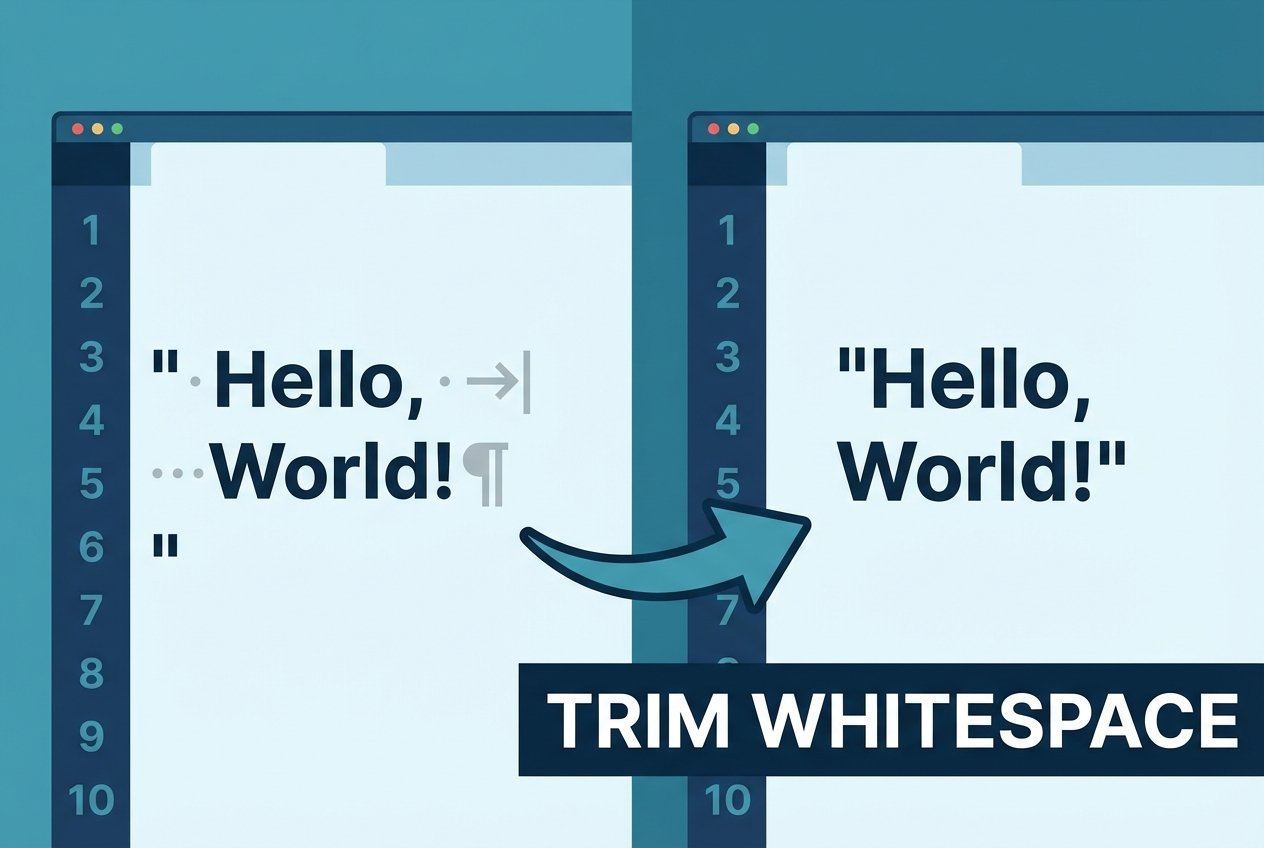
When you need to trim whitespace in Python, the built-in string methods are the simplest and most reliable tools. The str.strip(), str.lstrip(), and str.rstrip() methods remove leading and/or trailing whitespace (including spaces, tabs, newlines and other Unicode whitespace) and return a new string. This guide explains how to use those methods, shows examples for common cases (trim whitespace python, python strip, python lstrip, python rstrip) and highlights when to use alternatives like replace or regular expressions.
Trim whitespace in Python: methods overview
str.strip([chars])— removes characters from both ends. Withoutcharsit strips all Unicode whitespace.str.lstrip([chars])— removes characters from the left (leading whitespace by default).str.rstrip([chars])— removes characters from the right (trailing whitespace by default).
What counts as whitespace?
Whitespace includes ordinary spaces, tabs (\t), carriage returns (\r), newlines (\n), and other Unicode-defined whitespace characters. The default behavior of these methods targets any such characters at the string ends.
How to trim whitespace from a string in Python — examples
The following examples demonstrate trimming leading, trailing, and both-side whitespace.
# original string with leading and trailing spaces
s = "  hello world  "
print(f"original: '{s}'")

left = s.lstrip()
right = s.rstrip()
both = s.strip()

print(f"lstrip (remove leading): '{left}'")
print(f"rstrip (remove trailing): '{right}'")
print(f"strip (remove both): '{both}'")
Output:
original: '  hello world  '
lstrip (remove leading): 'hello world  '
rstrip (remove trailing): '  hello world'
strip (remove both): 'hello world'
Trim tabs and newlines
To strip tabs and newlines at the ends, use the default forms (no chars argument). These methods remove tabs, carriage returns and newline characters as well as spaces.
s2 = "\n\tdata line\t \n"
print(repr(s2))
print(repr(s2.strip()))
Trimming a specific character or set of characters
You can pass the chars parameter to control which characters are removed from the ends. Note: chars is treated as a set of characters, not a substring.
t = "\nXXvalueXX\n"
# remove only newline characters from the ends
print(t.lstrip('\n'))
# remove X and newline from both ends (X treated as a character to strip)
print(t.strip('\nX'))
Because chars is a character set, "abc" removes any combination of 'a', 'b', or 'c' at the ends, not the substring "abc" as a whole.
When to use strip vs replace or regular expressions
- Use
strip/lstrip/rstripto remove leading and trailing whitespace efficiently — this is the most common need (python strip whitespace from both ends). - To remove all whitespace inside a string (not just at the ends),
replaceorre.subare appropriate. For example,s.replace(" ", "")removes space characters, whilere.sub(r"\s+", "", s)removes all whitespace (tabs, newlines, etc.). - For targeted patterns (duplicate internal spaces, or trimming only specific sequences), use regular expressions for precise control.
Edge cases and best practices
- strip methods return a new string; original strings are unchanged (strings are immutable in Python).
- Remember
charsrepresents characters to strip, not a sequence. For example,"\t\n"removes tabs and newlines at the ends. - Unicode whitespace:
str.strip()handles Unicode whitespace characters, but behavior can vary if working with custom Unicode normalization—normalize first if needed. - Performance: strip operations are very fast for trimming ends. For large-scale internal whitespace removal, prefer compiled regular expressions or specialized parsing where appropriate.
Quick references and short examples
Remove leading whitespace:
clean_left = my_str.lstrip() # python lstrip newline character example
Remove trailing whitespace:
clean_right = my_str.rstrip() # python rstrip trailing whitespace example
Remove both leading and trailing whitespace:
clean = my_str.strip() # python string strip — remove leading and trailing spaces
Conclusion
To trim whitespace python developers commonly use str.strip(), str.lstrip(), and str.rstrip(). These methods effectively remove leading and/or trailing whitespace (including tabs and newlines) and accept an optional chars argument to strip specific characters. For removing whitespace inside strings or applying pattern-based cleaning, consider replace or re.sub. With these tools you can handle most string-cleaning tasks reliably and efficiently.