How to Read Properties File in Python?
Step-by-step guide to read properties file in python using jproperties: install package, load .properties, access values, handle missing keys, iterate entries, and convert to a dict.
Drake Nguyen
Founder · System Architect
Introduction: read properties file in python
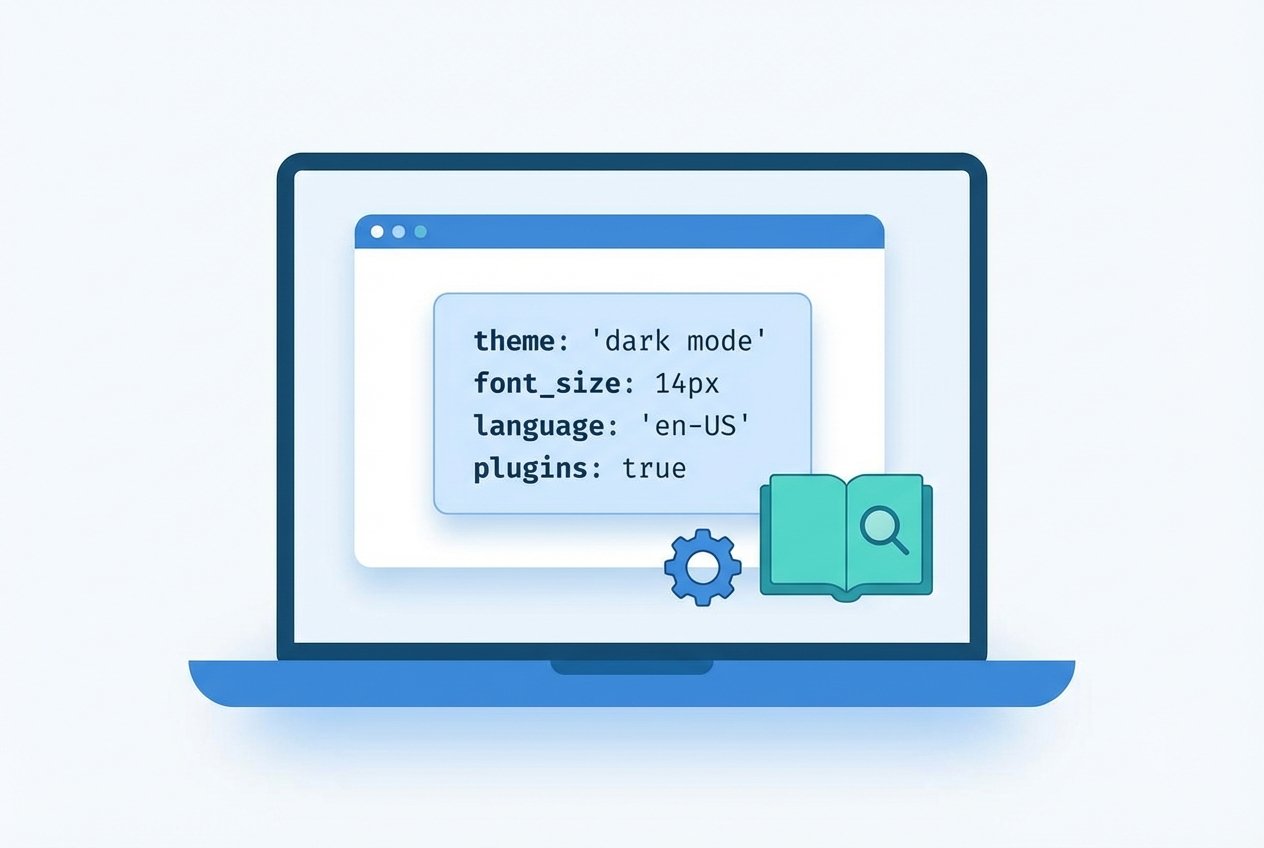
A .properties file is a simple configuration format made of key=value lines and optional comments (lines starting with #). When you need to read properties file in python, the jproperties library provides a lightweight API that mirrors a dictionary-style access while preserving metadata for each property.
Installing the jproperties python library
The jproperties package is not bundled with Python. Install it with pip:
# Install jproperties
pip install jproperties
Example .properties file
Save a simple configuration file (for example, app-config.properties) containing key value pairs:
# Database credentials
DB_HOST=127.0.0.1
DB_SCHEMA=Production
DB_USER=admin
DB_PWD=secret@123
Reading a .properties file using jproperties
Use the Properties object to load and query values from the file. This example shows how to open the file in binary mode and load it into a Properties instance:
from jproperties import Properties

configs = Properties()
with open('app-config.properties', 'rb') as fh:
    configs.load(fh)
Accessing values and understanding PropertyTuple
Values returned by configs.get(...) are PropertyTuple objects with two attributes: data (the value string) and meta (optional metadata). You can also access items via indexing, which mimics dictionary behavior.
# Using get() returns a PropertyTuple or None
user = configs.get('DB_USER')
print(user)            # PropertyTuple(data='admin', meta={})
print(user.data)       # admin

# Using index-style access raises KeyError for missing keys
password = configs['DB_PWD'].data
print(f'Database password: {password}')
What to Netalith if a key is missing
If you call get() for a non-existing key it returns None. Index-based access raises KeyError, so wrap it in a try/except if you prefer that style:
val = configs.get('NON_EXISTENT')
print(val)             # None

try:
    missing = configs['NON_EXISTENT']
except KeyError as e:
    print(f'KeyError: {e}, lookup key was "NON_EXISTENT"')
Iterating and printing all properties
To list every key and its corresponding value, iterate over the items() view. Each item is a (key, PropertyTuple) tuple.
for key, prop in configs.items():
    print(f"{key} = {prop.data}")

# Example output:
# DB_HOST = 127.0.0.1
# DB_SCHEMA = Production
# DB_USER = admin
# DB_PWD = secret@123
Load properties into a Python dictionary
Often it is convenient to work with a plain dict. Convert the Properties object to a dictionary mapping keys to strings:
config_dict = {k: v.data for k, v in configs.items()}
print(config_dict)
# {'DB_HOST': '127.0.0.1', 'DB_SCHEMA': 'Production', 'DB_USER': 'admin', 'DB_PWD': 'secret@123'}
Tips, alternatives and best practices
- Use binary mode ('rb') when loading .properties files to ensure correct handling of encodings.
- jproperties python library is useful when you need parity with Java .properties files and support for metadata.
- For purely Python-native config formats consider configparser for INI-style files or environment variables for secrets.
- If you prefer not to add dependencies, a lightweight parser that splits lines on the first '=' can parse simple properties files, but be careful with escaped characters and comments.
Further reading
Search for resources such as "python read properties file into dictionary", "read java properties file in python", or "jproperties python example" to explore more examples and edge cases (encoding, escaped separators, multiline values).
Reference: jproperties PyPI page — contains project documentation and advanced usage notes.