How To Implement JavaScript Array Methods From Scratch
Guide to implement javascript array methods from scratch: map, filter, sort (bubble sort), and reduce polyfills with examples.
Drake Nguyen
Founder · System Architect
Introduction
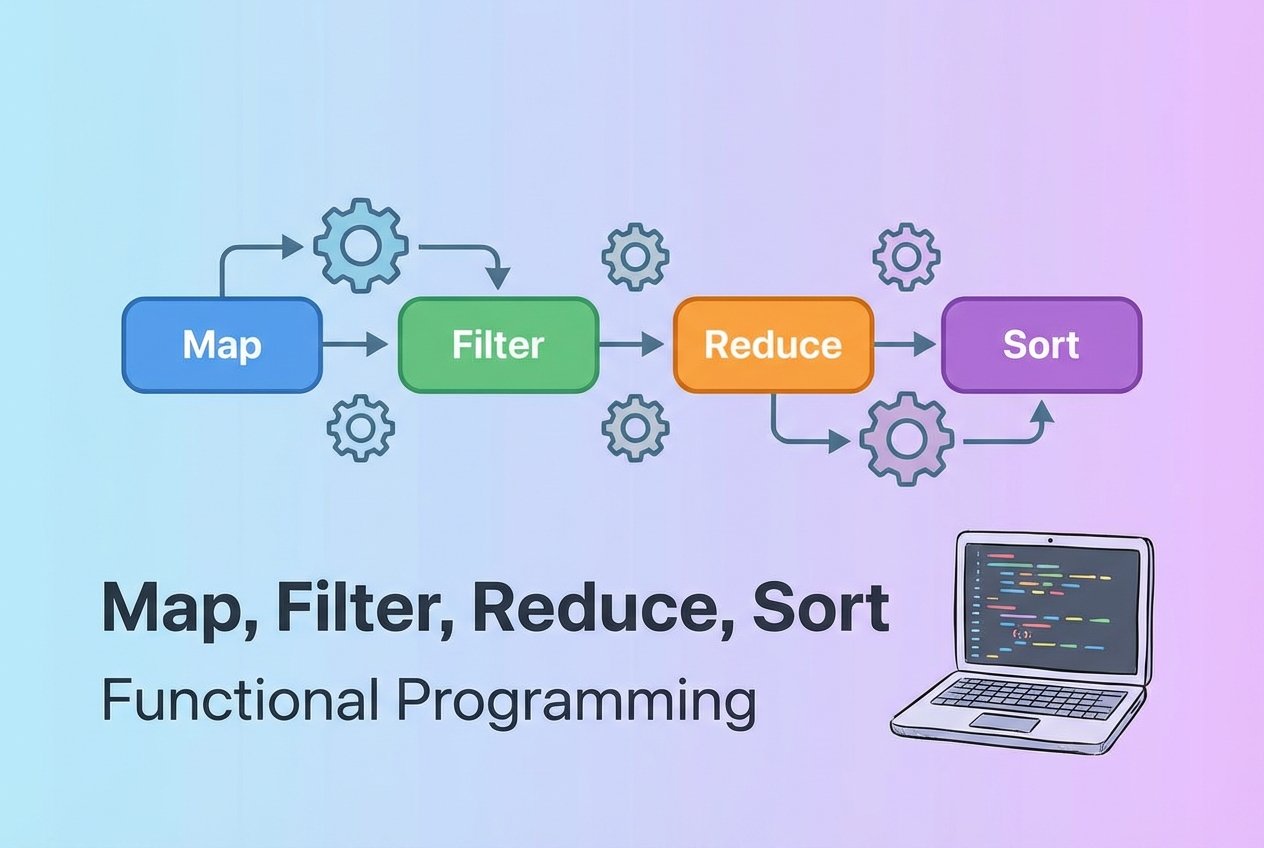
Arrays power a lot of JavaScript code, and the built-in higher-order functions (map, filter, sort, reduce) make array processing concise. To deepen your understanding, this guide shows how to implement javascript array methods from scratch by writing small, robust polyfills for Map, Filter, Sort, and Reduce. These examples also illustrate key concepts like callbacks, accumulators, comparator functions, and Array.prototype behavior.
How JavaScript array methods work
Most array methods are higher-order functions: they accept a callback and internally iterate over each element, deciding how to produce a new array or a single value. They are defined on Array.prototype so any array instance can call them. Building your own versions helps when learning internals or preparing for questions such as "map filter reduce from scratch interview question".
Implementing a custom map
Overview
Array.prototype.map transforms every element and returns a new array. A faithful custom implementation should accept a callback and an optional thisArg, skip holes in sparse arrays, and not mutate the original array.
Warning: Extending built-in prototypes is useful for learning and polyfills but can create compatibility issues in production. Prefer local helper functions in libraries or modules.
// implement Array.prototype.mapFromScratch
Array.prototype.mapFromScratch = function(callback, thisArg) {
  if (typeof callback !== 'function') throw new TypeError('callback must be a function');

  const result = [];
  for (let i = 0; i < this.length; i++) {
    if (!(i in this)) continue; // preserve sparse-array behavior
    result[i] = callback.call(thisArg, this[i], i, this);
  }
  return result;
};

// Usage example (implement map function javascript)
const nums = [1, 2, 3];
const plusOne = nums.mapFromScratch(x => x + 1); // [2, 3, 4]
Implementing a custom filter
Overview
The filter method returns a new array containing elements for which the predicate callback returns a truthy value. A robust implementation also supports thisArg and skips missing indices.
// implement Array.prototype.filterFromScratch
Array.prototype.filterFromScratch = function(predicate, thisArg) {
  if (typeof predicate !== 'function') throw new TypeError('predicate must be a function');

  const out = [];
  for (let i = 0, k = 0; i < this.length; i++) {
    if (!(i in this)) continue;
    const value = this[i];
    if (predicate.call(thisArg, value, i, this)) {
      out[k++] = value; // compact result array
    }
  }
  return out;
};

// Usage example (implement filter function javascript)
const items = [1, 2, 3, 4];
const greaterThanTwo = items.filterFromScratch(n => n > 2); // [3, 4]
Implementing a custom sort (bubble sort)
Overview
Array.prototype.sort reorders elements. For demonstration we implement a simple bubble sort variant. The custom method accepts an optional comparator like the native API: a negative, zero, or positive number to indicate order. We copy the array first so the original is not mutated, illustrating array prototype methods javascript while keeping behavior predictable.
// implement Array.prototype.sortFromScratch using bubble sort
Array.prototype.sortFromScratch = function(compareFn) {
  const arr = [...this]; // make a shallow copy
  const cmp = typeof compareFn === 'function'
    ? compareFn
    : (a, b) => String(a) > String(b) ? 1 : (String(a) < String(b) ? -1 : 0);

  for (let i = 0; i < arr.length; i++) {
    for (let j = 0; j < arr.length - 1 - i; j++) {
      if (cmp(arr[j], arr[j + 1]) > 0) {
        const tmp = arr[j];
        arr[j] = arr[j + 1];
        arr[j + 1] = tmp;
      }
    }
  }
  return arr;
};

// Usage example (implement sort function javascript, bubble sort)
const unsorted = [3, 1, 2];
const sorted = unsorted.sortFromScratch((a, b) => a - b); // [1, 2, 3]
Implementing a custom reduce
Overview
Reduce walks an array and accumulates a single result. A full implementation handles an initialValue being provided or omitted, throws on reduction of an empty array without an initial value, and calls the reducer with the accumulator, current value, index, and the array.
// implement Array.prototype.reduceFromScratch
Array.prototype.reduceFromScratch = function(reducer, initialValue) {
  if (typeof reducer !== 'function') throw new TypeError('reducer must be a function');

  let i = 0;
  let acc;
  if (arguments.length > 1) {
    acc = initialValue;
  } else {
    // find first present element to use as initial accumulator
    while (i < this.length && !(i in this)) i++;
    if (i >= this.length) throw new TypeError('Reduce of empty array with no initial value');
    acc = this[i++];
  }

  for (; i < this.length; i++) {
    if (!(i in this)) continue;
    acc = reducer(acc, this[i], i, this);
  }
  return acc;
};

// Usage example (implement reduce function javascript)
const values = [1, 2, 3];
const sum = values.reduceFromScratch((acc, v) => acc + v, 0); // 6
Conclusion
Recreating array methods helps you internalize how callbacks, thisArg, accumulators, and comparator functions operate. These polyfills—mapFromScratch, filterFromScratch, sortFromScratch, and reduceFromScratch—serve as learning references for javascript array methods internal implementation and for interview practice (how to implement javascript map from scratch, javascript filter method implementation from scratch, write your own reduce function javascript). For production use, prefer well-tested library helpers or built-in methods to avoid side effects.